0.0 / 0.0s
Frames
Drag frames to change the order. Ctrl/⌘-click or Shift-click to pick several.
Turn a GIF or video into a sprite sheet. Choose rows and columns, spacing, padding and background, and see it live before you save. Nothing is uploaded.
GIF, animated WebP or PNG, MP4, MOV or WebM · broken GIFs welcome
Perfect forGame spritesUnity, Godot and GameMakerCSS animationsPixel art
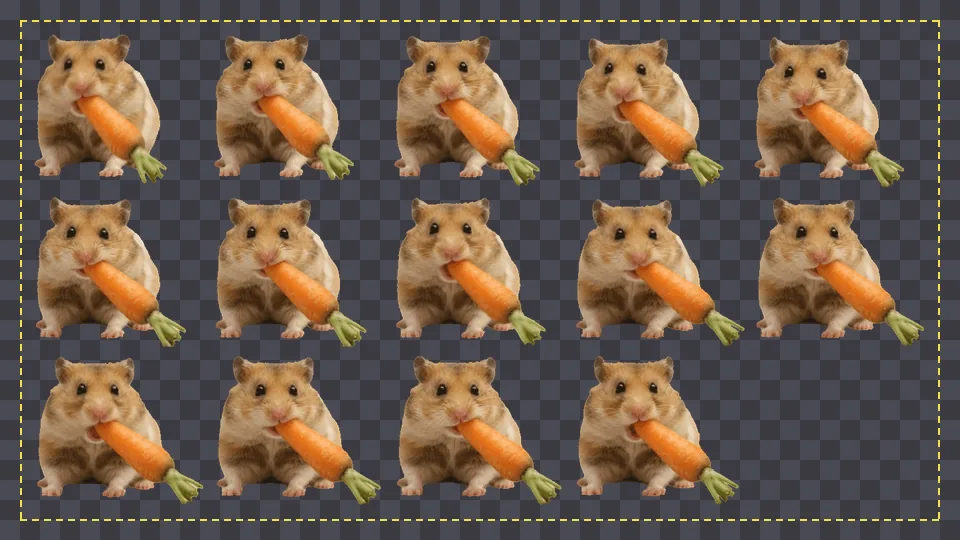
Everything happens in your browser on your own device. Your files are never uploaded.
A free online GIF to sprite sheet maker. Nothing is uploaded.
Choose a GIF or video →All the frames of an animation side by side in one picture, in rows and columns. Games, game engines and websites play the animation from that one file.
Yes. Every frame shows with its number: tap one to leave it out, or pick every 2nd or 3rd frame. Only the picked frames go into the sheet.
Yes, with PNG or WebP and Background set to See-through. You can also put the frames on white, black or any colour.
Up to about 16 million pixels (for example 4000×4000). If it would be bigger, the frames are made a little smaller so it still fits, and the summary tells you the size of each frame.
Fonts, colours and more are in the Text tab.