0.0 / 0.0s
Frames
Drag frames to change the order. Ctrl/⌘-click or Shift-click to pick several.
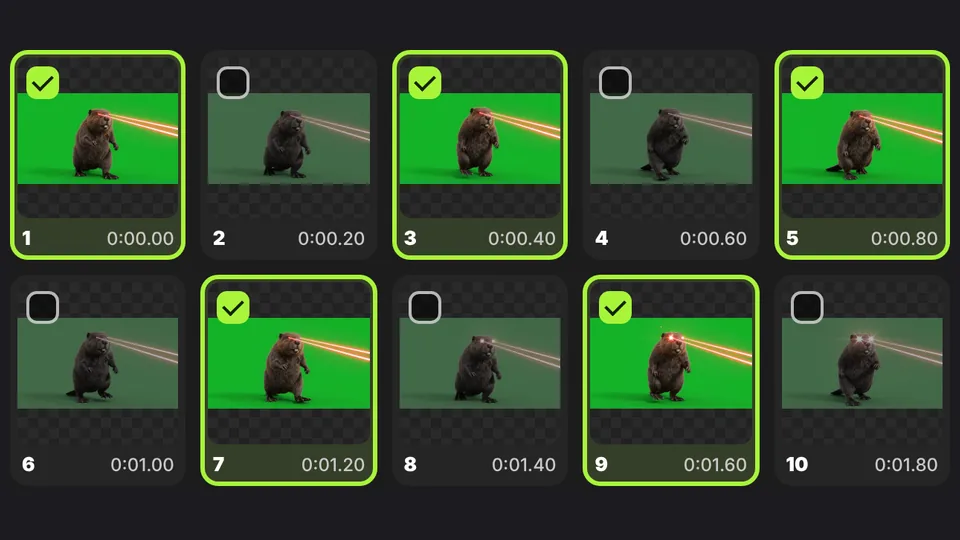
Split a GIF or video into its frames. Pick the ones you want and save them as pictures in a ZIP, or as one sprite sheet. Nothing is uploaded.
GIF, animated WebP or PNG, MP4, MOV or WebM · broken GIFs welcome
Perfect forMemesThumbnailsSprite sheetsStickersSaving one perfect moment
Everything happens in your browser on your own device. Your files are never uploaded.
A free online GIF and video frame extractor. Nothing is uploaded.
Choose a GIF or video →Open the GIF, tap None, tap the frame you want and save it as a PNG, JPG or WebP. Or open it big with ⤢ and tap Save this frame. Extract frames from a GIF
All the frames side by side in one picture, in rows and columns. Games and websites use them to play an animation from a single file.
Yes: pick up to 60 seconds of an MP4, MOV or WebM and how many pictures you want from each second (1 to 30). Frames from a video
Fonts, colours and more are in the Text tab.