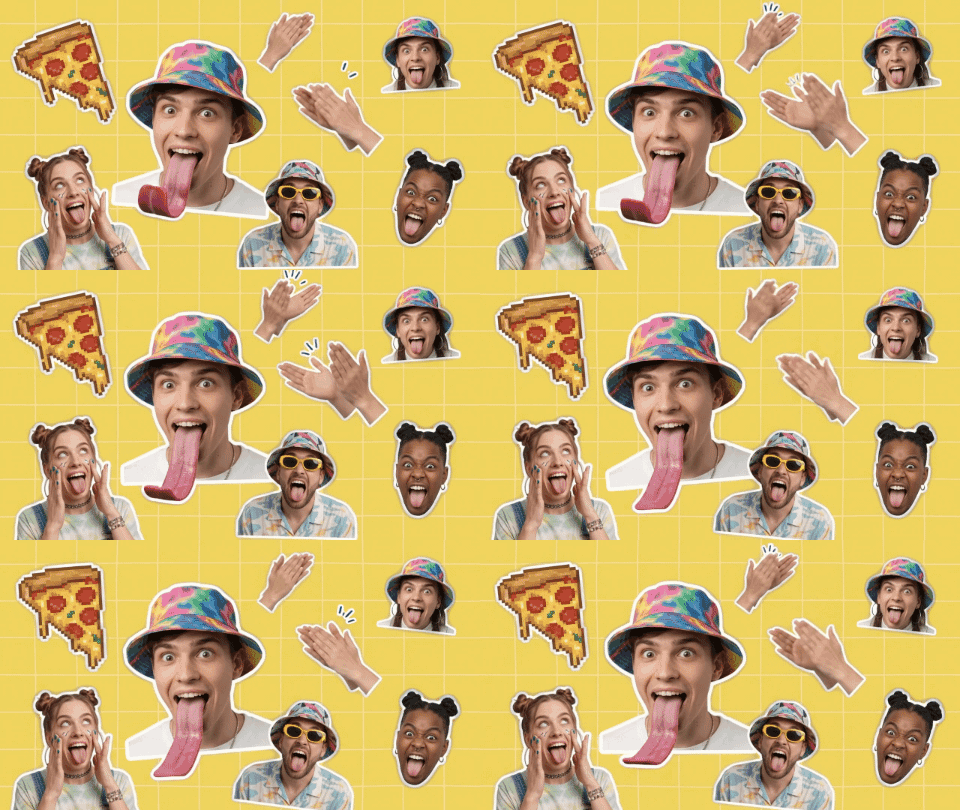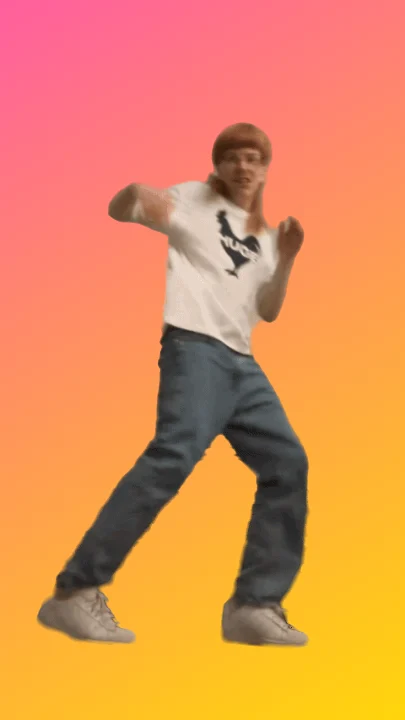
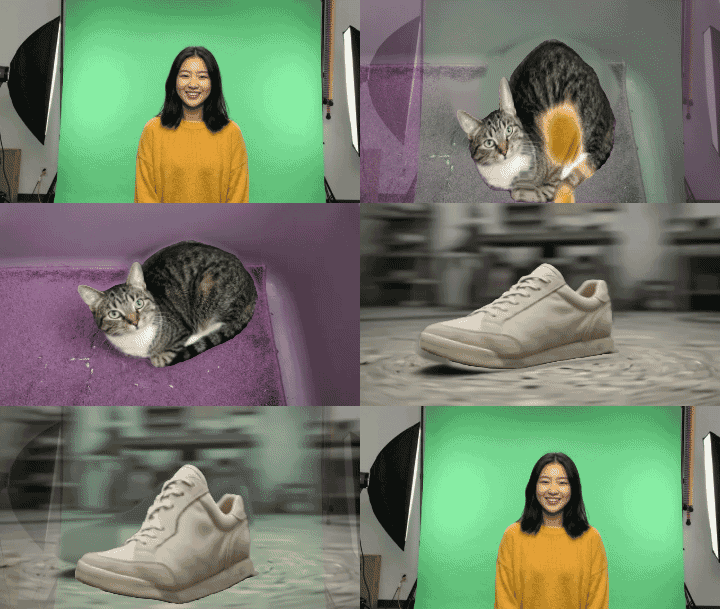
GifNoBg started with one job: take the background out of a video. Today it gets a sibling. Morph takes a few pictures and turns each one into the next, so a cat becomes a shoe, a shoe becomes a person, or you become your dog. It’s free, it needs no sign-up, and like everything here it runs right in your browser.
You’ll find it under the new More apps button next to the logo, or go straight to gifnobg.com/morph.
Not just a fade
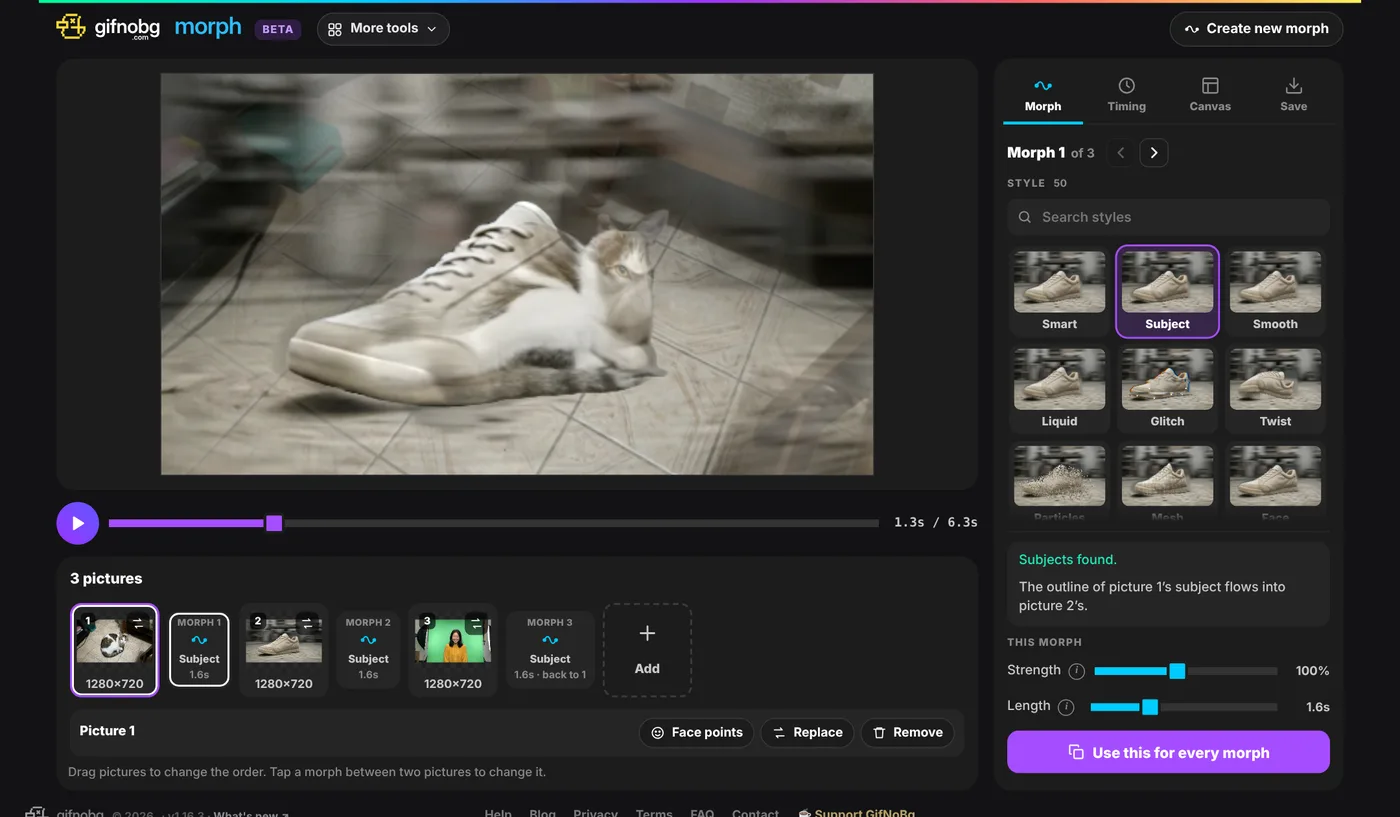
Most “morph” tools simply cross-fade: one photo goes see-through while the next one appears. You get a ghostly double picture in the middle, and that’s it. Morph actually moves things. The default style, Smart, finds the parts that belong together in both pictures and slides them onto each other while the colours glide from one photo to the other.
- Two people? It finds faces and bodies, so eyes land on eyes and shoulders on shoulders.
- Two portraits? The Face style lines up eyes, nose, mouth and chin, and you can drag the face dots yourself if one is off.
- Anything else? Subject finds the main thing in each picture and bends one outline into the next.
50 ways to get from A to B
If you’d rather have fun than realism, there are 50 styles in total: Liquid, Glitch, Twist, Particles, Ink, Smoke, VHS, Shatter, Kaleido and lots more. Every tile previews with your pictures, so you see what you’ll get before you pick. A few sliders shape each one: Strength (gentle or wild), Length, and Variation for a different take on the same style.
Timing gets the same care. Pick how it plays (loop, ping-pong, once or reverse), how long each picture holds, and how the motion feels: even, smooth, snappy, slow start, slow end or bouncy.
Save it as a GIF, or as a 4K video
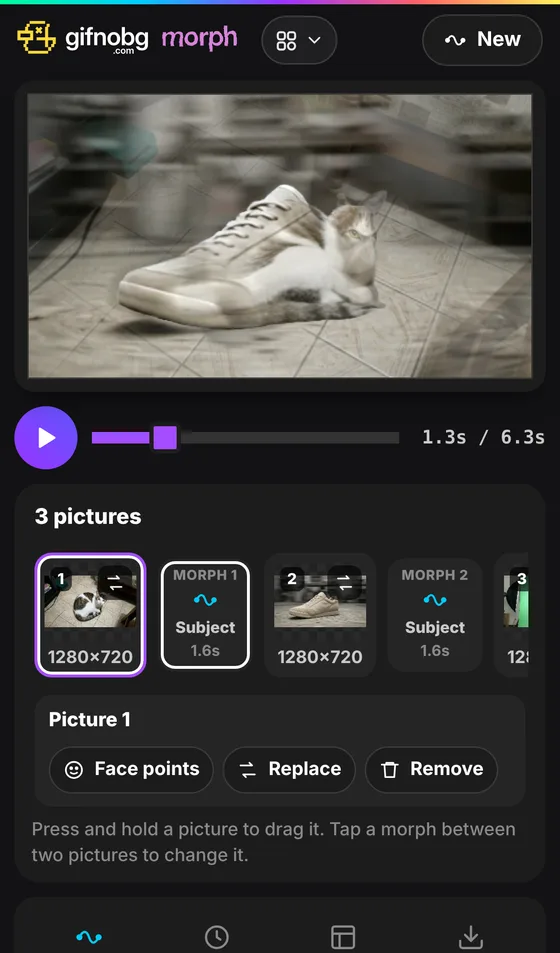
When it looks right, save it as a GIF for chats, WebP or APNG for smoother colours, or an MP4 video for Reels, TikTok and Stories. Videos go from 480p all the way to 4K, at 24 to 60 frames per second.
A few ideas
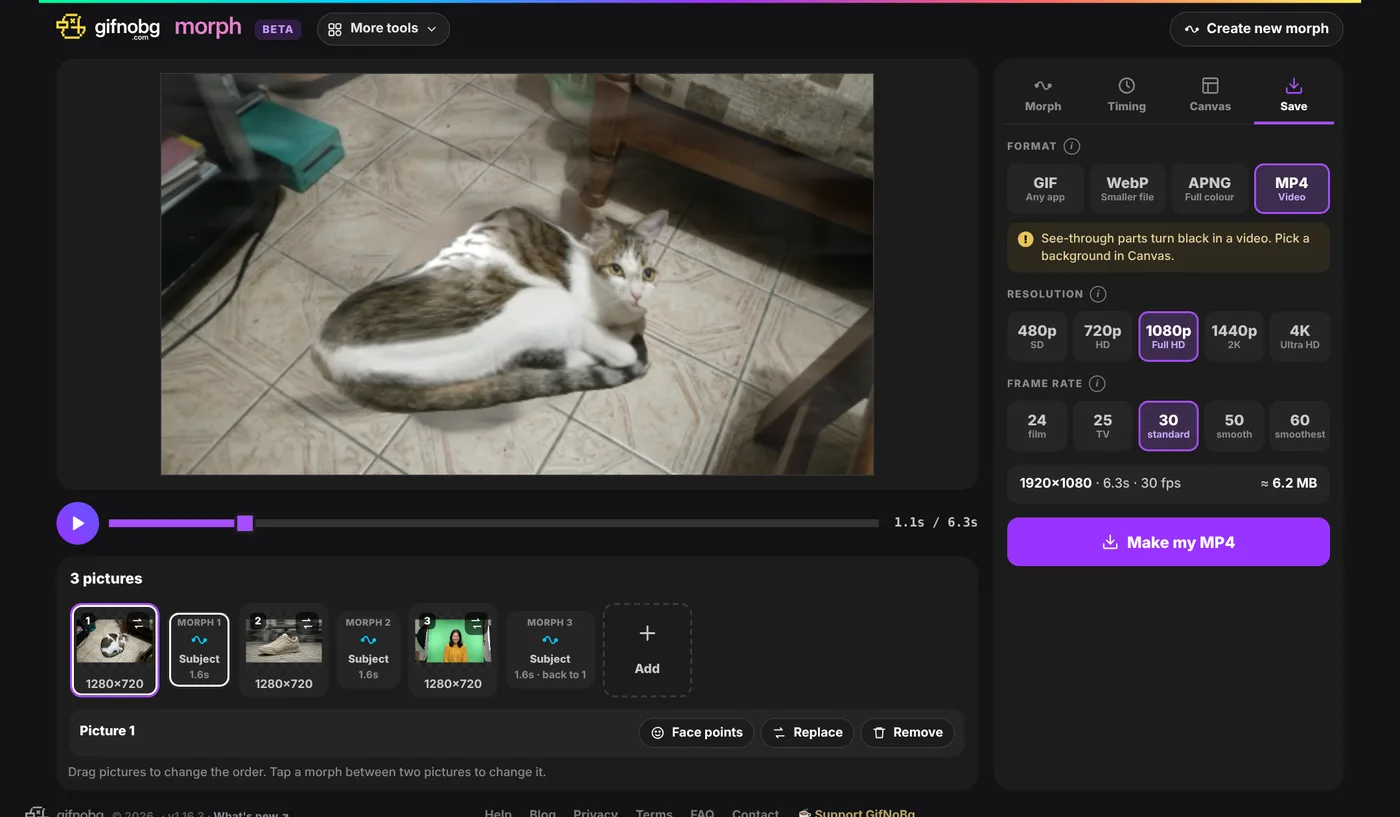
- Then and now: a baby photo, a school photo and a photo from today, set to play once.
- Pet into owner (or the other way round, no judgement).
- Product reveal: last year’s model morphing into this year’s.
- Mood board loop: five holiday photos flowing into each other as a Story.
Why “beta”?
Morph is brand new, and there’s more to come: better morphs between very different pictures, more styles, and whatever you ask for. If something looks odd or you have an idea, tell me on the contact page. And the other names in the More apps menu? Those are coming soon.
As always: free, no watermark, and your pictures never leave your device. Try Morph now.