Some things don’t need their background removed. They just need to move. A few holiday photos as one little loop, three stickers bouncing in turn, two GIFs joined into one. That’s what GIF Maker is for. Drop in your pictures, put them in order, and save one animation. Free, no sign-up, no watermark, and nothing gets uploaded.
Find it under More apps next to the logo, or go straight to gifnobg.com/maker.
Pictures in, animation out
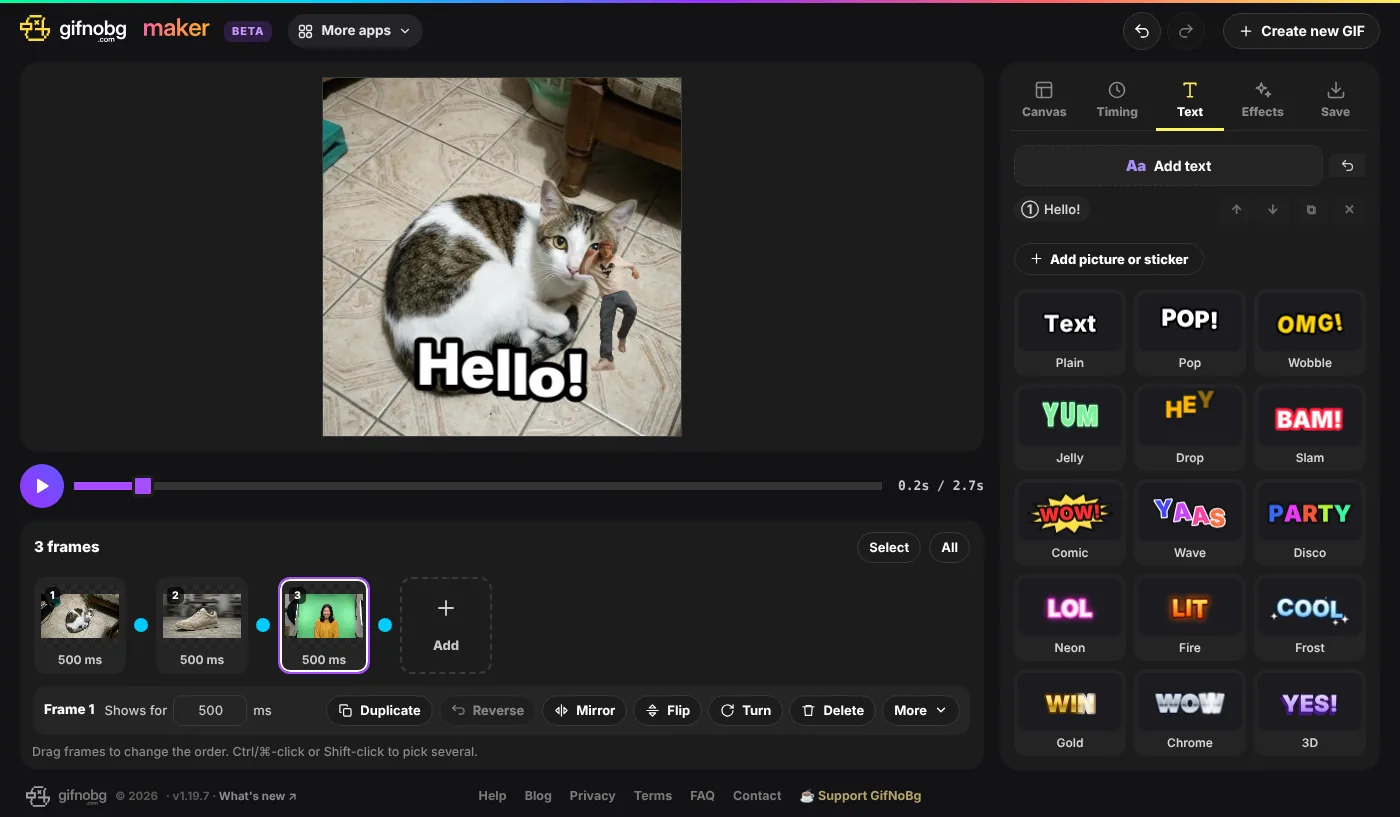
Pick a few pictures at once, or drop them onto the page. Photos, PNG stickers, GIFs, animated WebP and PNG, even a ZIP full of frames. Animated files keep their own timing, so joining two GIFs is as easy as picking them both. Then:
- Drag frames into order. Pick several and they move together.
- Set the timing: how long each frame shows, the overall speed, repeat forever or once, or play back and forth.
- Add a transition between frames: crossfade, slide, wipe, zoom, pop, blur or spin. It even joins the last frame back to the first, so the loop is seamless.
- Crop right on the picture, or let Trim edges cut away empty see-through space around your stickers.
Make it yours
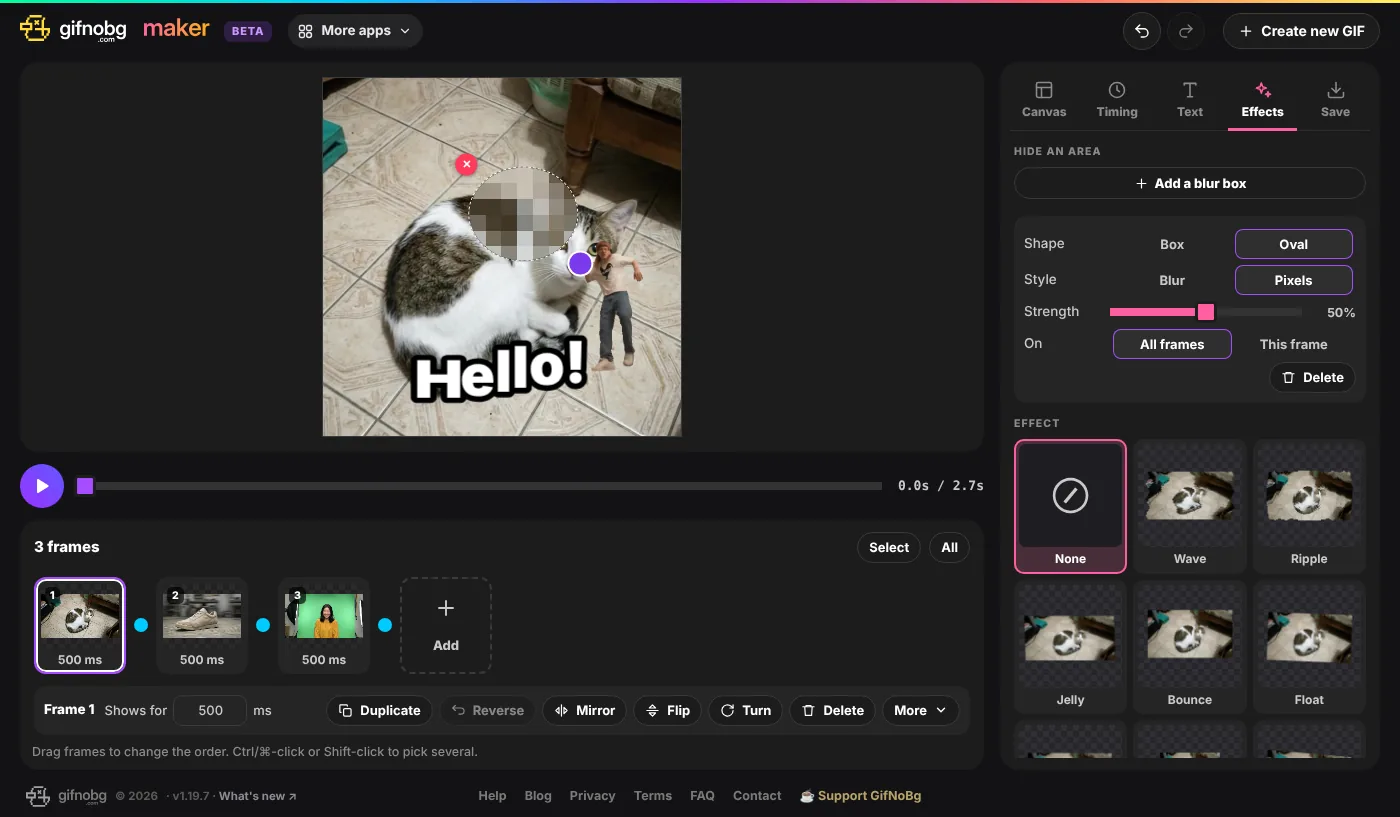
The fun stuff from GifNoBg is all here: animated text in dozens of looks (or your own font), moving effects like Wave, Glitch and Sparkles, colour tweaks, and sticker outlines. And a few new tricks:
- Stickers on top. Put a picture or an animated GIF over your animation, then move, resize, turn and fade it, and choose when it shows up.
- Blur boxes. Hide a face, a name or a number plate with a blur or a pixel box, on every frame or just one.
- Undo everything. Every change can be undone and redone, so go ahead and experiment.
Small enough for any chat
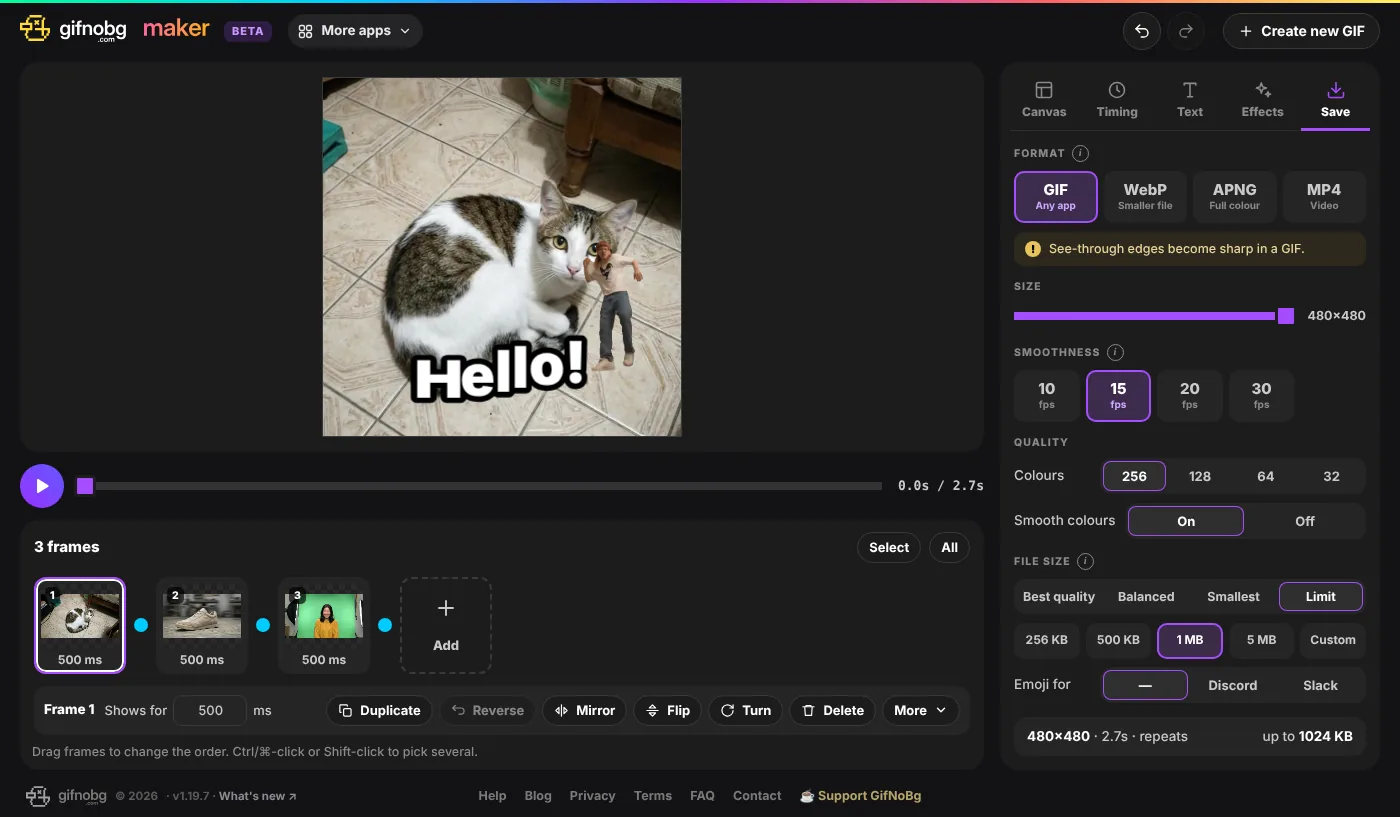
Save it as a GIF, WebP, APNG or an MP4 video up to 4K. If a chat app is fussy about size, tell GIF Maker the limit (256 KB, 1 MB, 5 MB or your own number) and it will find the best version that fits. There are ready-made settings for Discord and Slack emoji too. And if you need the frames themselves, export every one as a picture in a ZIP.
On your phone too
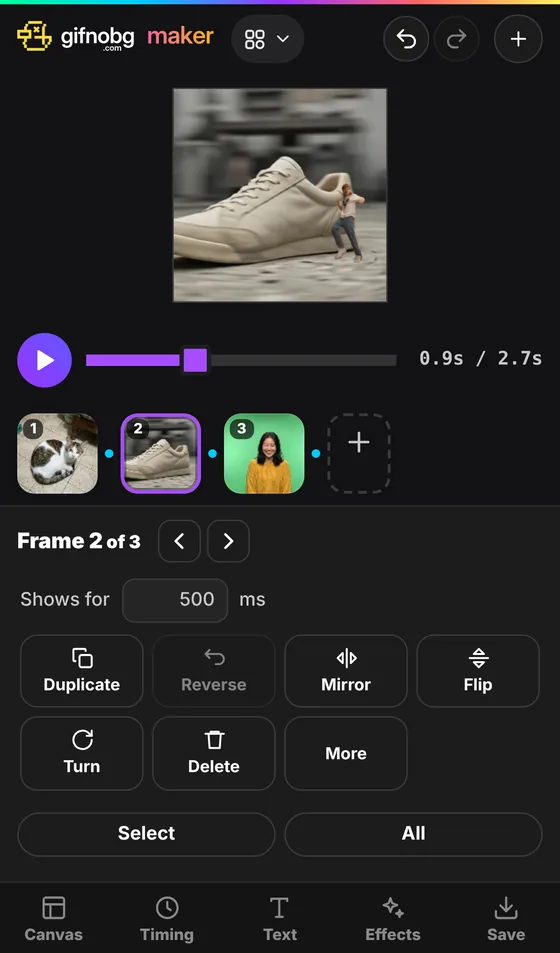
On a phone, the picture and your frames stay at the top and the settings sit at the bottom, so every change shows straight away. Tap a frame to duplicate, turn or delete it.
Why “beta”?
GIF Maker is brand new and still growing. If something looks odd, or there’s a feature you’re missing, tell me on the contact page. I read everything.
As always: free, no watermark, and your pictures never leave your device. Try GIF Maker now.