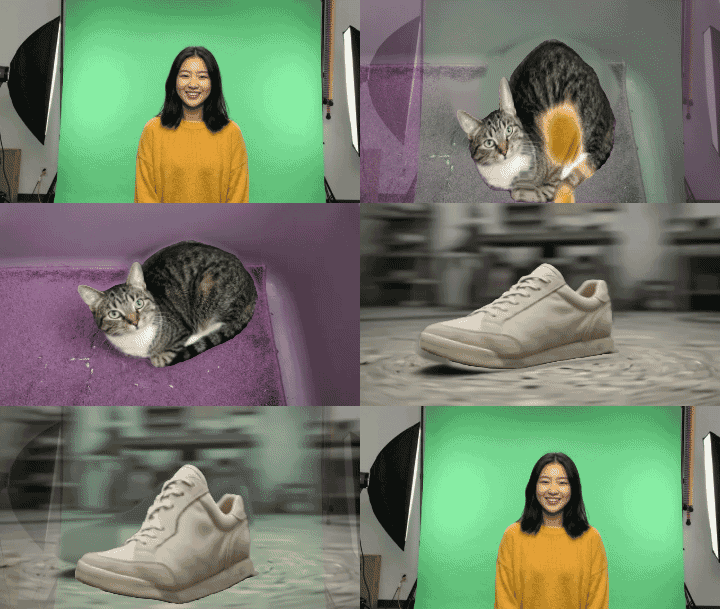
Until now GifNoBg did one thing with a background: remove it. You got a see-through sticker, and that was the end of the story. But a lot of you asked for the opposite too: “can I put my cut-out on something else?” Now you can. There’s a new Background tab, and it’s free like everything else.
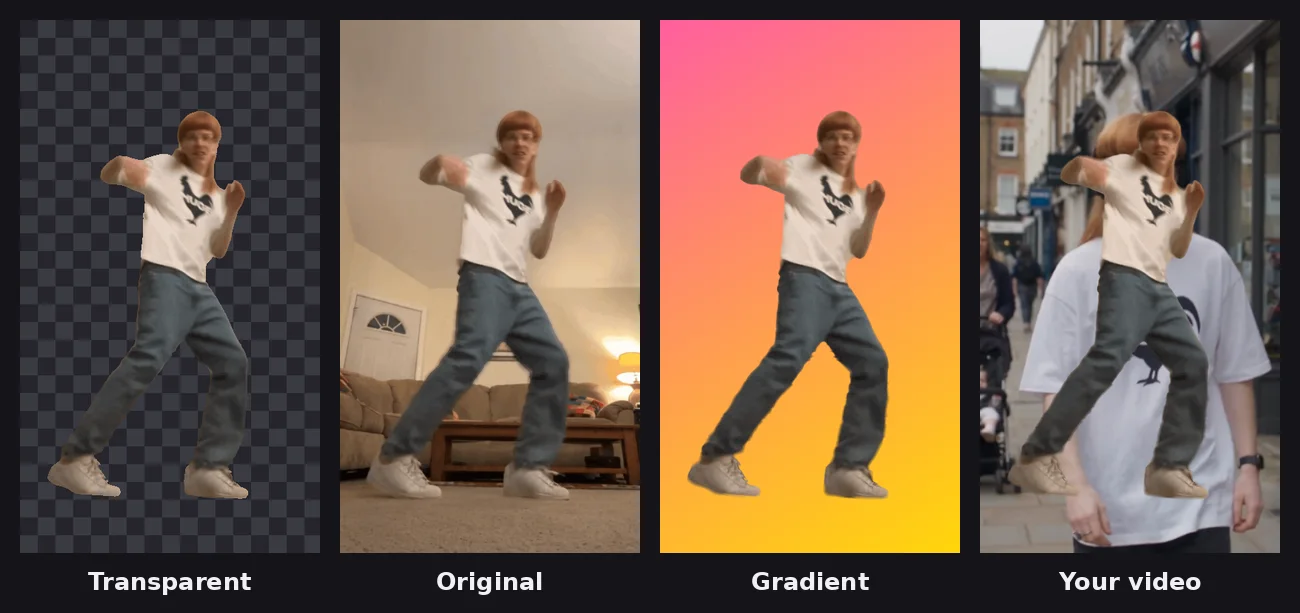
Four choices
- Transparent: the classic see-through sticker. Still where everything starts.
- Original: keeps the clip’s own picture behind your cut-out. Sounds odd, but it’s perfect when you only want an outline, an effect or animated text on a normal video.
- Colour: 16 ready colours, a colour wheel, or a colour code if you have brand colours. Switch to Gradient for 6 ready-made blends, or build your own: pick both ends and the direction, down, across, diagonal or from the centre.
- Photo, video or GIF: any file you have. Then choose Fill, Fit or Blur (the whole picture sitting on a blurred copy of itself, great for odd shapes).
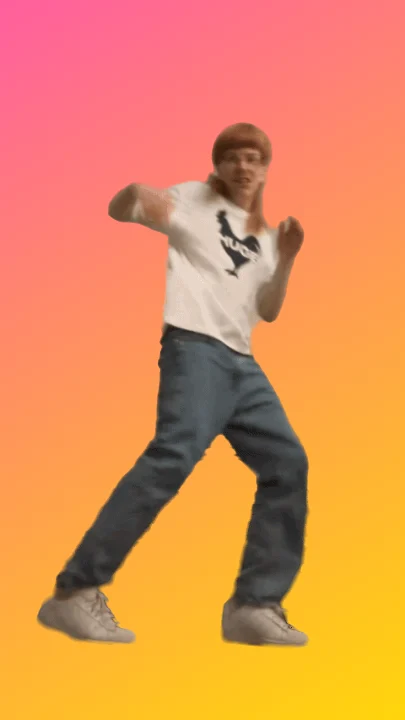
Drag the slider to see the same dance on a gradient:
Moving backgrounds that stay in step
Put a video or a GIF behind your sticker and GifNoBg reads it at the same frame rate as your clip, so the two move together without stutters. It loops to your sticker’s length, and only the first 15 seconds are used. A photo sticker on a moving background turns into a loop as long as the background.
Save it as a video
A sticker with a background isn’t see-through any more, so it makes a great normal video. When you save, pick MP4 video. (Any sticker can be saved as a video; without a background the empty parts are simply black.) Short clips repeat so the video lasts at least 3 seconds, ready for Reels, TikTok and Stories. GIF and WebP work too, if you’d rather send it in a chat.
GIPHY, WhatsApp and Discord stickers are meant to be see-through. With a background they show as a square picture, so for those keep Transparent.
Where to find it
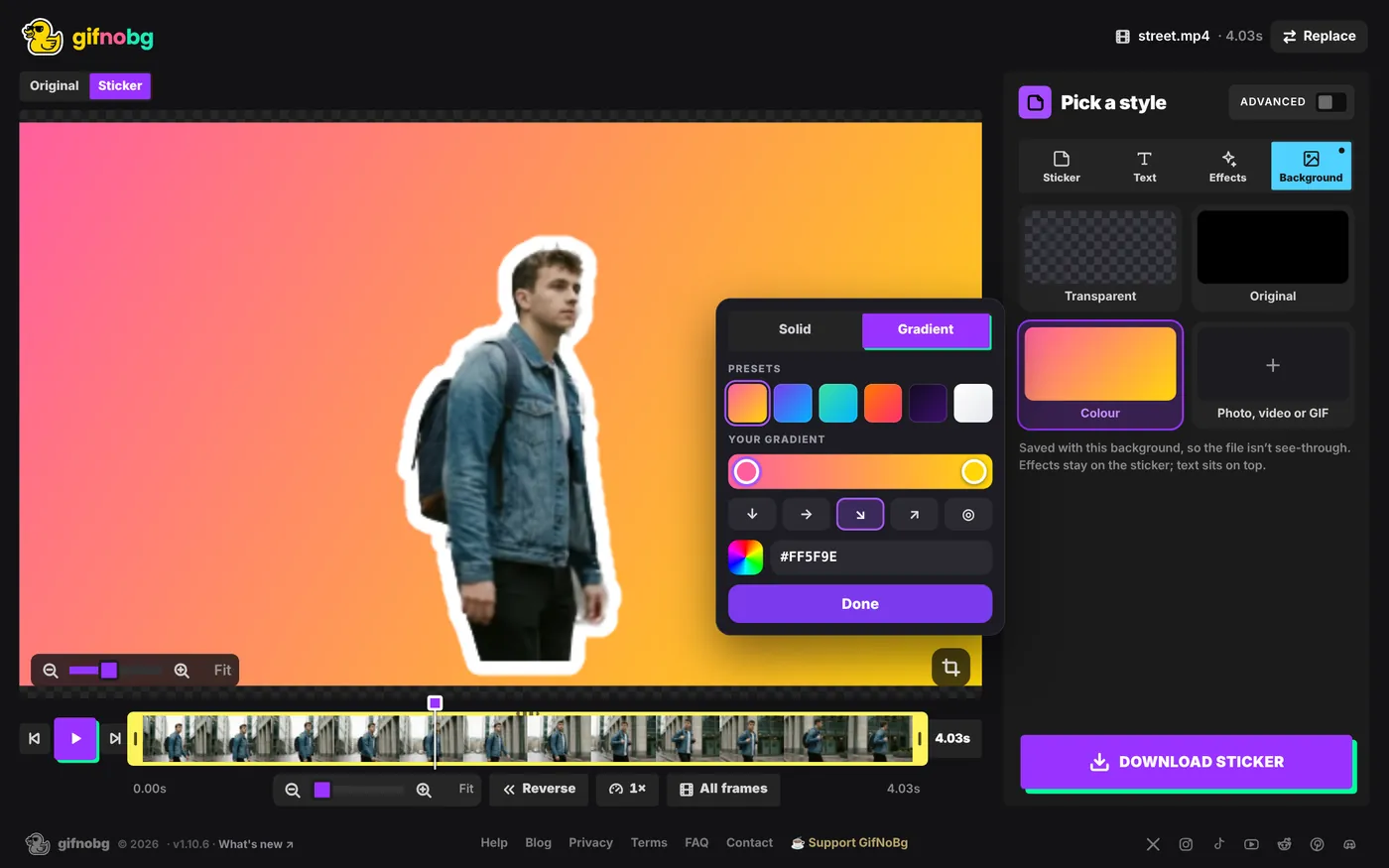
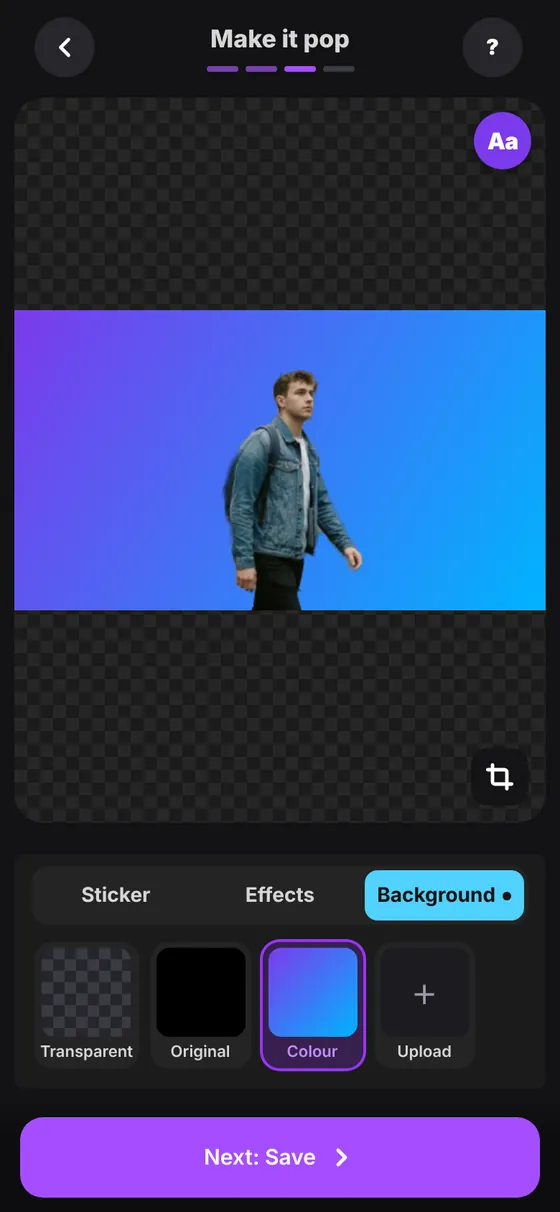
On phones, Sticker, Effects and Background are now three tabs under the picture instead of stacked rows, so the picture gets more room while you play.
help centrePut your sticker on a backgroundSwap the background of a GIF or video: a colour, a gradient, your own photo, video or GIF, or the original clip. Save it as a GIF or an MP4 read the guide →A few ideas to try
- Brand colours: your product cut out on your shop’s colour, for an ad or a story.
- Your pet on holiday: the dog from the sofa, now on a beach photo.
- Reaction loops: you dancing on a gradient, saved as an MP4 for a Reel.
- Just an outline: pick Original, add a white outline, and your person pops right out of the video.
Free, right in your browser. Nothing is uploaded.
As always: no sign-up, no watermark, and nothing is uploaded. It all happens in your browser.