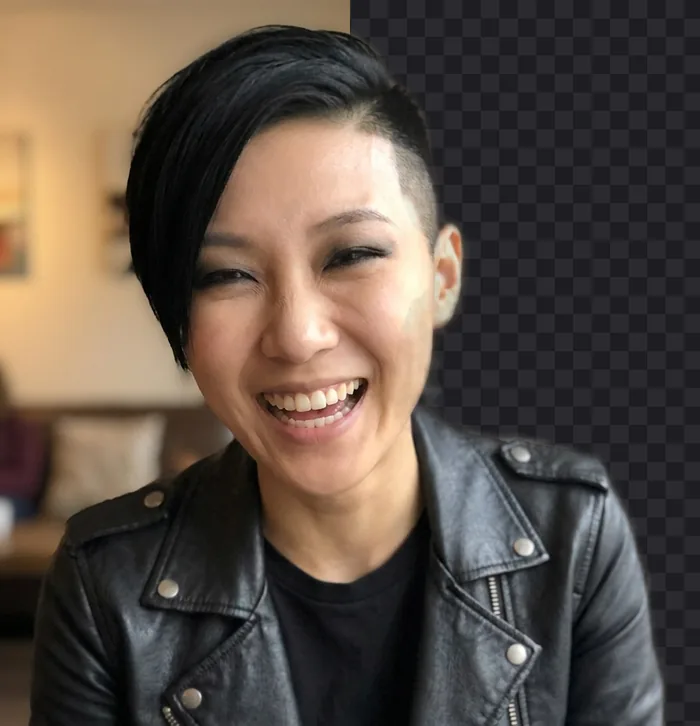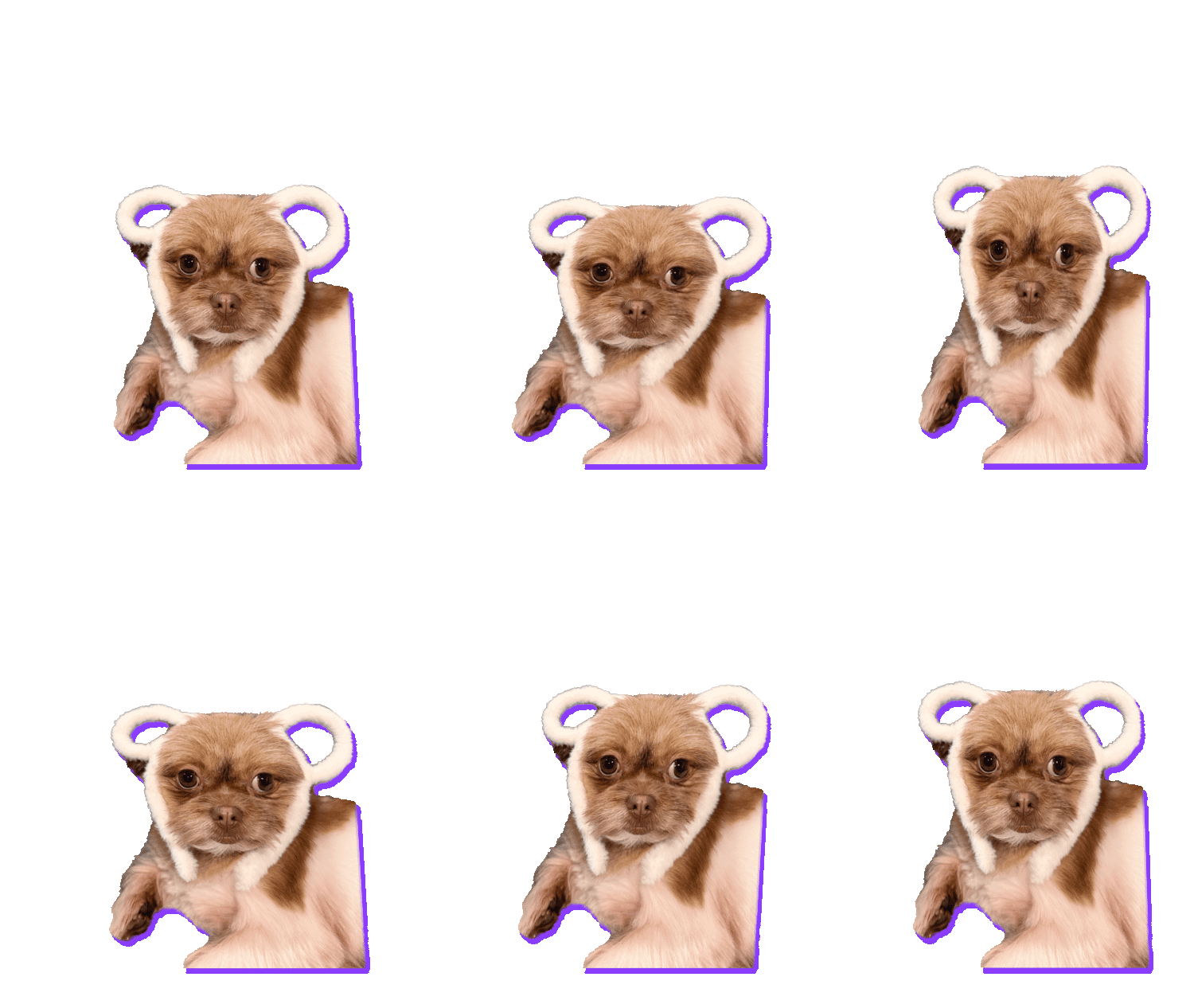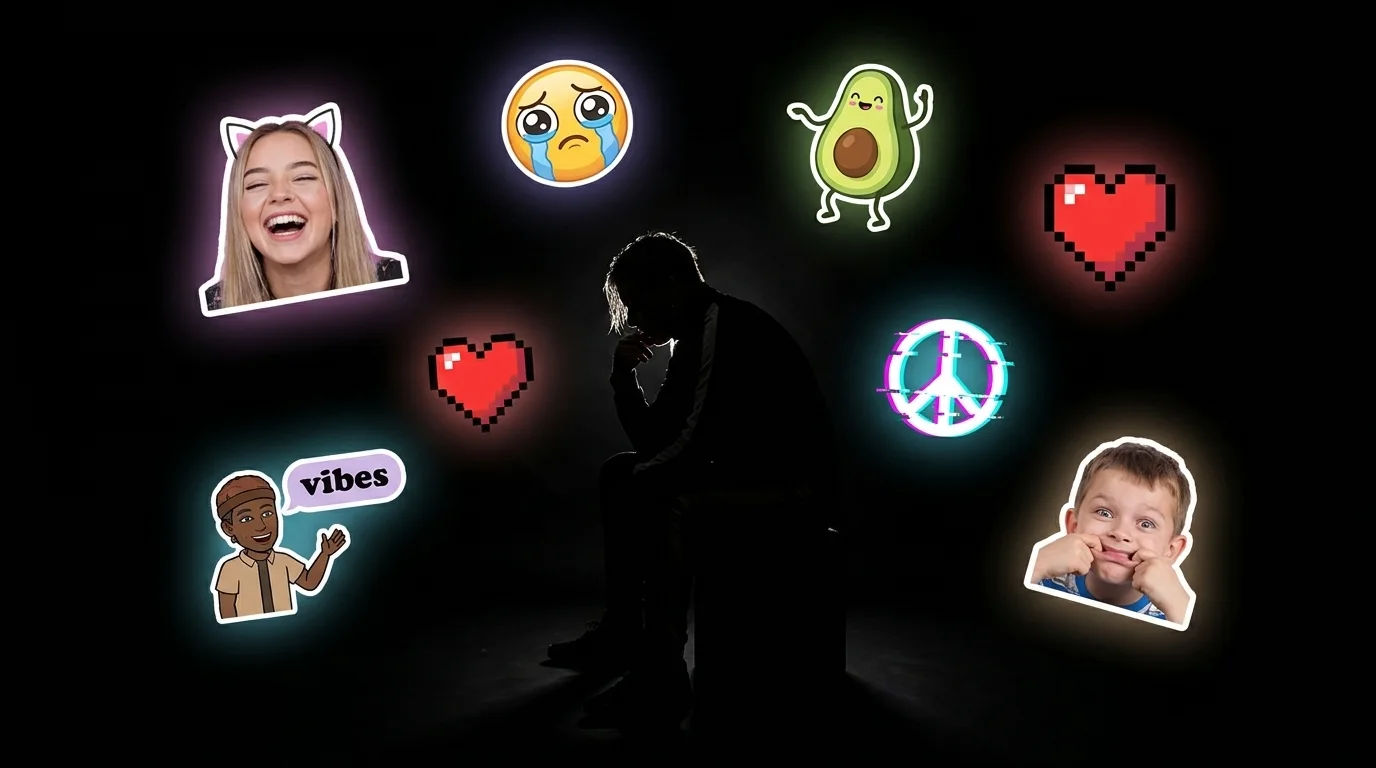
Every group chat has that one clip. The dog doing something ridiculous, a friend’s face at exactly the wrong moment, a dance move nobody asked for. You watch it and think: that should be a sticker.
So you go looking for a tool to cut out the background. And you hit the same walls every time.
The problem with “free” sticker makers
- Sign up first. An email, a password, a newsletter you never wanted.
- Upload your video. Your private clip goes to someone else’s server, and you have no idea what happens to it next.
- Wait in a queue. Because thousands of other people uploaded theirs too.
- Pay to download. Or get a watermark stamped across your sticker.
- Wrong format. Even when it works, the file is too big for WhatsApp or the wrong shape for Discord.
None of that should be necessary. Phones and laptops today are powerful enough to run AI themselves. So I built GifNoBg around one simple idea: do everything right on your device.
What makes GifNoBg different
When you open a video in GifNoBg, it never leaves your phone or computer. The AI that finds the person, pet or product and removes the background runs inside your browser. That one decision is what makes everything else possible:
- It’s totally free. No trial, no “pro” plan, no paywall on the download button.
- No sign-up. Open the page and go.
- No watermark. Your sticker is yours.
- Private by design. Nothing is uploaded, so there’s nothing to leak or keep.
- No queue. Your device does the work, so it’s just as fast at 3 a.m. as it is on a Monday morning.
What it can do today
It started as “remove the background from a video”. It has grown a lot since:
- Videos, GIFs and photos. Drop in almost anything.
- Automatic cut-out, plus tap to add or remove when the AI misses a bit, and a brush to fix a single frame.
- 45 sticker styles: outlines, glows, shadows, papercut edges, pixel and rainbow edges.
- Animated text with 30 looks, and 32 animated effects like wave, glitch and rainbow.
- One-tap export for WhatsApp, GIPHY, Discord, Slack and more, in the right format and size for each.
How it stays free
Because your device does the heavy lifting, each sticker costs almost nothing to make. There are no expensive servers crunching videos. That’s what lets GifNoBg stay free for everyone.
To keep the lights on as it grows, there may be a few small ad banners here and there in the future. What there will never be: a watermark on your sticker, a sign-up wall, or a “pay to download” button. If you love it and want to help, there’s a Support GifNoBg link at the bottom of the app. It’s completely optional.
Where it’s going
Some of the things on the list:
- More places to use your stickers, like Telegram video stickers.
- Sticker packs: export several sizes or a whole set in one go.
- More styles, text looks and effects, picked from what people actually use.
- This blog, with a new post every week: ideas, how-tos and what’s new.
Most of the best features so far came from people writing in. If there’s something you wish GifNoBg could do, tell me on the contact page. I read everything.
Make stickers, not excuses. It’s free, it’s private, and it’s yours.