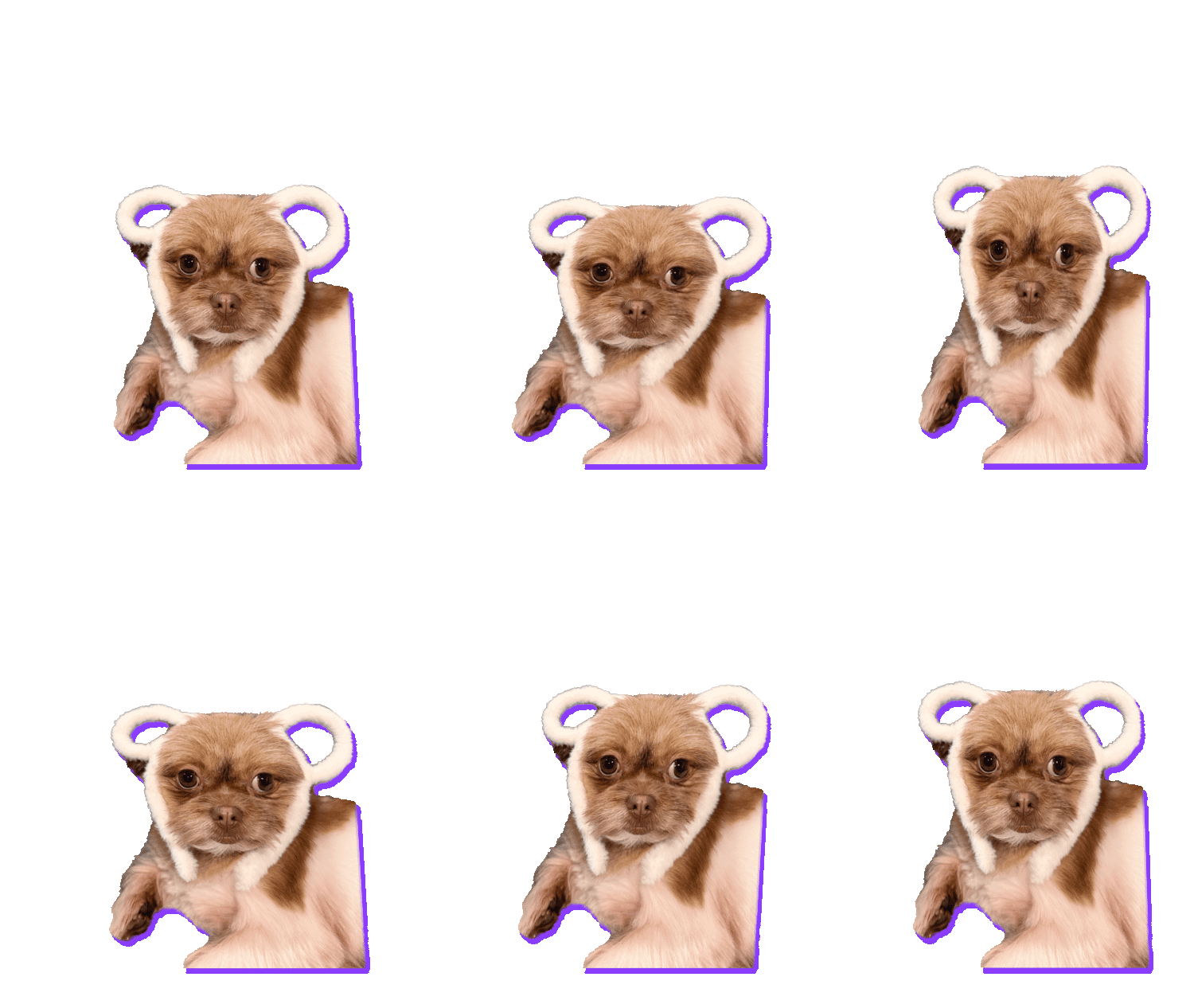
Open Instagram Stories, tap the sticker icon, then GIF, and search for anything. Every one of those moving stickers was made by someone. Brands, artists, creators, people with a funny face and a free afternoon. Most of them come from one place: GIPHY.
That means your sticker can be in there too. Here’s how the route works, and why it’s one of the most underrated free marketing tricks around.
Why bother? Free reach, every day
A sticker in Instagram or TikTok search keeps working while you sleep. Every time someone drops it into their Story, your work is in front of all their followers.
- Brand awareness. Your logo, mascot or product, moving, on other people’s Stories.
- Promote your Instagram. Put your @handle on the sticker. Every use is a tiny ad.
- Exposure for creators. Artists and streamers use stickers as a calling card.
- Just for fun. Let your friends drop your face into their Stories.
Take Tommy Tee on GIPHY as an example. It’s a small creator channel with about 20 uploads, mostly faces and reactions. As of this week those stickers and GIFs have racked up over 350,000 views. That’s the power of being in the search that millions of people use every day.
How it works: the GIPHY route
Instagram, TikTok, Snapchat and many other apps don’t let you upload your own stickers. Their sticker search is powered by GIPHY. So the route is:
- Make a transparent animated GIF (that’s what a GIPHY sticker is).
- Upload it to your GIPHY account.
- Find it in Instagram Stories or TikTok.
Step 1: make a sticker worth searching for
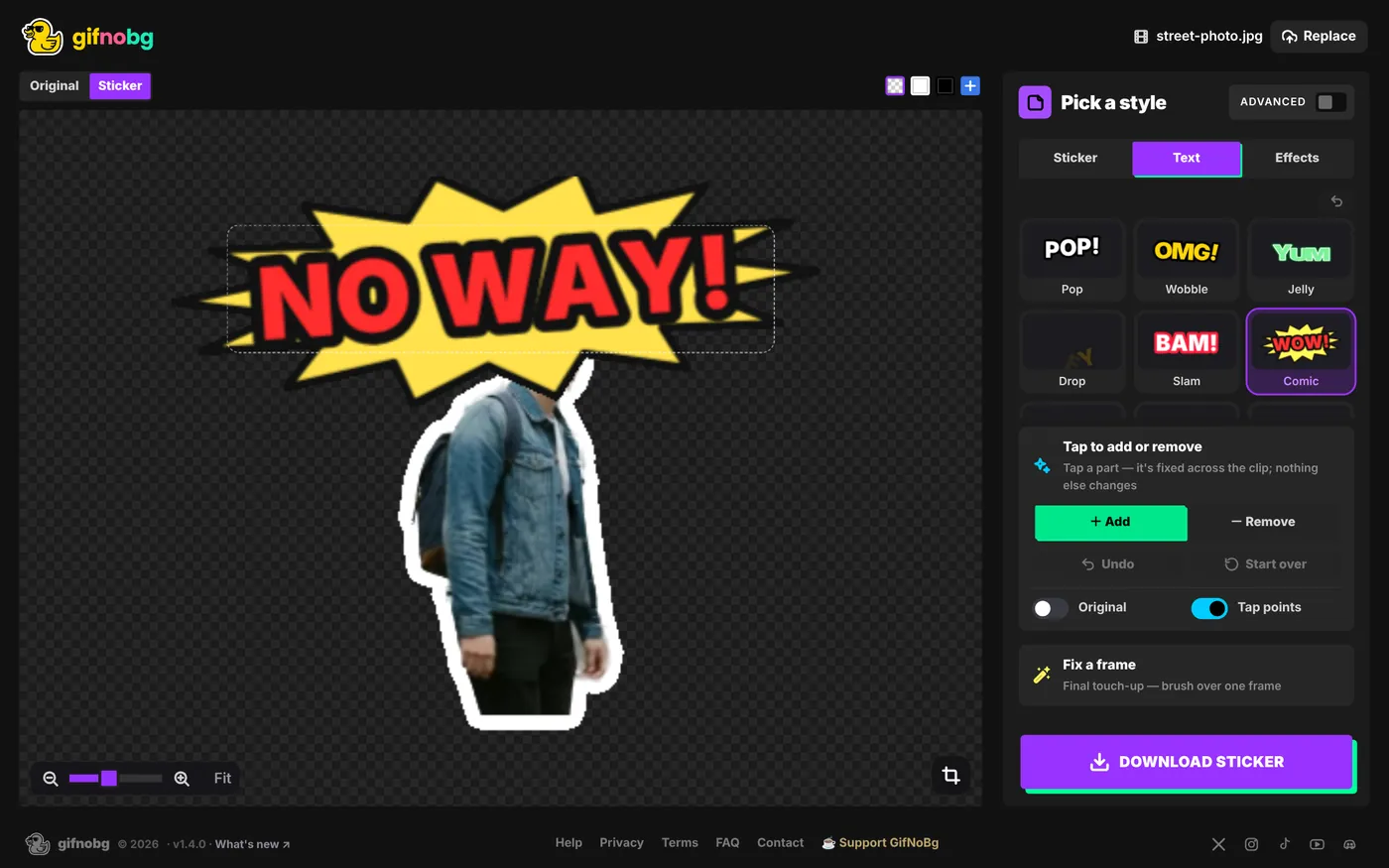
This is where GifNoBg comes in. Open any video, and the AI removes the background right in your browser. It’s free, with no sign-up and no watermark. Then:
- Keep it short. A 2–4 second loop is perfect. Trim to the best moment.
- Add an outline. A White outline makes the sticker readable on any photo or video. It’s the classic sticker look.
- Add your @handle. Use Text to put your Instagram name on the sticker, with an animated look that matches your brand.
- Choose GIPHY when you download. You get a transparent GIF, 480 pixels wide and trimmed to the subject, exactly what GIPHY wants.
Step 2: upload to GIPHY
Sign in at giphy.com, choose Upload and add your GIF. GIPHY spots the transparent background and treats it as a sticker. Add good tags: they’re the words people will type to find you. Think about what someone would search for (“hello”, “thank you”, “omg”, your brand name), not just what the sticker is.
help centreMake a GIPHY sticker (transparent GIF)GIPHY stickers are transparent animated GIFs. Make one from any video with automatic background removal, then upload it to GIPHY.read the guide →Step 3: get into the search
Here’s the part most guides skip. Uploading to GIPHY doesn’t automatically put your sticker in Instagram and TikTok search:
- Upgraded channels (GIPHY Creator or Brand channels, which you apply for) can appear in GIPHY’s search and in the apps that use it, like Instagram Stories and TikTok. GIPHY asks for at least five original uploads before you apply, so make a small set first.
- Regular accounts can still share their stickers by GIPHY link, and stickers made with GIPHY’s own sticker tools can be found by searching @yourusername.
The takeaway: build a set of 5–10 great, consistent stickers, then apply for a channel. A clean, on-brand set gives your application the best chance.
help centreUse your own sticker in Instagram Stories, TikTok and SnapchatInstagram Stories, TikTok and Snapchat find stickers through GIPHY. How to turn a video into a transparent GIPHY sticker and get it into theread the guide →Sticker ideas that get used
- Reactions: yes, no, omg, laughing, eye-roll. People search for feelings.
- Greetings: hi, bye, good morning, thank you.
- Your thing: a product spinning, a mascot waving, your signature move.
- Seasonal: birthdays, holidays, Monday mood. These spike every year.
Every one of these can be filmed on your phone in a minute, and cut out in GifNoBg in another.