You made the perfect sticker. You try to add it to WhatsApp, and… nothing. Or Discord says the file is too big. Or the edges look jagged in Slack. Nine times out of ten the problem isn’t your sticker. It’s the format.
Here’s what each format is, which app wants which, and how to never think about it again.
The three formats, in plain English
GIF: works everywhere
The old faithful. Every app, browser and email client can show a GIF. The catch: a GIF pixel is either fully see-through or fully solid, with nothing in between. So soft edges like hair and fur get a slightly hard outline, and GIFs can only use 256 colours.
WebP: small and smooth
The modern one. Smooth see-through edges, millions of colours, and the smallest files of the three. WhatsApp stickers are WebP.
APNG: smooth, but bigger
An animated PNG. Smooth edges and full colour like WebP, but the files are larger. Discord stickers are APNG.
What each app wants
- WhatsApp: 512 × 512 animated WebP, under 500 KB.
- Instagram Stories, TikTok, Snapchat: a transparent GIF, uploaded to GIPHY first.
- Discord sticker: 320 × 320 APNG, up to 512 KB.
- Discord emoji: 128 × 128 GIF, under 256 KB.
- Slack emoji: 128 × 128 GIF, under 128 KB. That’s tiny, so keep it short.
- Telegram: still stickers as PNG or WebP, 512 pixels on one side, added with the @Stickers bot.
- iMessage, Teams, email, websites: a regular GIF works everywhere.
The easy way: let GifNoBg choose
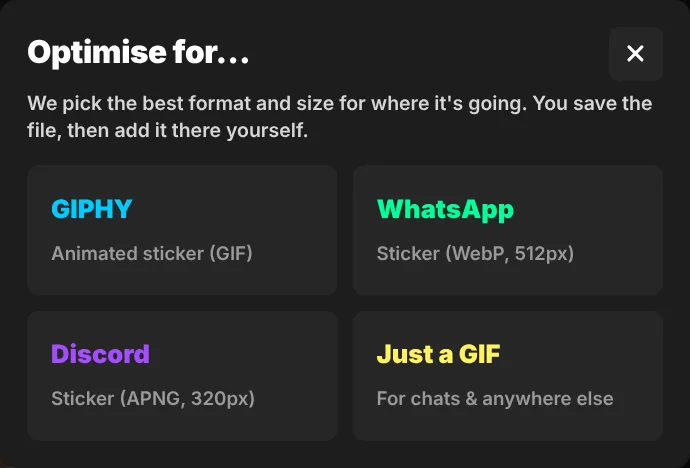
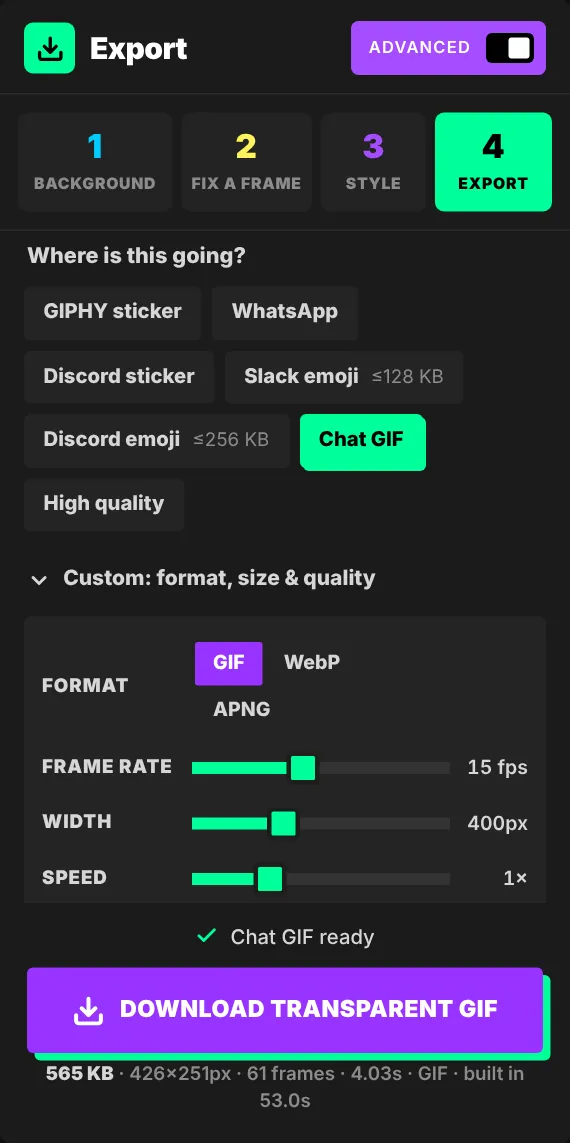
You don’t need to remember any of that. When you press Download sticker, GifNoBg asks where it’s going (GIPHY, WhatsApp, Discord or just a GIF) and picks the format, size and quality for you. If the file would be too big, it automatically lowers the frame rate or colours until it fits.
When the file is too big
Every app has a size limit. If yours won’t fit, try these, from biggest saving to smallest:
- Trim it shorter. Half the length is roughly half the size.
- Skip frames. Choose Every 2nd frame under the timeline. It still looks smooth for most clips.
- Crop to the subject so there’s no empty space around it.
- Fewer colours (GIF only): 64 or 128 colours is often plenty.
In Advanced → Export you can also set a size limit like “Keep it under 500 KB”, and see a before-and-after preview with a size estimate before you save.
Why do GIF edges look jagged?
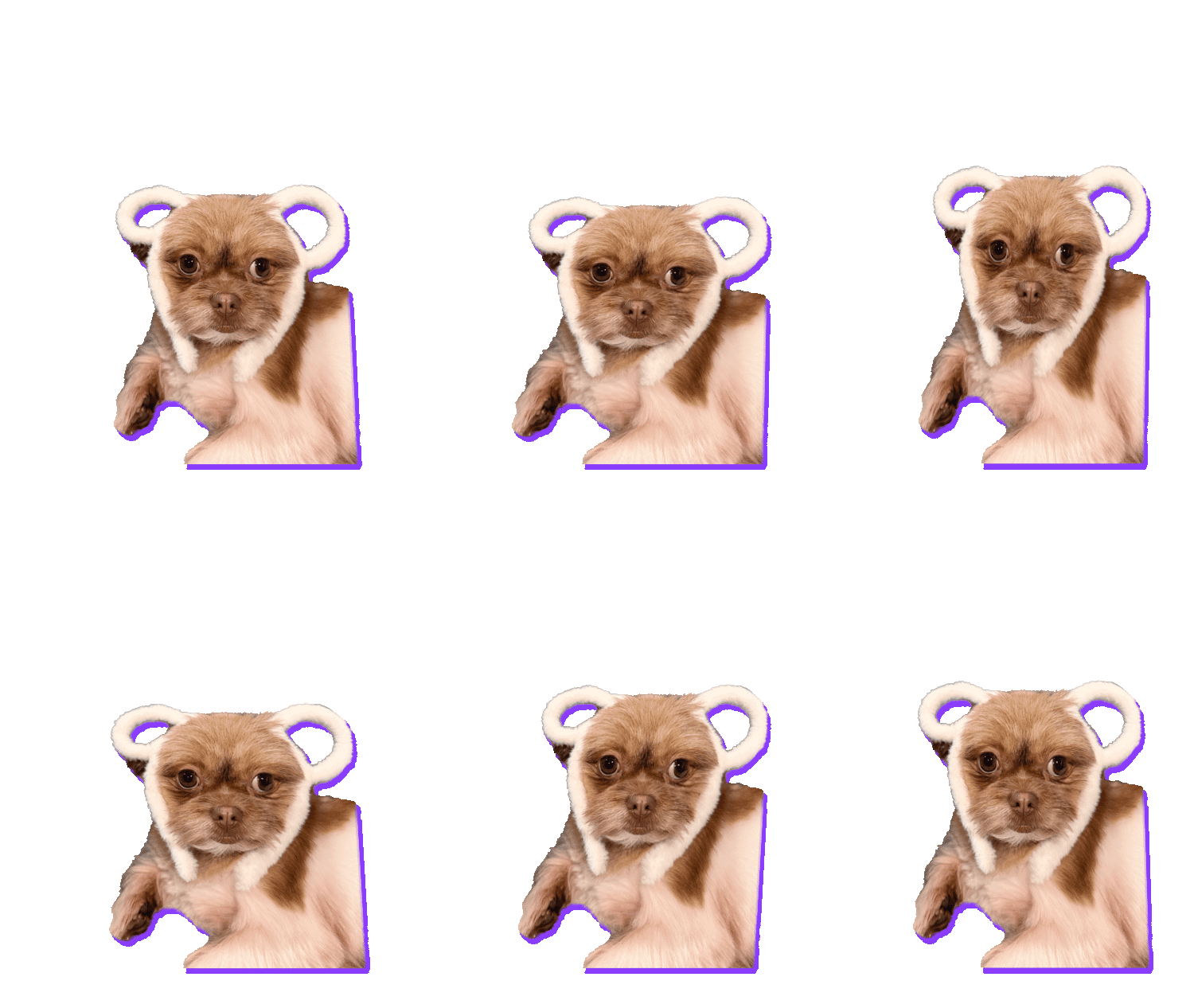
Because GIF has no “half see-through”. Soft hair and shadows have to be rounded to fully visible or fully invisible. Three fixes: add an outline style (it hides the edge completely), use WebP where the app allows it, or in Advanced export set Soft edges to Smooth.
help centreGIF, WebP or APNG: which transparent format to chooseAll three formats can be transparent and animated. Here's how they differ in quality, file size and where they work — plus how to make your read the guide →