Make a GIPHY sticker (transparent GIF)
GIPHY stickers are transparent animated GIFs. Make one from any video with automatic background removal, then upload it to GIPHY.
A GIPHY sticker is simply a transparent animated GIF. Once it's on GIPHY, people can find it in the GIF/sticker search in apps like Instagram Stories, TikTok, Snapchat, Messenger and more.
- Open your video at gifnobg.com and let the AI remove the background.
- Trim it to a few seconds — GIPHY recommends short loops (around 6 seconds or less).
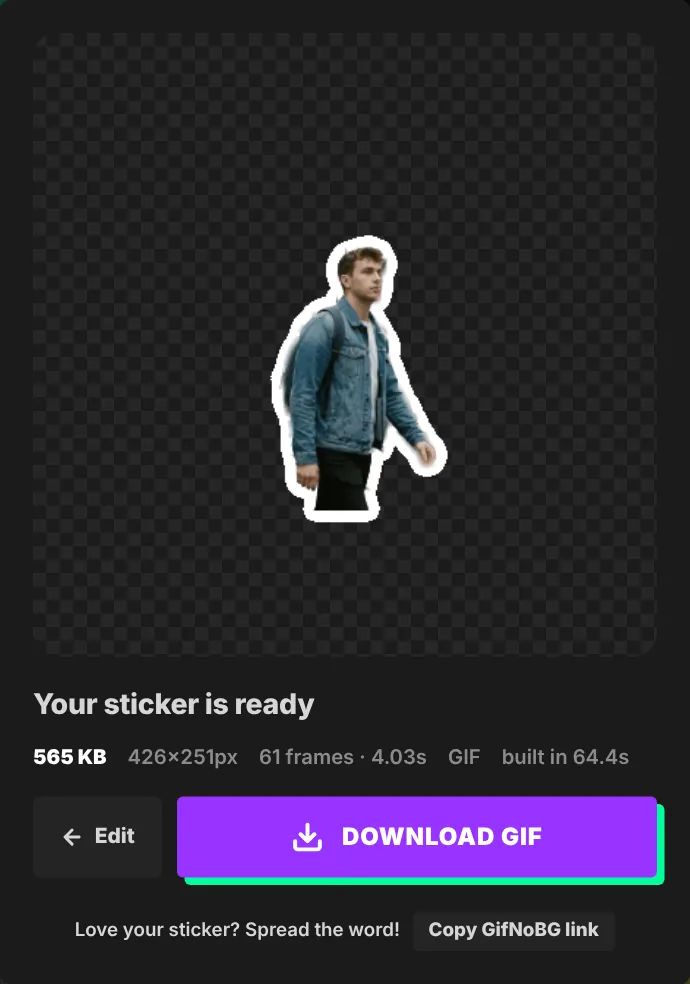
- Press Download sticker and choose GIPHY. You get a transparent GIF, 480 pixels wide and trimmed to the subject.
- On giphy.com/upload, upload the GIF. GIPHY detects the transparency and offers it as a sticker. Add tags so people can find it.
To appear in other apps' sticker search (Instagram Stories, TikTok and more), GIPHY generally needs an upgraded Creator or Brand channel. See Instagram Stories & TikTok for the steps.
Tips for great stickers
- Add a White outline — it makes the sticker readable on any photo or video.
- Make the loop seamless: pick a moment where the start and end look similar, or use Boomerang in Advanced → Export → Custom.

Try it with your own videoFree, no sign-up, no watermark — and your video never leaves your device.
Make a sticker