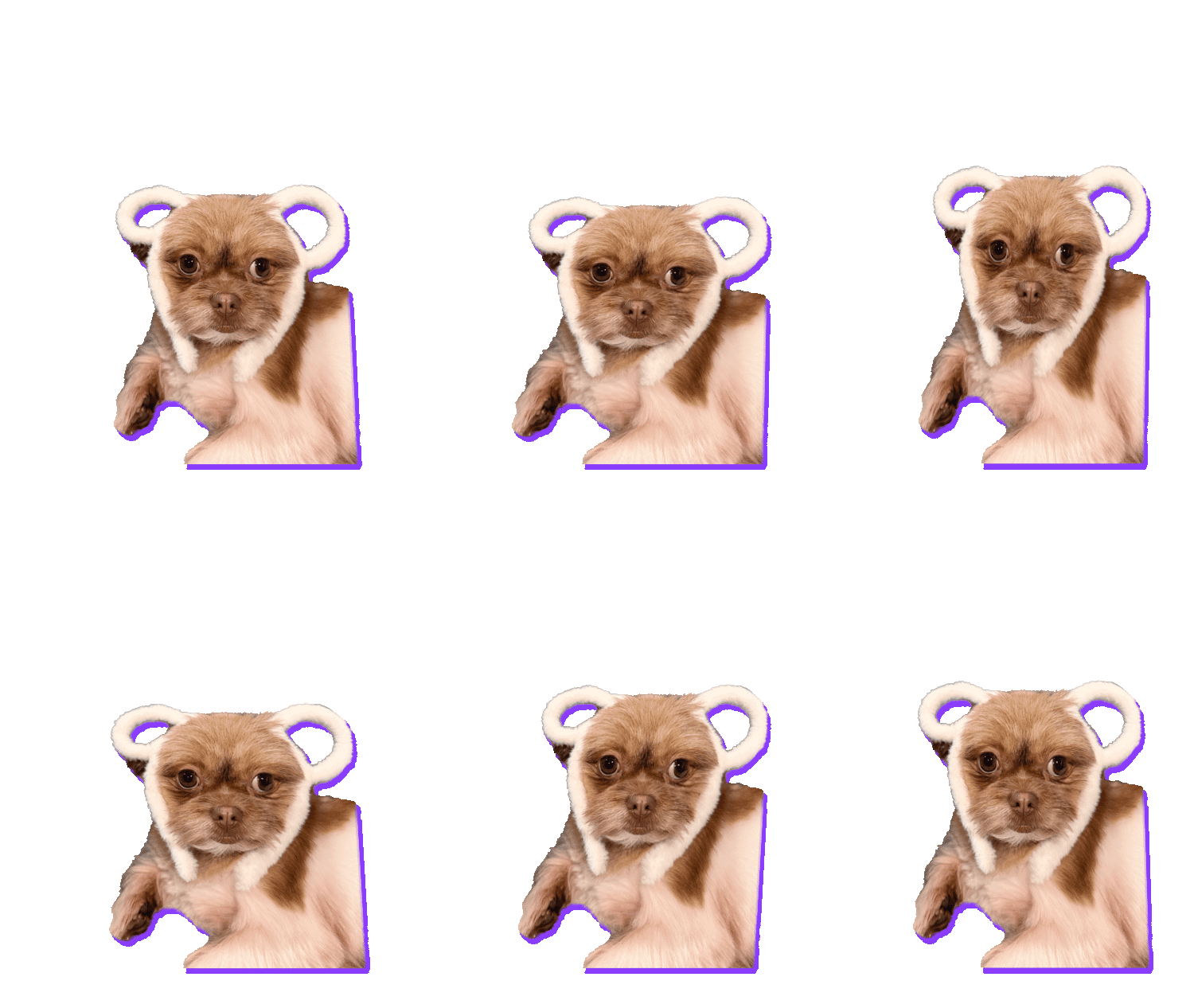
Scroll back through your camera roll. Somewhere in there, between the screenshots and the blurry concert videos, is a sticker pack waiting to happen. The best stickers aren’t planned: they’re two seconds of real life that say something better than words.
Here are 15 ideas to go hunting for, and what makes each one work.
Pets (the undefeated champions)
- The zoomies. Any pet running past the camera. Trim it so they run in from one side and out the other, and it loops forever.
- The head tilt. Dogs listening to a weird noise. Instant “huh?” sticker.
- The slow blink. Cats saying “I love you” or “I’m judging you”. Works either way.
- The begging face. Food in hand, puppy eyes in frame. Perfect for “pleeease”.
Friends and family
- The reaction face. Someone’s face the moment they heard the news. Gold.
- The wave. Hello and goodbye stickers get used every single day.
- The thumbs up. Boring? Maybe. Used constantly? Absolutely.
- The victory dance. Any celebration: a goal, a passed exam, a finished assignment.
- The baby laugh. Grandparents will use this sticker more than any other.
- The eye roll. Two seconds of a teenager is all you need.
Try it while you read
Make one from your camera roll →Free, right in your browser. Nothing is uploaded.
Everyday moments
- “On my way.” Anyone walking or running toward the camera.
- Birthday candles. The big blow-out moment. Bring it back every year.
- The pancake flip. Or any kitchen win (or spectacular fail).
- Your product. Selling something? Spin it on a table and you have a sticker for your shop’s Stories.
- The mic drop. Anything dropped, thrown or slammed with attitude.
What makes a clip sticker-worthy
- One clear action. A sticker is tiny in a chat. One movement reads; three don’t.
- Short. 2–4 seconds. Trim to the best bit.
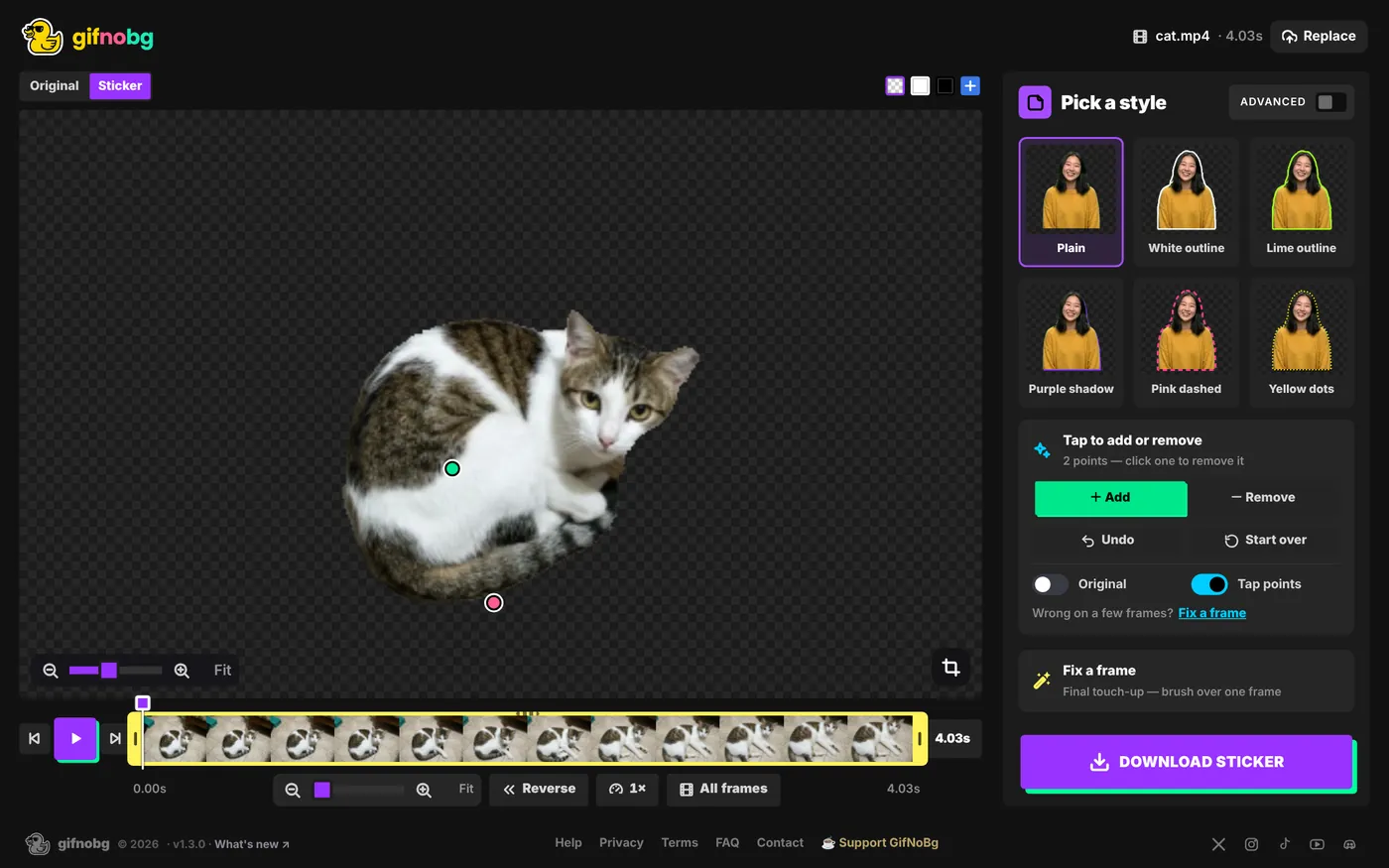
- The subject stands out. A person or pet that contrasts with the background cuts out cleanest. If the AI misses a bit, tap to add or remove fixes it.
- Big in the frame. Crop to the subject so it fills the sticker.
- Add a word. A one-word caption turns a cute clip into a reaction you’ll actually use.
No video? Photos work too: open any photo and add an animated effect, and it becomes a 2-second moving sticker.
help centreMake a sticker from a photo (PNG or JPG)Open a PNG or JPG instead of a video: the AI cuts out the subject, you fix it with a tap, add an outline and save a transparent still stickeread the guide →