Make a sticker from a photo (PNG or JPG)
Open a PNG or JPG instead of a video: the AI cuts out the subject, you fix it with a tap, add an outline and save a transparent still sticker.
GifNoBg isn't only for videos. Open a photo — a PNG or JPG from your camera roll or computer — and you get a still sticker with the background removed. Everything works the same as with a video: the automatic cut-out, tap to add or remove, crop and all the styles.
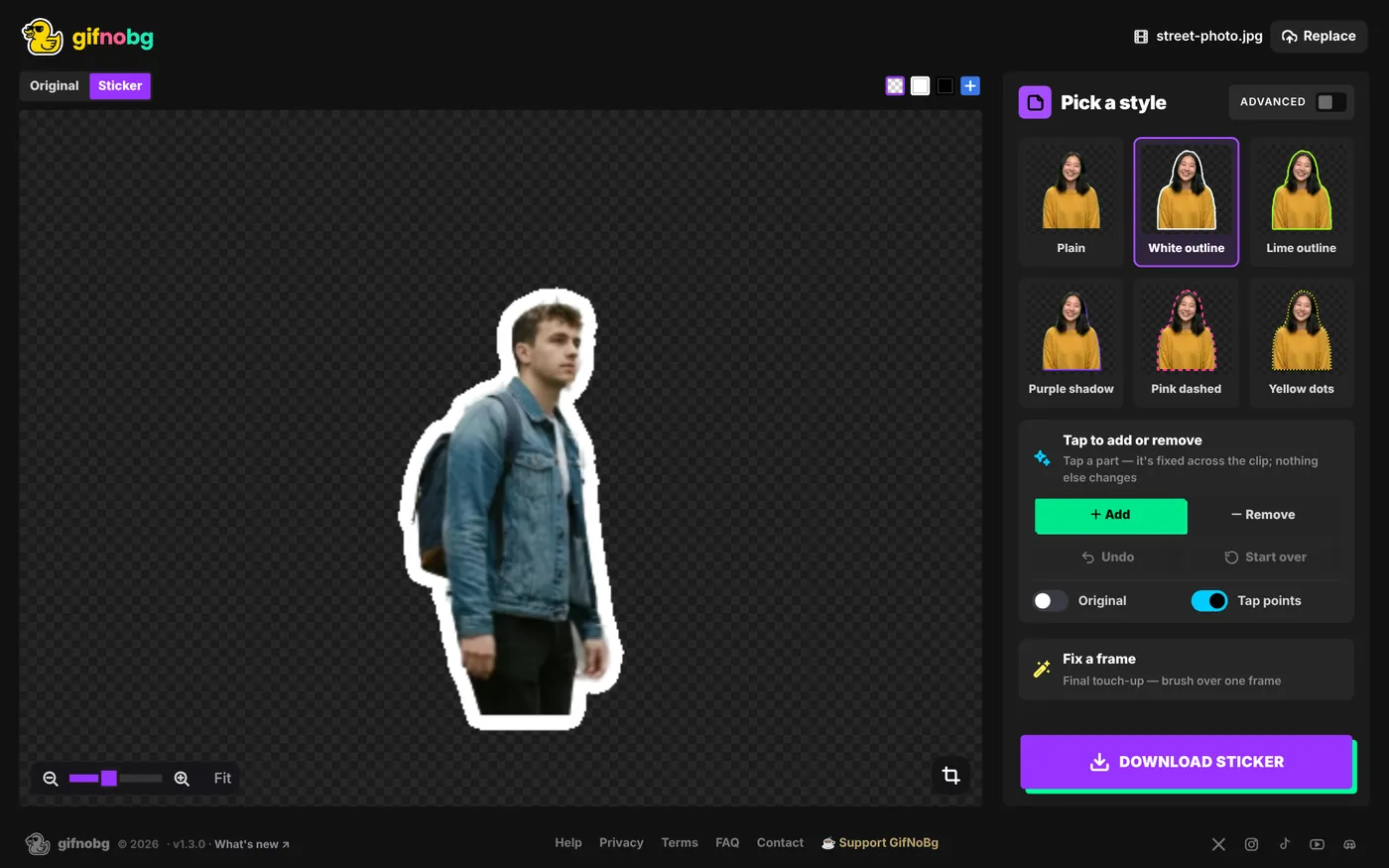
How to do it
- Go to gifnobg.com, press Choose Video and pick your photo (or drag it onto the page). Nothing is uploaded — the photo stays on your device.
- The AI finds the subject and removes the background.
- Something missing or extra? Choose + Add or - Remove and tap it — see Tap to add or remove. For pixel-level touch-ups, use Fix a frame.
- Pick a style — a White outline gives the classic sticker look.
- Press Download sticker and choose where it's going. On a phone, a photo opens straight on Cut out, and the last step is Your sticker.
Good to know
- One frame. A photo makes a sticker with a single frame, so there's no play button, timeline, speed or reverse.
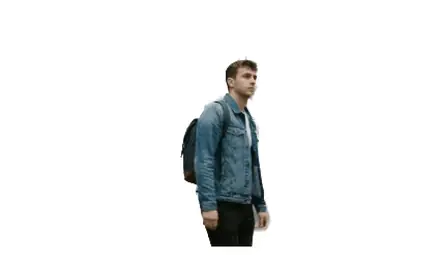
- Already transparent? A PNG that already has a see-through background is kept exactly as it is — you can still add a style.
- Sharper than a video frame. Photos are kept at up to 1080 pixels, more detail than a video frame.
- Formats. The sticker saves as a GIF, WebP or APNG like any other (an APNG with one frame is a normal PNG). For Telegram, see Telegram stickers.
The same tips as for videos help: a subject that stands out from the background cuts out most cleanly. See how the automatic cut-out works.

Try it with your own videoFree, no sign-up, no watermark — and your video never leaves your device.
Make a sticker