Make an animated Discord sticker or emoji
Create a transparent animated Discord sticker (320×320 APNG under 512 KB) or a Discord emoji (128×128 GIF under 256 KB) from any video.
Discord sticker
Discord server stickers are animated APNG files, 320×320 pixels and up to 512 KB.
- Open your video at gifnobg.com and let the background be removed.
- Trim it to 5 seconds or less — Discord stickers are short.
- Press Download sticker and choose Discord. You get a 320×320 transparent APNG sized to fit.
- In Discord: Server Settings → Stickers → Upload Sticker, then pick the file.
Discord emoji
Animated emoji are small GIFs. Switch on Advanced, go to Export and choose Discord emoji (128×128, under 256 KB). Then in Discord: Server Settings → Emoji → Upload Emoji.
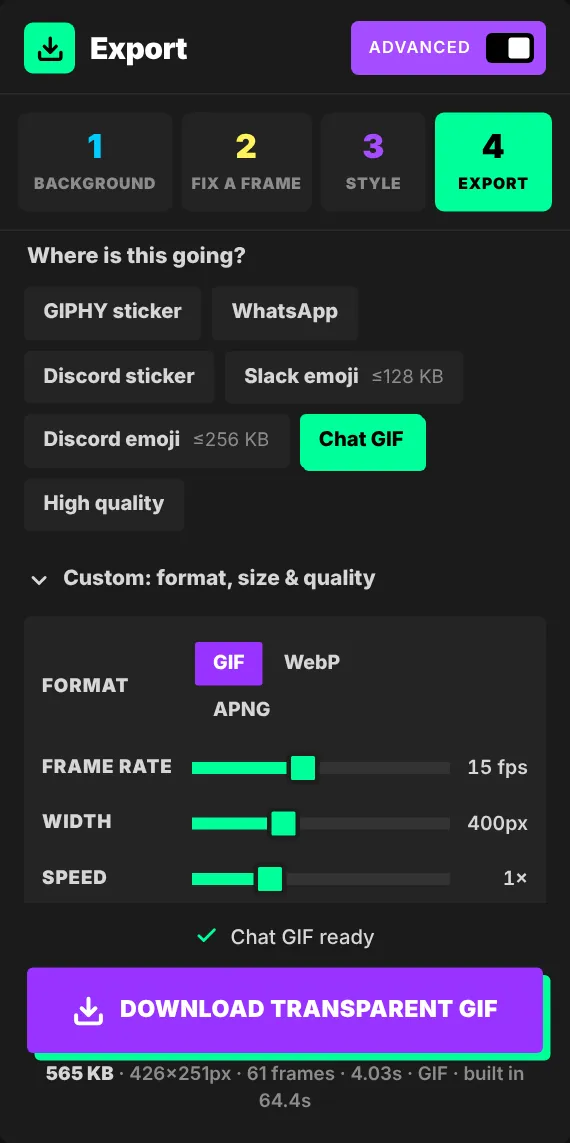
At emoji size, faces and simple shapes read best. Crop tight to the subject and keep the motion simple.
Uploading stickers and animated emoji depends on your server's boost level and permissions in Discord.

Try it with your own videoFree, no sign-up, no watermark — and your video never leaves your device.
Make a sticker