Make a transparent GIF sticker
A GIPHY sticker is simply an animated GIF with a see-through background. Drop a video or GIF, the AI removes the background from every frame, and you get a sticker ready to upload to GIPHY.
- Free
- No watermark
- No sign-up
- Your video never leaves your device
How to create a transparent sticker for GIPHY
- 1Drop your clipTrim it to a few seconds. GIPHY recommends short loops, around 6 seconds or less.
- 2The AI cuts it outEvery frame loses its background. Tap anything it missed, or anything it kept by mistake.
- 3Save for GIPHYPick GIPHY when you save: a transparent GIF, 480 pixels wide and trimmed to the subject. Upload it at giphy.com/upload.
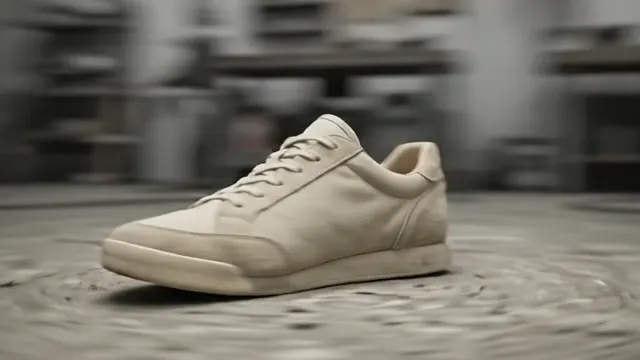
Before and after
What GIPHY needs for a sticker
| File | A GIF. GIPHY doesn’t take APNG for stickers. |
|---|---|
| Transparency | At least 20% of the first frame must be see-through |
| Movement | Stickers must move: at least two frames |
| Length | Short loops, around 6 seconds or less |
| Instagram and TikTok | To show up in other apps’ sticker search, GIPHY generally needs an upgraded Creator or Brand channel |
What makes a GIF a sticker
On GIPHY, the only difference between a GIF and a sticker is the background. A sticker has see-through pixels around the subject, so it can sit on top of a photo, a story or a video. If the first frame isn’t at least a fifth transparent, GIPHY treats it as an ordinary GIF.
That’s why removing the background properly matters. GifNoBg’s AI finds the subject in every frame, not just the first one, and you can tap to fix anything it gets wrong. Saving for GIPHY gives you a transparent GIF trimmed close to the subject, so there’s plenty of see-through space and nothing extra.
Once it’s uploaded and tagged, people can find your sticker in GIPHY, and with an upgraded channel in the sticker search of apps like Instagram Stories and TikTok. The GIPHY help article and Instagram Stories and TikTok have the steps.
Tips for stickers people use
Made with GifNoBg


Questions
How do I create a transparent sticker for GIPHY?
Drop a video or GIF above, let the AI remove the background, trim it to a few seconds and save it for GIPHY. Then upload the GIF at giphy.com/upload; GIPHY sees the transparency and offers it as a sticker.
Why does GIPHY say my upload is a GIF, not a sticker?
At least 20% of the first frame must be see-through. Remove the background here and the sticker will have plenty of see-through space.
Can I upload an APNG or WebP to GIPHY?
GIPHY stickers need to be GIFs, which is what GifNoBg saves when you pick GIPHY.
Will my sticker show up on Instagram and TikTok?
Generally only from an upgraded GIPHY Creator or Brand channel. Until then, you can still add the sticker to your own stories by saving it to your phone.
Is my video uploaded to GifNoBg?
No. The background is removed in your browser. Only you decide where the finished sticker goes.
Is it free?
Yes, with no sign-up and no watermark.
Learn more
More free tools
Ready? It takes a minute or two.
Make a sticker