Make an animated Discord sticker
Turn any clip or GIF into a Discord sticker with no background. The AI cuts out every frame, and GifNoBg saves it the way Discord wants it: a 320 × 320 animated PNG under 512 KB.
- Free
- No watermark
- No sign-up
- Your video never leaves your device
How to make a Discord sticker
- 1Drop your clipA reaction, your pet, a moment from a game. Trim it to 5 seconds or less: Discord stickers are short.
- 2The AI cuts it outEvery frame, right in your browser. Tap anything it missed, or anything it kept by mistake, and the fix follows that part through the clip.
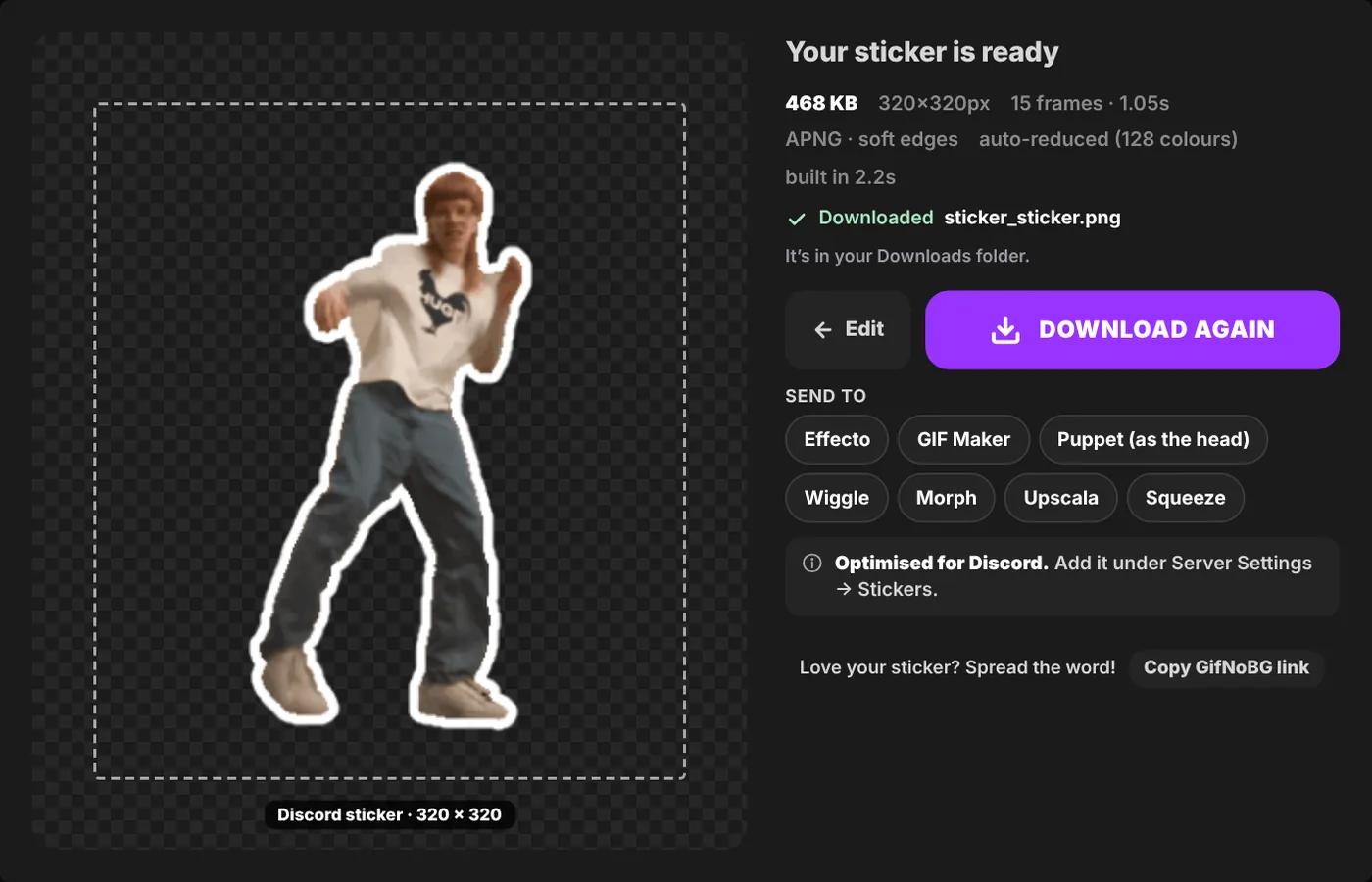
- 3Save for DiscordPick Discord when you save. You get a see-through 320 × 320 APNG under 512 KB, ready to upload.
What you get
Discord sticker and emoji sizes
| Sticker | 320 × 320 pixels, an animated PNG (APNG), up to 512 KB |
|---|---|
| Emoji | A GIF shown at 128 × 128 pixels, up to 256 KB |
| Length | Short: 5 seconds or less works best |
| Where to add it | Server Settings → Stickers → Upload Sticker, or Server Settings → Emoji → Upload Emoji |
| Who can add it | Someone allowed to manage the server’s stickers and emoji. How many a server can have depends on its boost level. |
Why a Discord sticker needs a special file
A Discord sticker isn’t just a GIF. Discord wants a square picture, 320 × 320 pixels, saved as an animated PNG and no bigger than 512 KB. A clip straight from your phone is far too big, and a GIF with a background shows an ugly box in the chat.
GifNoBg takes care of all of it. The AI removes the background from every frame, the subject is fitted into the square without being stretched, and if the file is too big the colours or frames are reduced until it fits. Because it’s an animated PNG, soft edges like hair and fur stay smooth, which a GIF can’t do.
Want a custom emoji instead? Emoji are tiny, so faces and one clear move read best. On a computer, switch on Studio, open Export and choose Discord emoji for a 128 × 128 GIF under 256 KB. The Discord help article has every step.
Tips for great Discord stickers
Made with GifNoBg


Questions
How do I make an animated Discord sticker?
Drop a video or GIF above, let the AI remove the background, trim it to a few seconds and save it for Discord. Then in Discord open Server Settings → Stickers → Upload Sticker.
What size is a Discord sticker?
320 × 320 pixels, as an animated PNG (APNG), up to 512 KB. That’s exactly what GifNoBg saves when you pick Discord.
Can I start from a GIF?
Yes. Drop the GIF here: the background is removed from every frame, and saving for Discord turns it into the animated PNG a sticker needs.
Why can’t I add stickers to my server?
You need permission to manage the server’s stickers and emoji, and how many stickers a server can have depends on its boost level.
Is my video uploaded?
No. Everything runs in your browser on your own device. Your video never leaves it.
Is it free?
Yes: no sign-up, no watermark and no limit on how many stickers you make.
Learn more
More free tools
Ready? It takes a minute or two.
Make a sticker