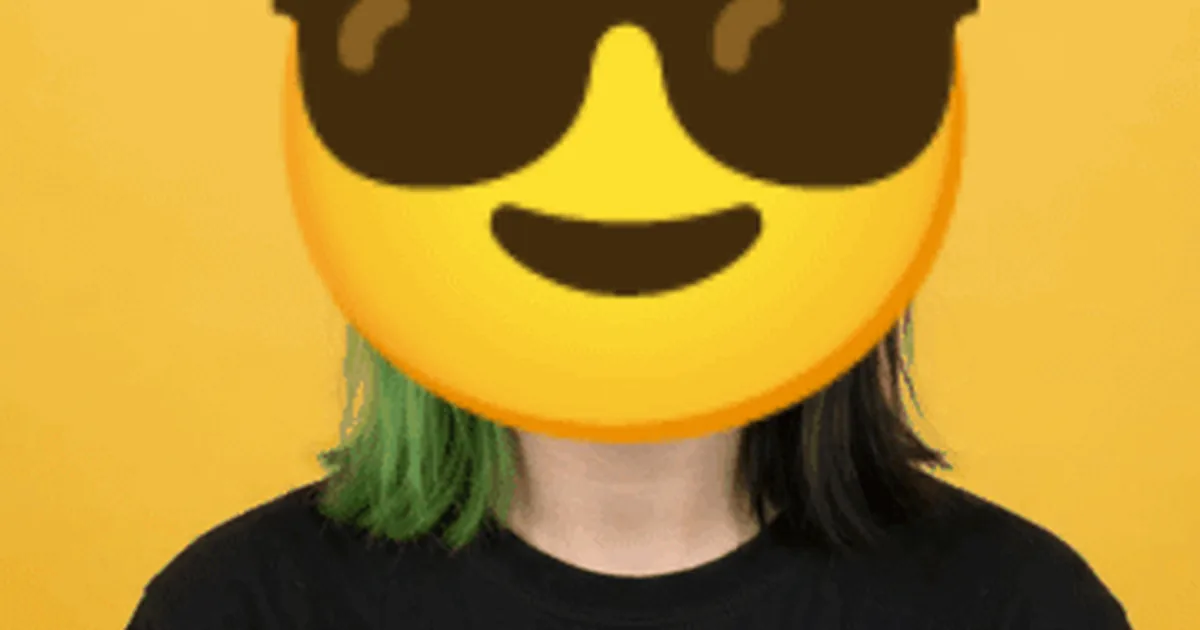
Your friend didn't agree to be in that GIF. The number plate shouldn't be in the clip. The spoiler is right there on the screen. Meet Censor: open a GIF, a video or a photo, cover what you want hidden, and the box follows it from frame to frame. Free, no sign-up, no watermark, and nothing is uploaded, which matters when the whole point is hiding something.
Find it under More apps → Utilities, or go straight to gifnobg.com/censor.
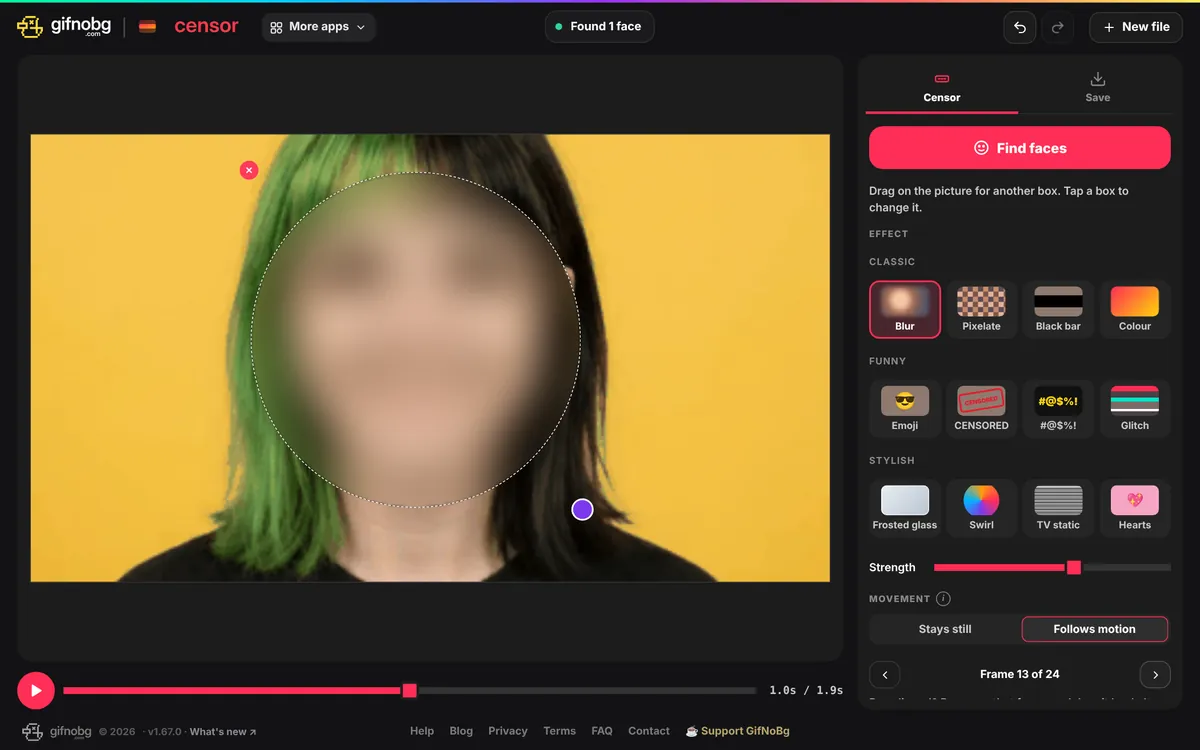
Find faces, or draw a box
Tap Find faces and every face gets an oval. For anything else (a name tag, a screen, a number plate) just drag on the picture to draw a box.
12 ways to hide it
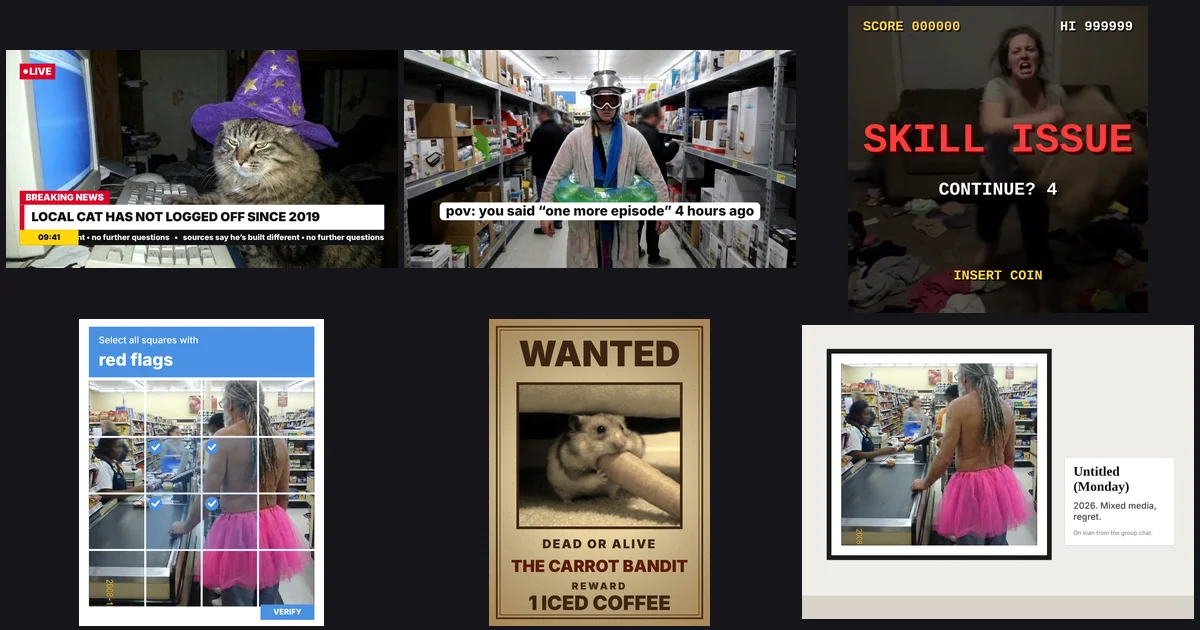
- Classic: blur, pixelate, a black bar or a solid colour.
- Funny: an emoji face, a red CENSORED stamp, a bleeped #@$%! or a glitch.
- Stylish: frosted glass, a swirl, TV static or floating hearts.
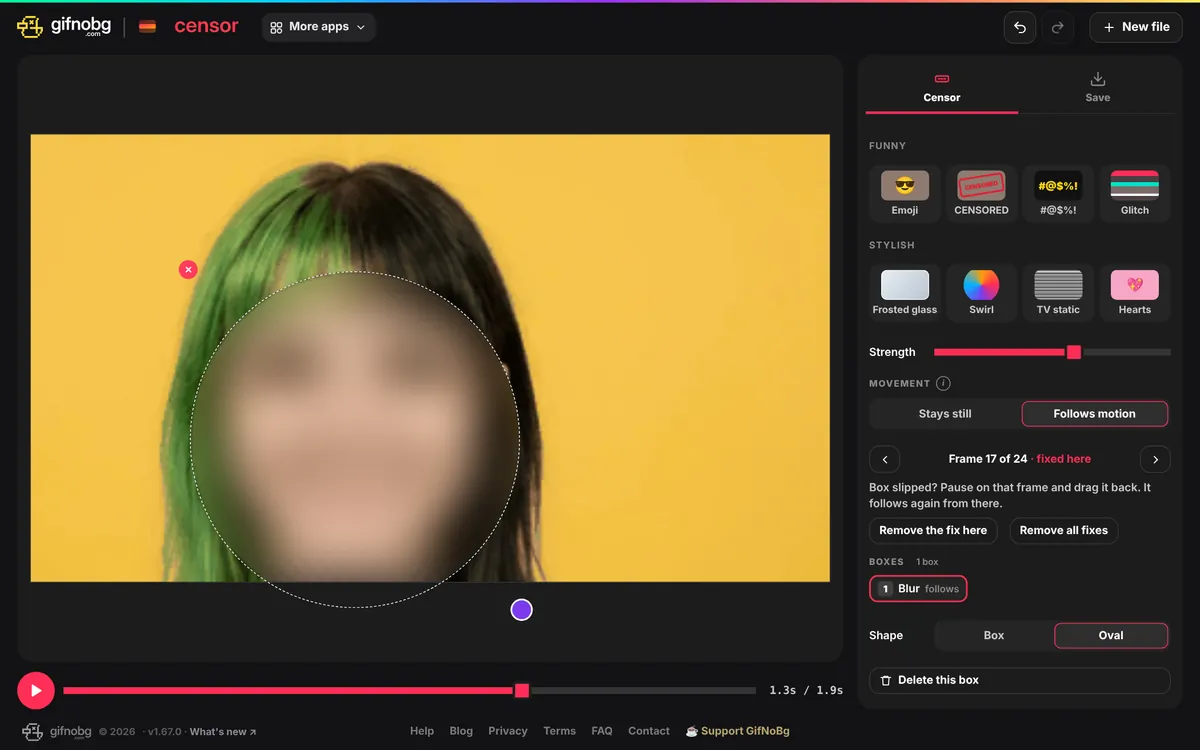
It follows, and you're the boss
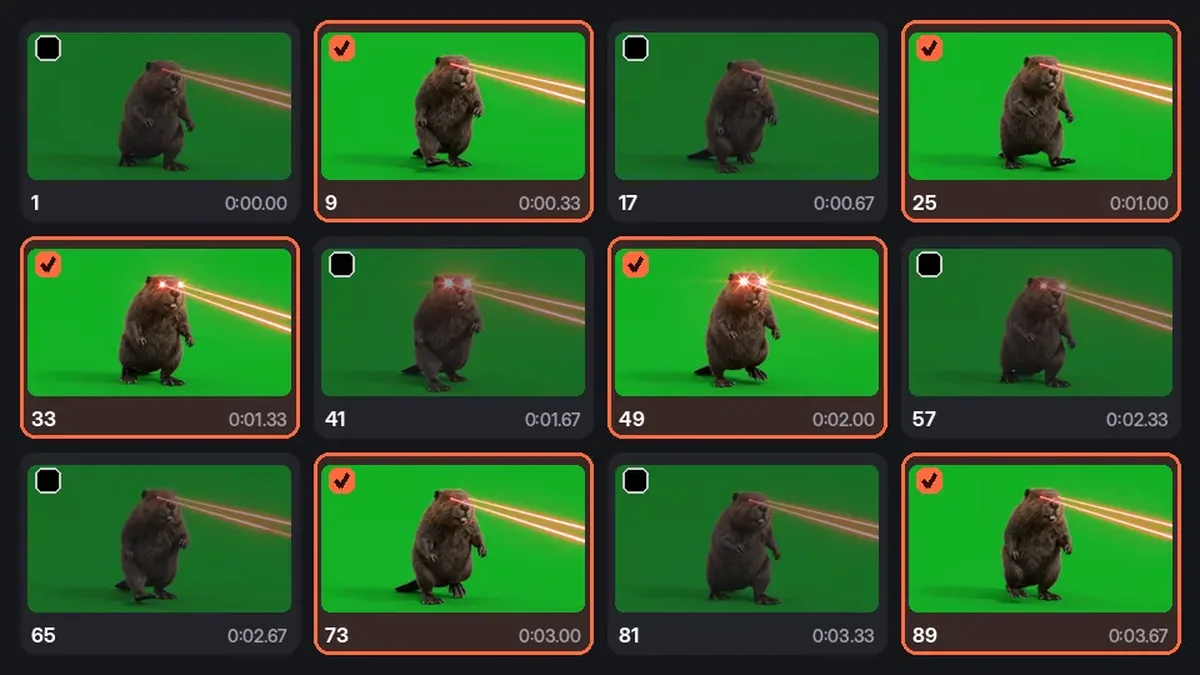
Each box either follows the motion or stays still. If a box slips, pause on that frame, step with the arrows and drag it back. It follows again from there.
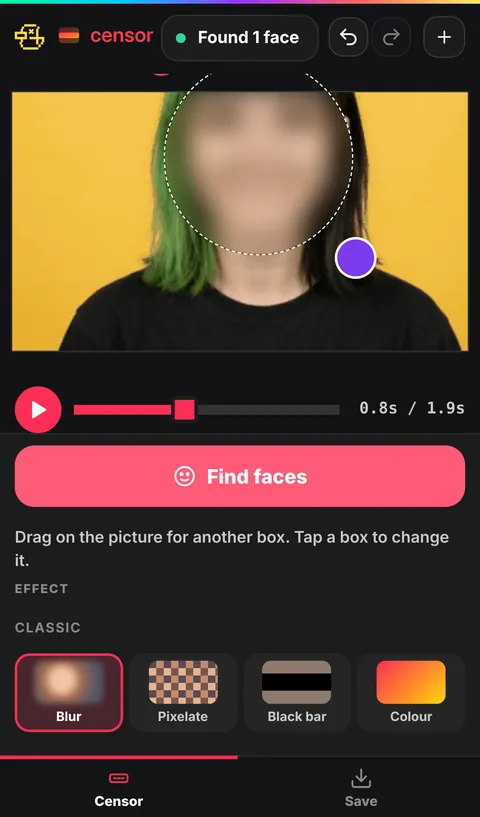
On your phone too
Save a GIF, WebP, APNG or MP4, or a PNG or JPG for a photo. Try Censor now.