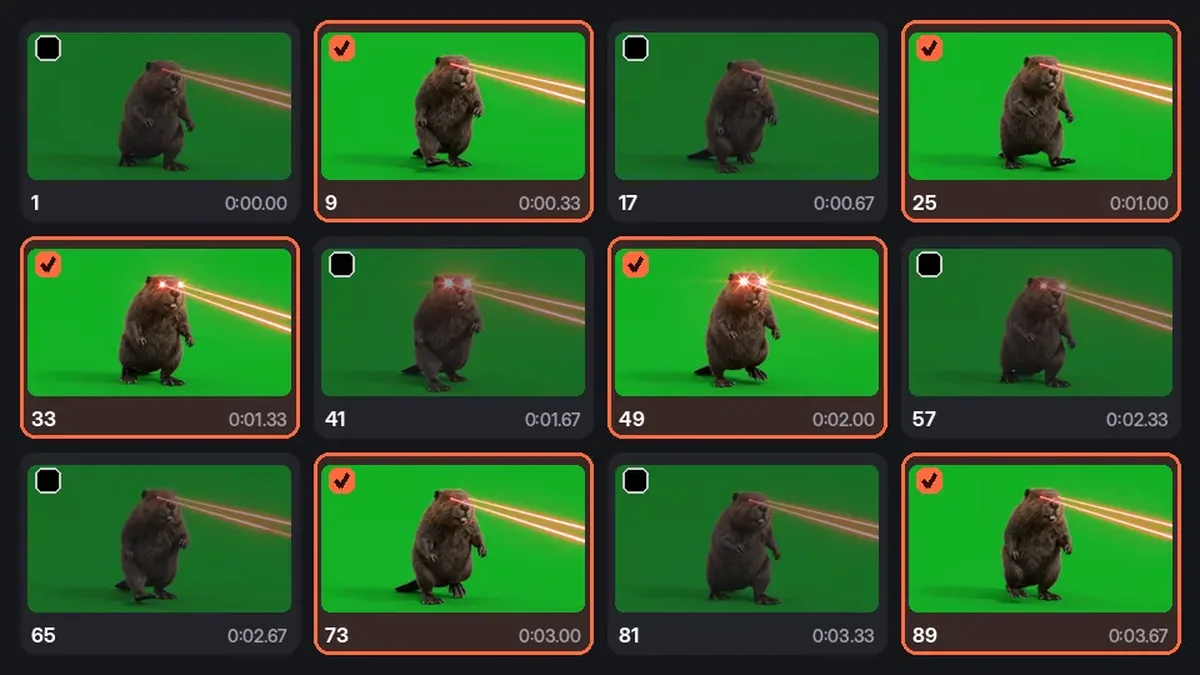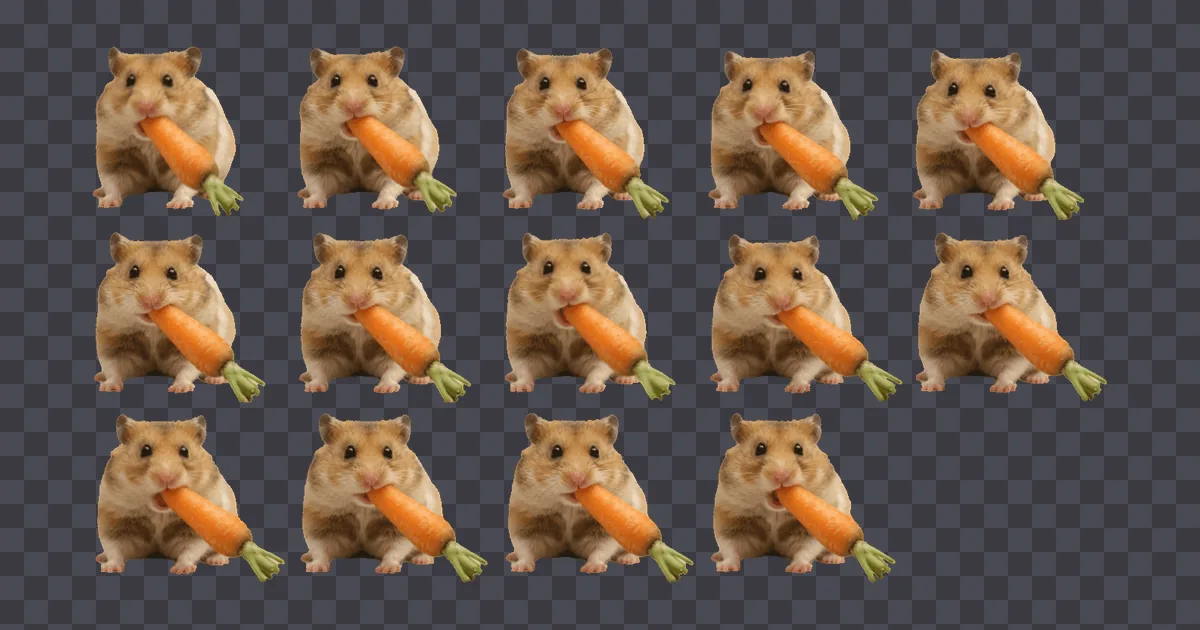
Making a game? Animating a button with CSS? You need a sprite sheet: every frame of the animation side by side in one picture. Now there's a page just for that: gifnobg.com/gif-to-sprite-sheet. Drop a GIF (or an animated WebP, an APNG or a video) and you get the sheet. Free, no sign-up, no watermark, and nothing is uploaded.
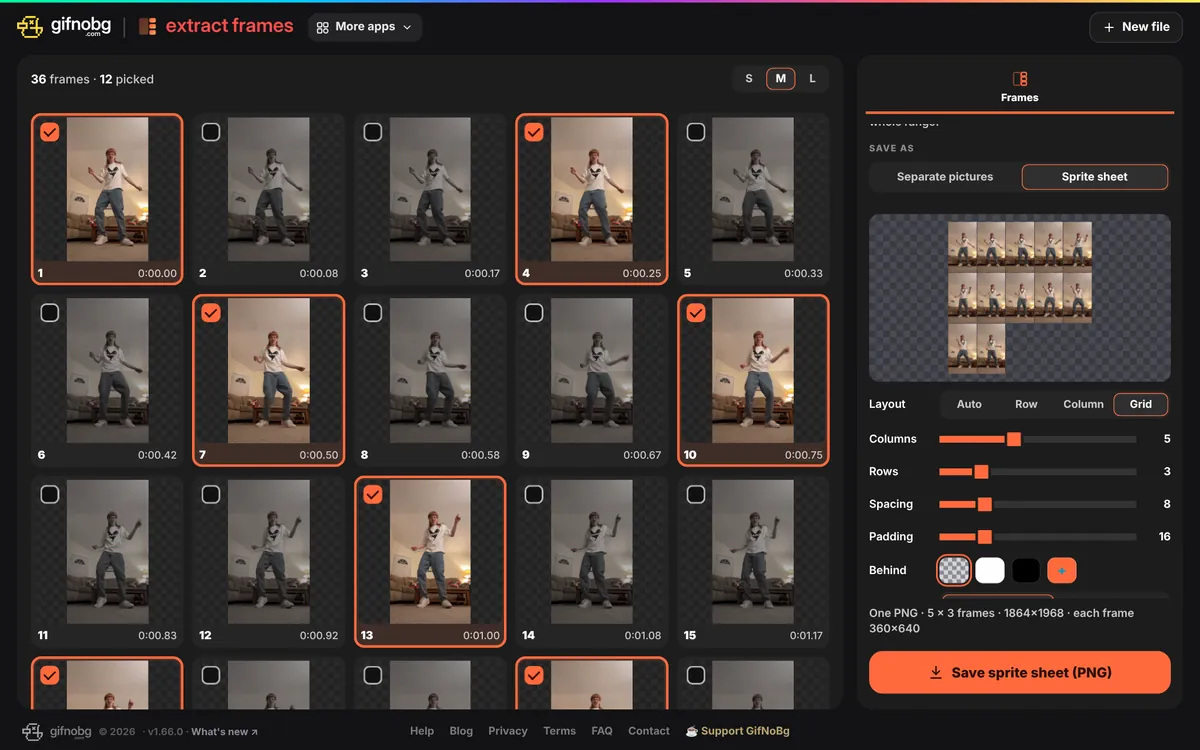
Your layout, your rules
- Layout: Auto (about square), one row, one column, or a grid with the columns or rows you want.
- Spacing between the frames and Padding around the sheet, for engines that need a gap.
- Behind: see-through, white, black or any colour.
- Order: first to last, or last to first.
- Skip frames you don't need: tap them, or pick every 2nd or 3rd frame.
The line above the Save button tells you the size of the whole sheet and of each frame, which is exactly what Unity, Godot, GameMaker or your CSS will ask for. Save it as a PNG, JPG or WebP.
help centreExtract frames from a GIF or videoSplit a GIF, animated WebP, APNG or video into its frames. Pick the ones you want and save them as PNG, JPG or WebP pictures in a ZIP, or asread the guide →On your phone too
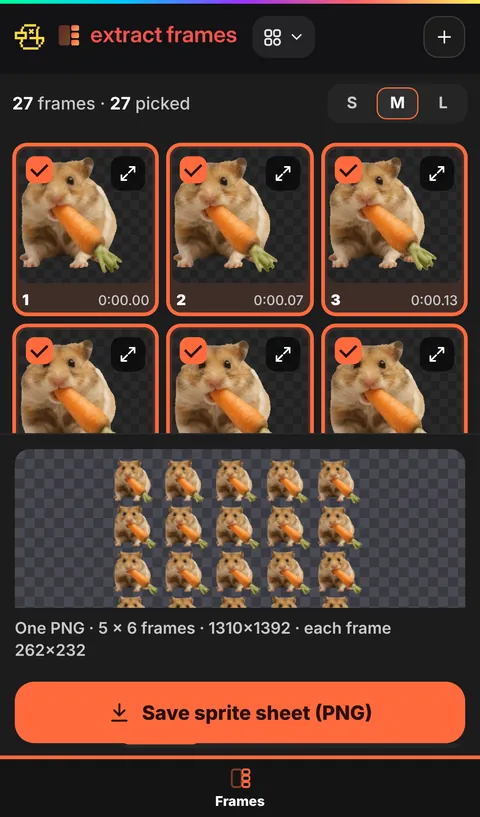
Want separate pictures instead? Switch Save as to Separate pictures and you get every frame in a ZIP. Make a sprite sheet now.