Censor a GIF, video or photo
Blur, pixelate or cover faces, number plates and anything else in a GIF, video or photo. Find faces in one tap, drag a box over anything, and the box follows the motion. Fix it by hand on any frame. Free, nothing uploaded.
Censor hides faces and anything else in a GIF, a video or a photo. Tap Find faces or drag a box over what you want hidden, pick an effect, and the box follows the motion from frame to frame. If it slips, you put it back by hand. Everything runs in your browser on your own device, so nothing is uploaded.
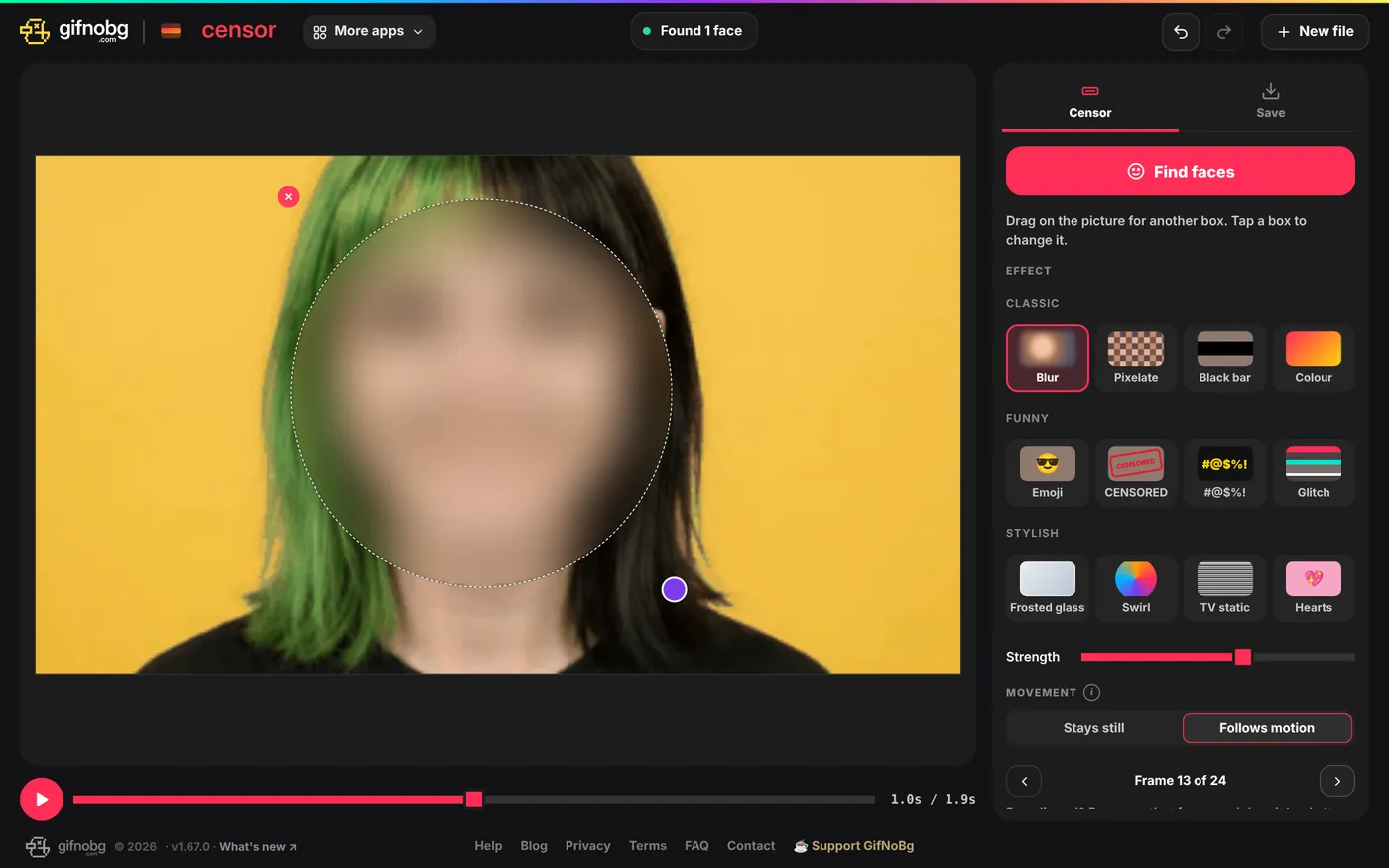
Hide a face or anything else
- Open gifnobg.com/censor, or choose More apps next to the logo and pick Censor under Utilities.
- Choose a photo, a GIF or a video. For a video, drag the handles to pick up to 30 seconds.
- Tap Find faces. Each face gets an oval. Or drag on the picture to draw a box over anything: a name, a number plate, a screen.
- Pick an effect. It changes the box you picked; tap a box on the picture or in the Boxes list to pick it.
- Press play to check it, then go to Save.
The effects
- Classic: Blur, Pixelate, a Black bar or a solid Colour. Blur, pixelate and a few others have a Strength slider.
- Funny: an Emoji over the face (pick one of 13), a red CENSORED stamp, a bleeped #@$%! or a Glitch.
- Stylish: Frosted glass, a Swirl, TV static or floating Hearts.
Each box can have its own effect, and a Box or Oval shape. Delete a box with the ✕ on it or Delete this box.
Follows motion or stays still
Under Movement choose Follows motion (the box moves with what's under it) or Stays still (it stays in one place, good for a logo or a name in a corner). You can change it for each box.
Fix a box that slipped
- Pause where the box slipped. Use the arrows next to Frame 3 of 24 to step one frame at a time.
- Drag the box back over the face, or pull its corner to make it bigger.
- That frame is now fixed here. The box follows again from there, and between two fixes it lands exactly on each one.
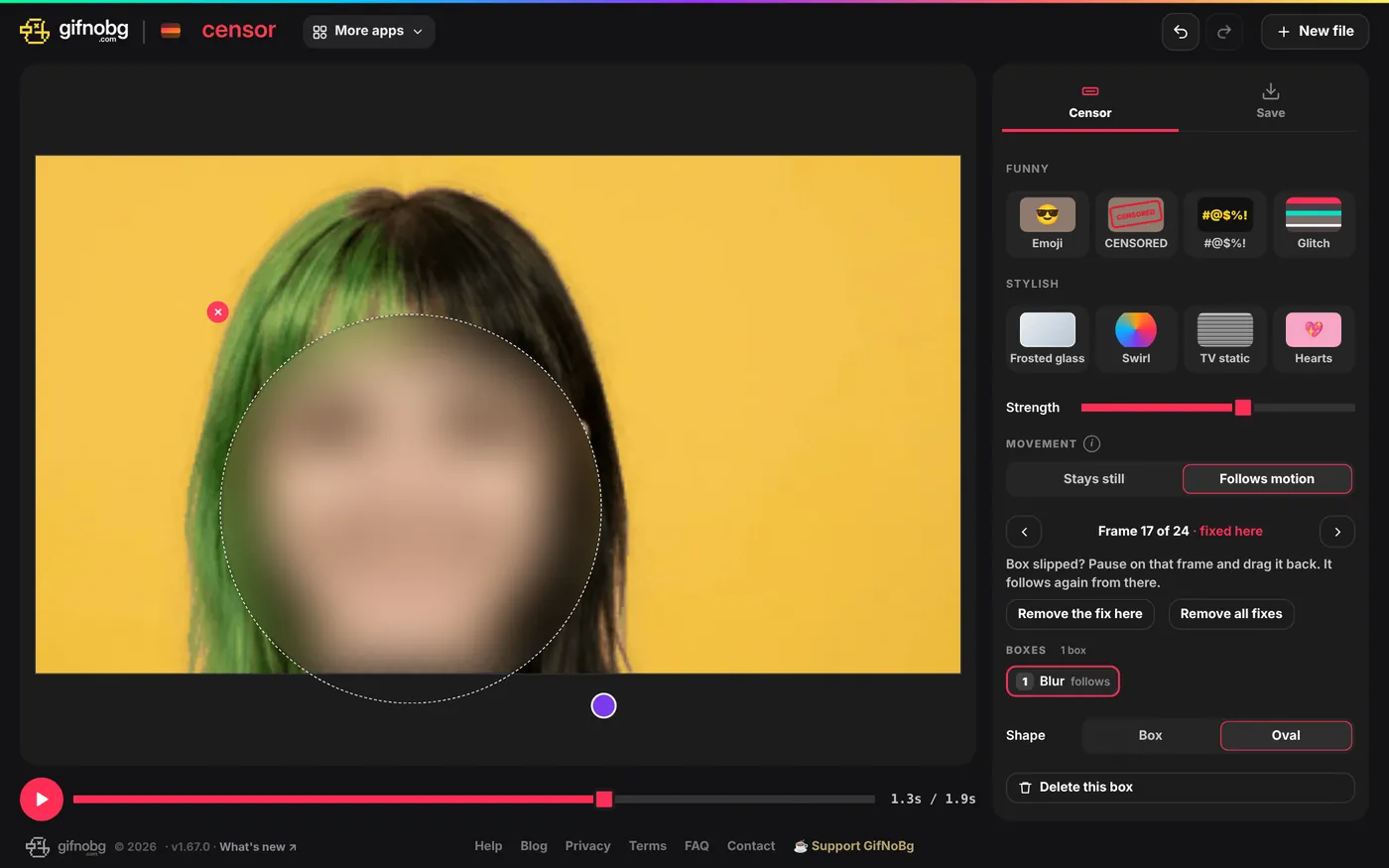
Remove the fix here takes a fix away again, and Remove all fixes starts the box over from the frame you're on.
Save
Save a GIF, WebP, APNG or MP4 for a GIF or video, or a PNG or JPG for a photo. There's no watermark.
On your phone
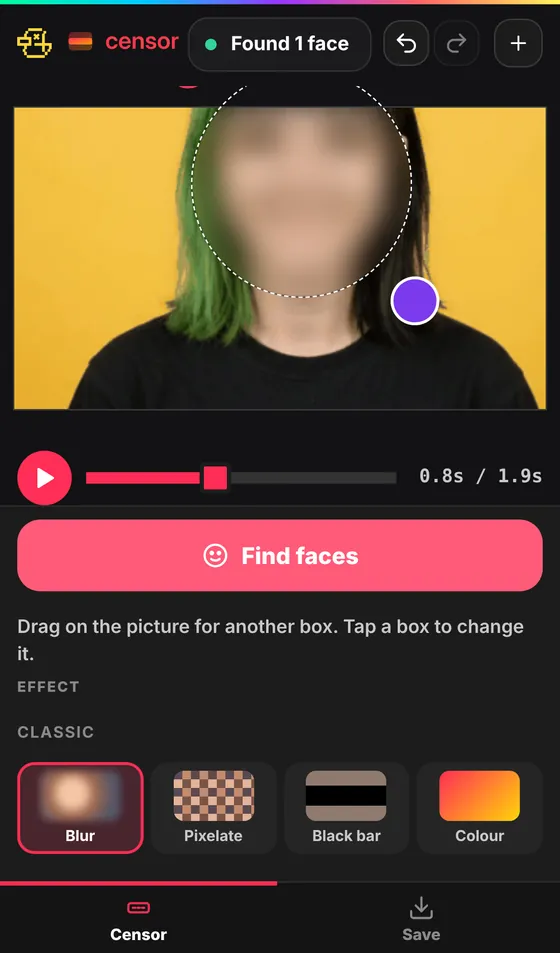
Finding faces and following them happens on your own device, so it's safe for the things you want to hide. Nothing is uploaded.