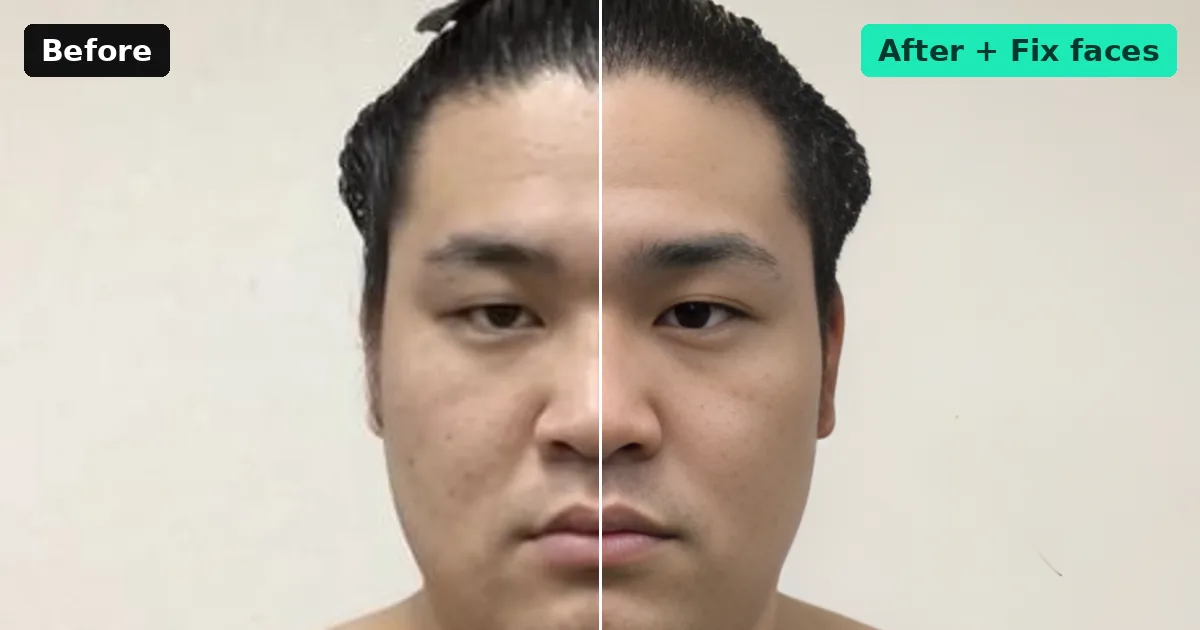
A tiny profile picture. A screenshot of a screenshot. An old GIF that looked fine in 2012 and now looks like a mosaic. Making them bigger usually just makes them blurrier. Upscala is different: the AI fills in the detail, so they come out 2×, 3× or 4× bigger and sharper. And now it fixes faces too. Free, no sign-up, no watermark, and nothing is uploaded: the AI runs right on your device.
Find it under More apps → Utilities next to the logo, or go straight to gifnobg.com/upscala.
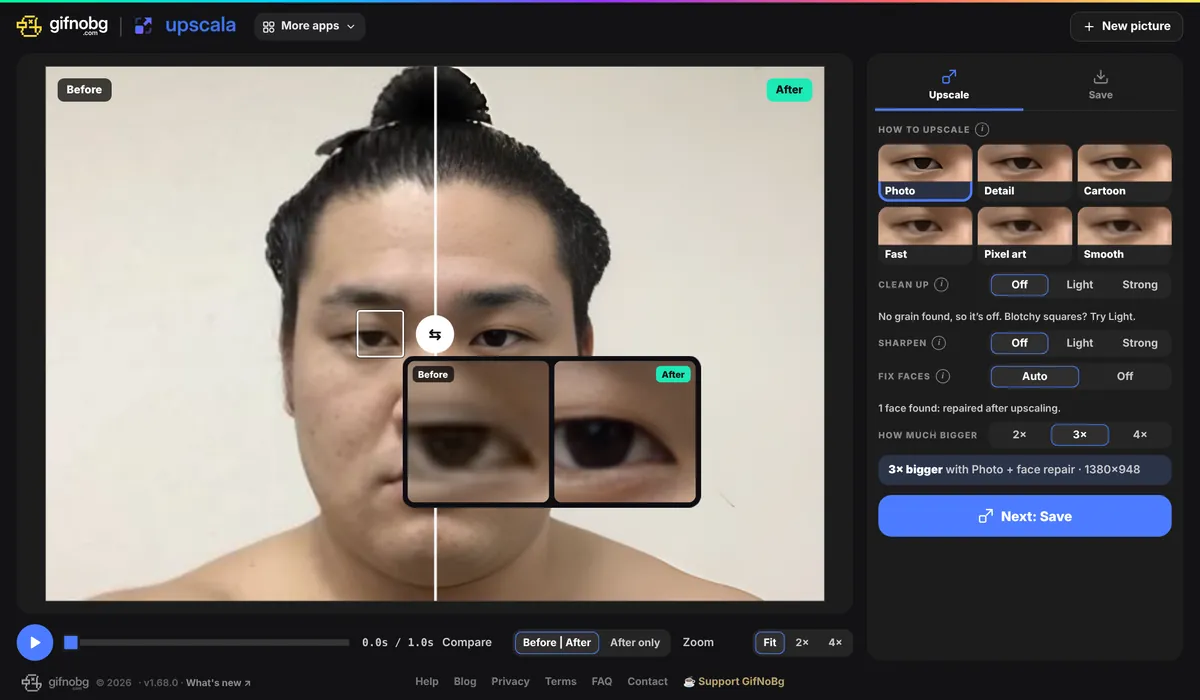
New: Fix faces
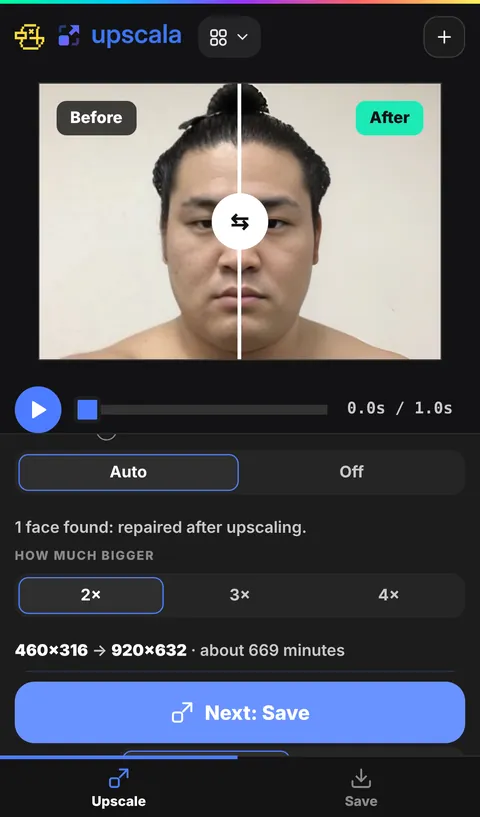
An upscaler can sharpen a picture, but it can't guess what a blurry face should look like. Fix faces can. Upscala finds the faces as soon as you open a photo, and after upscaling it redraws each one with a face AI, then blends it back in. Smudged eyes, eyebrows and lips come out clear.
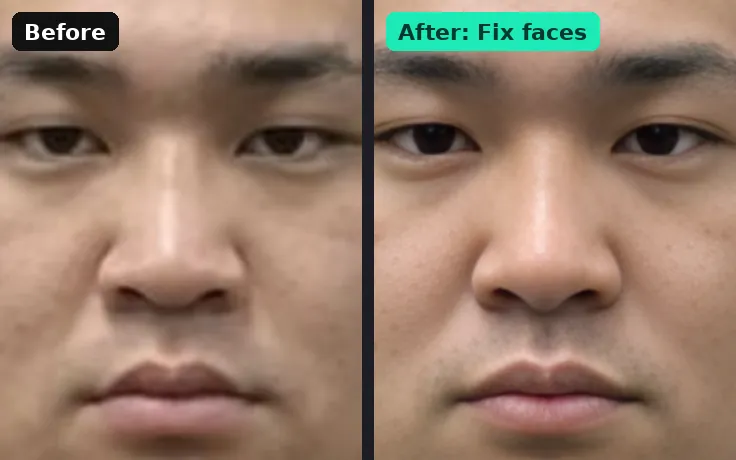
It's on by itself on a computer when a face is found. On a phone, tap Auto to turn it on. The face AI downloads once (85 MB), then stays in your browser. It works on photos, not GIFs or videos.
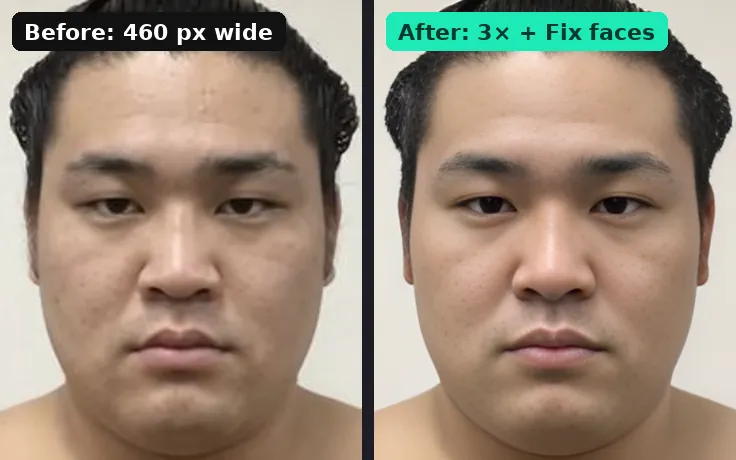
Pick a way, pick a size
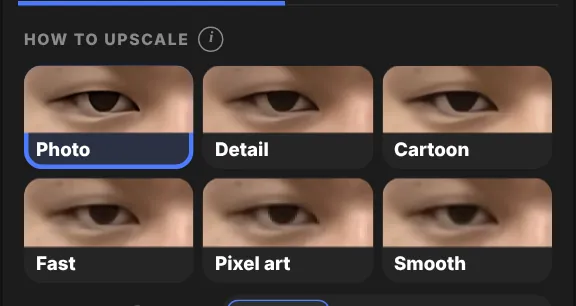
Every picture is different, so there are six ways to upscale, and each tile shows a close-up of an eye made bigger that way:
- Photo for people, pets and places.
- Detail for old, small or grainy photos: it rebuilds sharper edges.
- Cartoon for drawings, anime, logos and stickers, with clean lines.
- Fast for GIFs and videos, which have lots of frames.
- Pixel art keeps hard square pixels for game sprites.
- Smooth: no AI, instant, works everywhere.
Then choose 2×, 3× or 4×. Grainy or blotchy picture? Clean up removes the noise first, and Sharpen crisps up eyes and hair afterwards.
GIFs and short videos too
Upscala works on every frame of a GIF and on short videos (up to 15 seconds). Save pictures as PNG or JPG, and animations as a GIF, WebP, APNG or MP4.
On your phone too
As always: free, no watermark, and your pictures never leave your device. Try Upscala now.