That one moment in a video. The goal, the face, the fail. You want it as a GIF you can drop into any chat, without installing an app or uploading your video somewhere. That's Video to GIF: pick the part, choose how smooth and how big, save. Free, no sign-up, no watermark, and your video never leaves your device.
Find it under More apps → Utilities next to the logo, or go straight to gifnobg.com/video-to-gif.
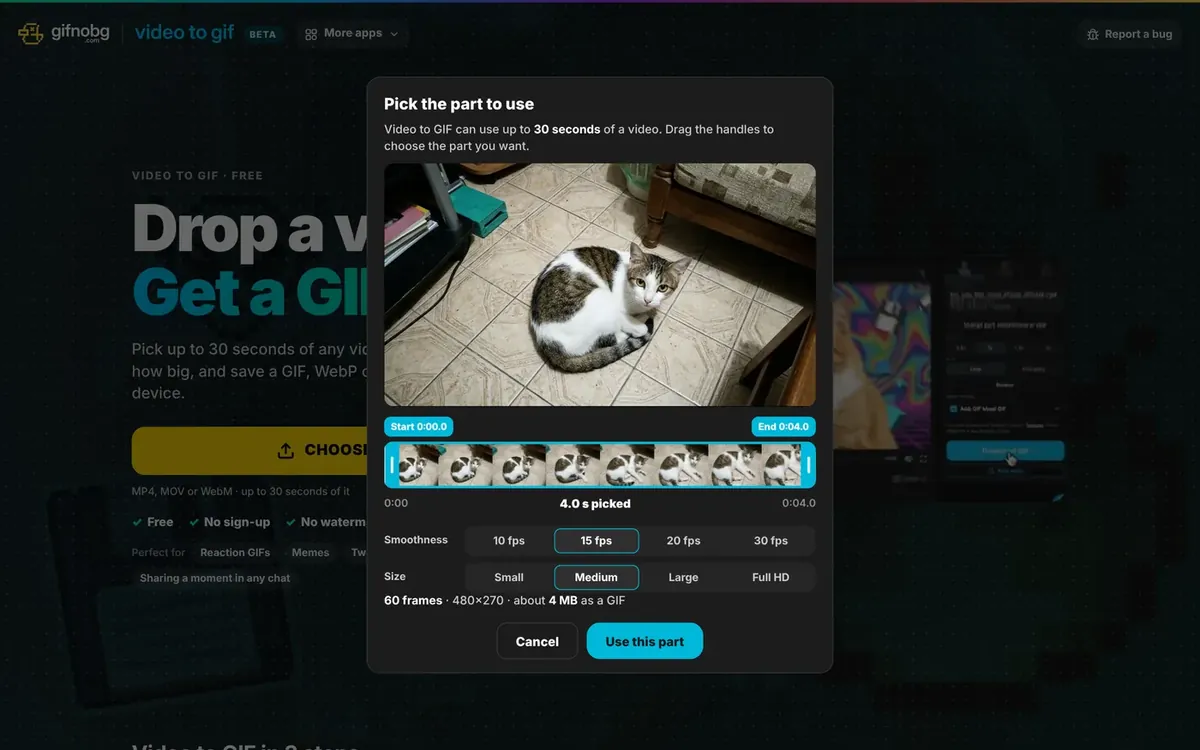
Pick the part
Choose an MP4, MOV or WebM and drag the two handles to pick up to 30 seconds. Then choose Smoothness (10, 15, 20 or 30 frames a second) and Size (Small, Medium, Large or Full HD). You see straight away how many frames that makes and about how big the GIF will be. For a chat or a meme, 15 fps and Medium are a good start.
Make it yours
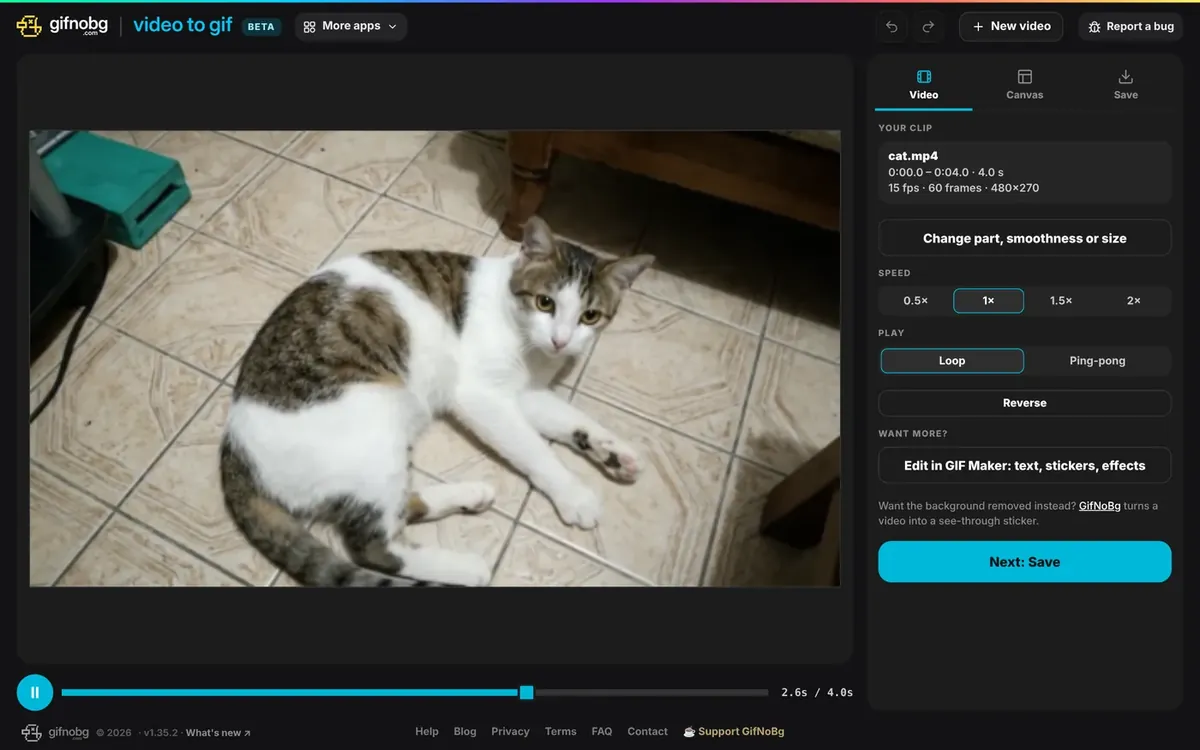
- Speed from 0.5× to 2×.
- Loop, Ping-pong (forward, then back) or Reverse.
- Crop it, or change the shape, like Story 9:16 for Instagram, TikTok or YouTube Shorts.
- Edit in GIF Maker to add text, stickers and effects.
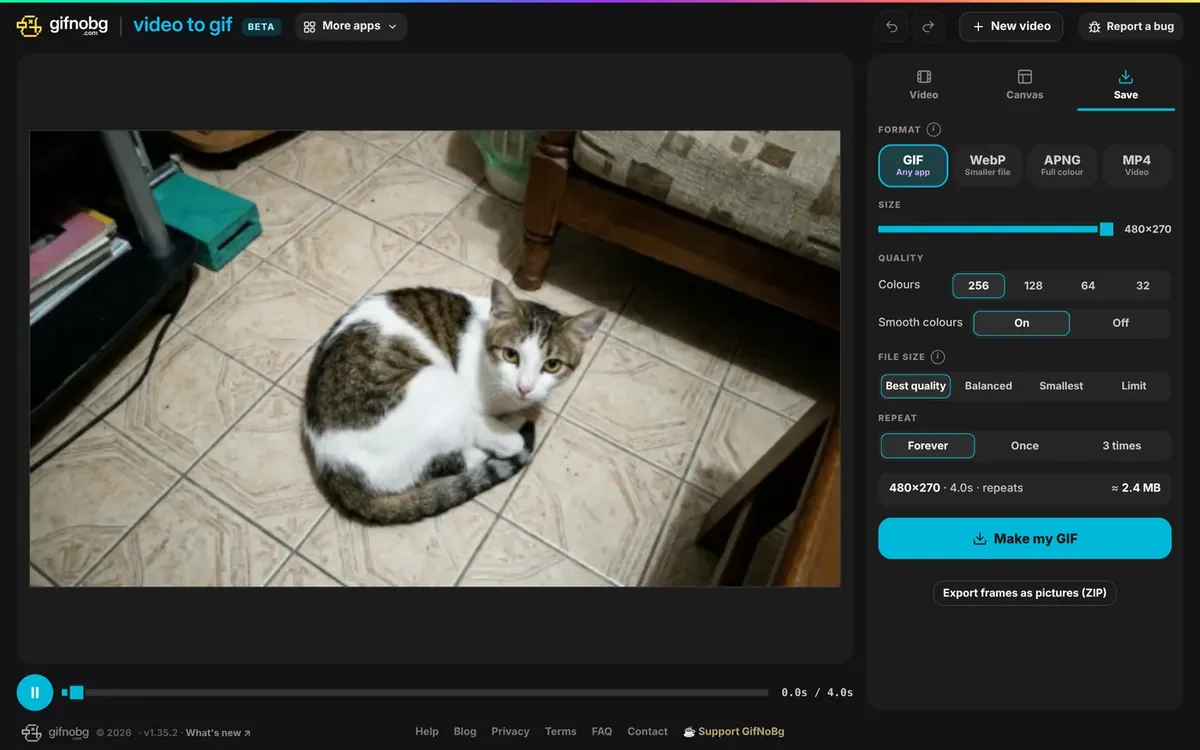
Small enough for any chat
Save a GIF (works everywhere), a WebP (smaller) or an MP4. Need it tiny? Set a size limit, or pick Emoji for Discord, Slack or Twitch, and it finds the best GIF that fits. It downloads the moment it's made.
Want the video's background gone, so it's a see-through sticker? That's what GifNoBg itself is for.
As always: free, no watermark, and your video never leaves your device. Try Video to GIF now.