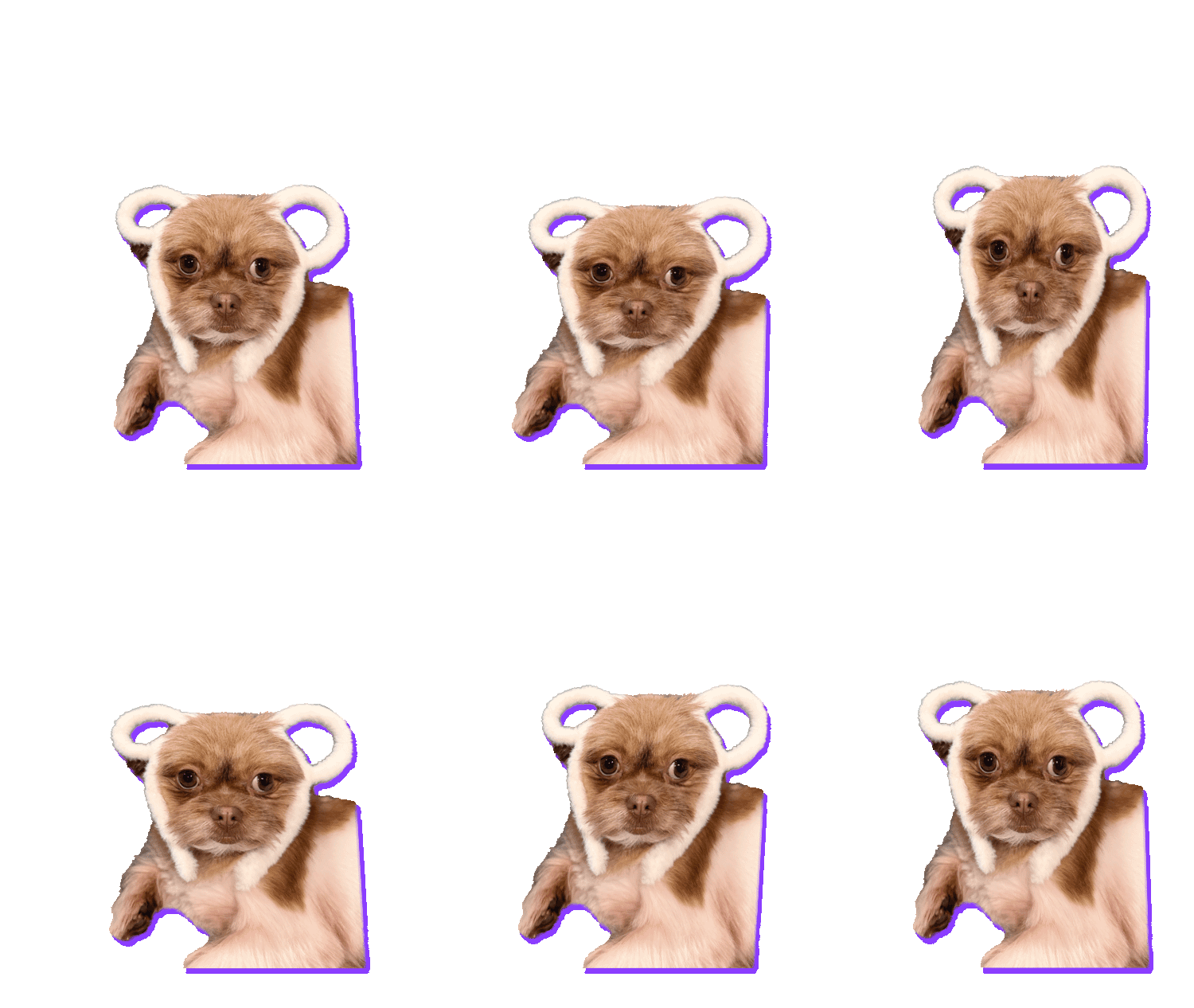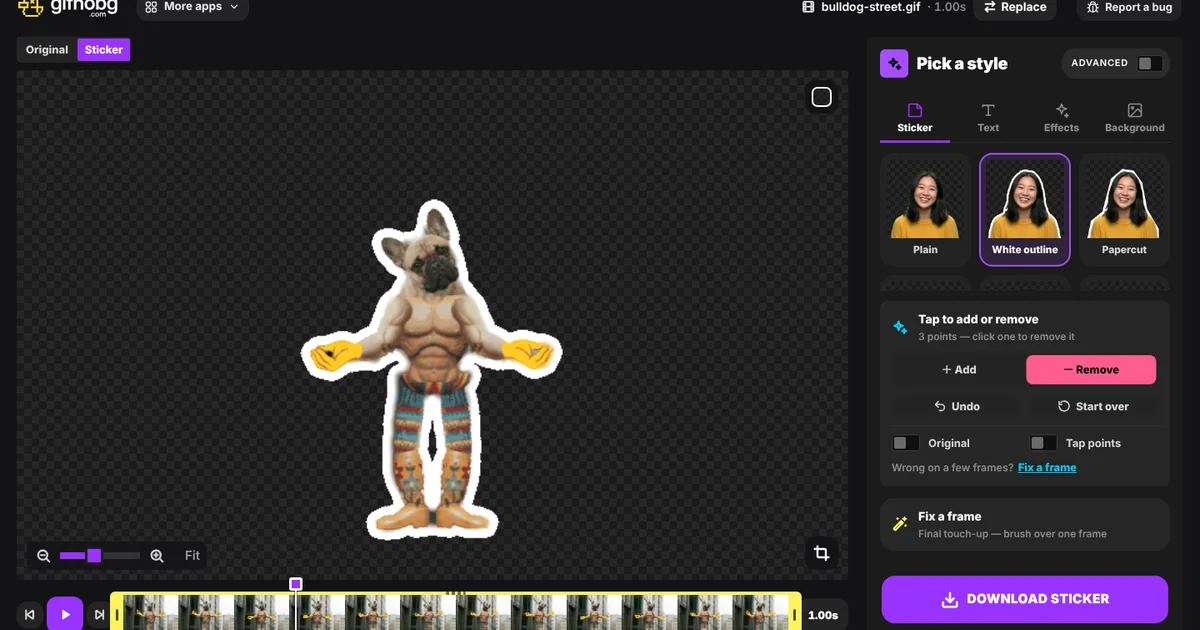
In 2026 nobody types "lol" any more. They send a GIF of their cat falling off the sofa, with sparkles. Animated stickers and GIFs are how group chats talk now, and here's the good news: making your own, totally unique ones has never been easier. No design degree, no app subscriptions, no "export failed". Just your phone, a silly idea and about two minutes.
Where your stickers and GIFs can go
Pretty much everywhere you talk to people:
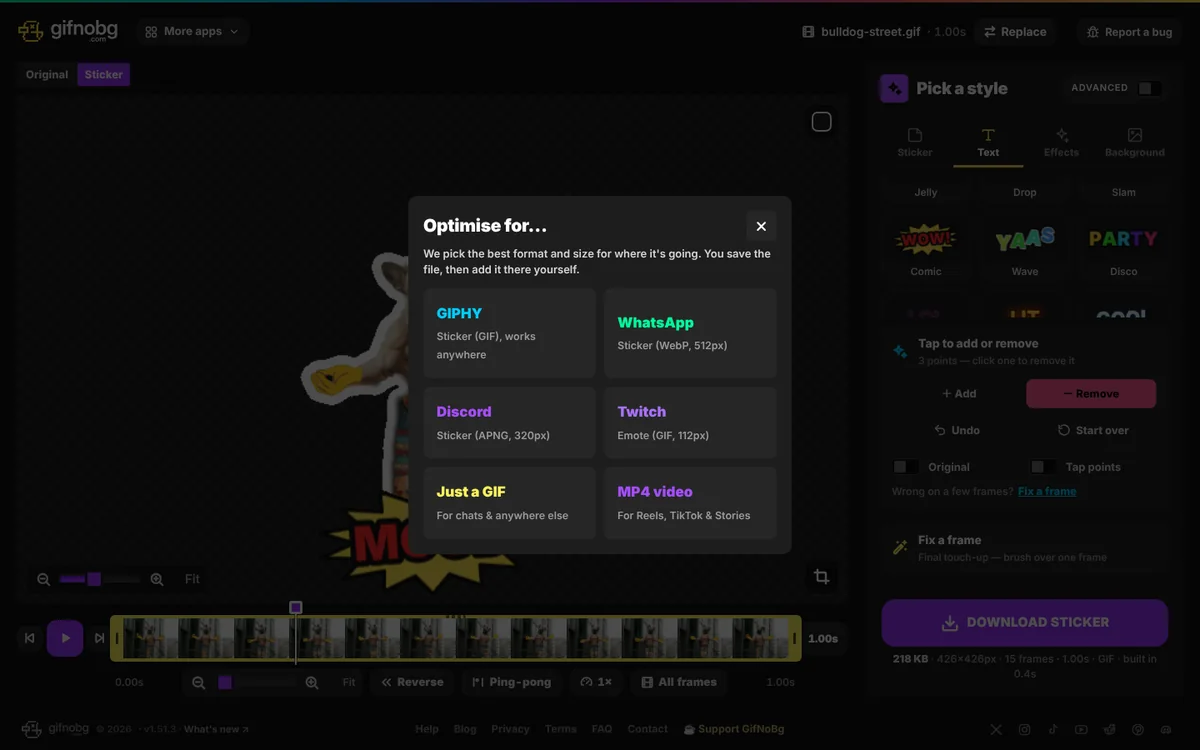
- WhatsApp: animated stickers, which need to be a 512×512 WebP under 500 KB. GifNoBg and Puppet have a WhatsApp sticker option that does the maths for you.
- Telegram: stickers go in through Telegram's own @Stickers bot. Its video stickers are WEBM files, and one side must be exactly 512 pixels while the other can be 512 pixels or less, and they can be up to 3 seconds long. Today GifNoBg makes Telegram's still stickers.
- Discord: stickers and emoji for your server. Pick Discord sticker or Discord emoji when you save and the size limits are handled.
- Slack and Microsoft Teams: custom emoji and GIFs for the team chat (the boss will love it).
- iMessage: send a transparent GIF and it floats right in the conversation.
- Instagram Stories, TikTok and Snapchat: upload your sticker to GIPHY and anyone can find it in the sticker search of those apps. Yes, including yours.
- Twitch: animated emotes for your channel.
- X, Reddit, Bluesky, Tumblr, email and websites: a plain GIF works almost everywhere.
Why it's so easy now
A few years ago, a transparent animated sticker meant a video editor, rotoscoping frame by frame and a lot of swearing. Now an AI finds the person (or dog, or sandwich) in your video and cuts them out in seconds, right in your browser. Apps know each platform's rules, so you just say where it's going. And because it all runs on your own device, you don't upload anything or wait in a queue.
The real trick, though, is combining tools. One app alone makes a nice sticker. Two or three together make something nobody else has.
Five recipes for something totally unique
1. The glittery reaction
Record a 3-second reaction (an eye-roll, a slow clap, a dramatic gasp). Cut out yourself in GifNoBg, add a white outline and animated text like "NO WAY", then pop in an effect: glitter, hearts or laser eyes. Save as a WhatsApp sticker. Your friends will use it more than you do.
2. Your face, dancing
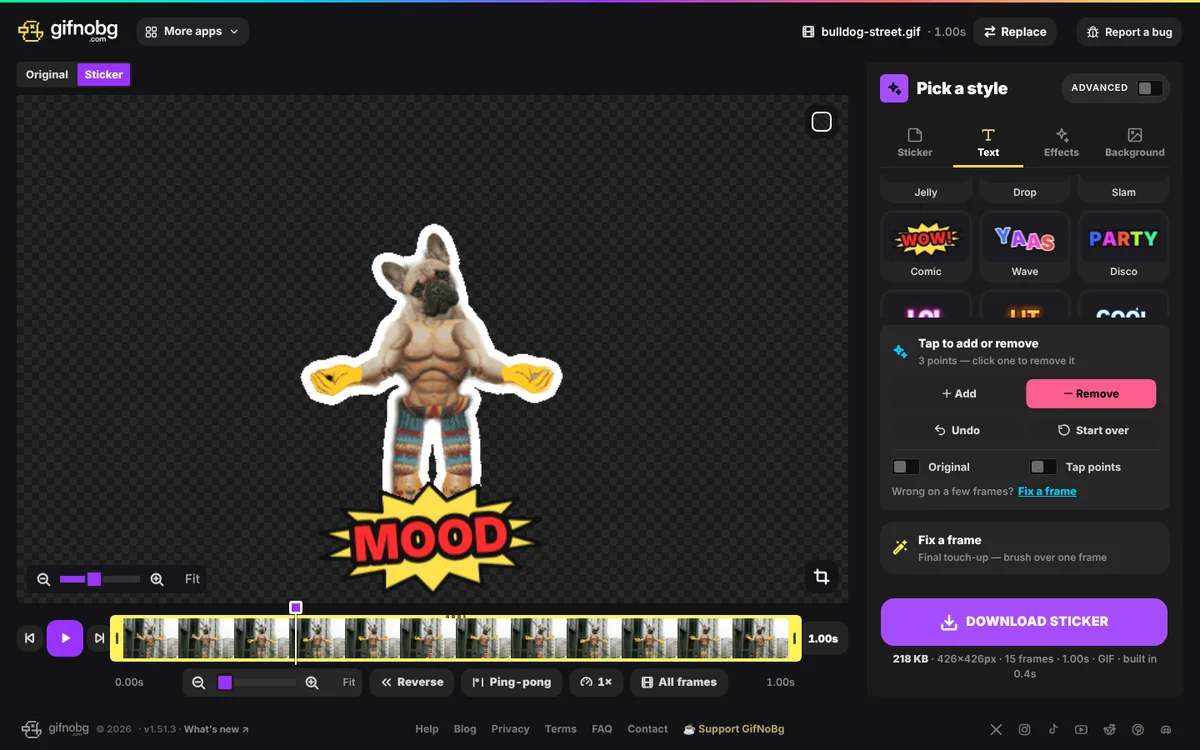
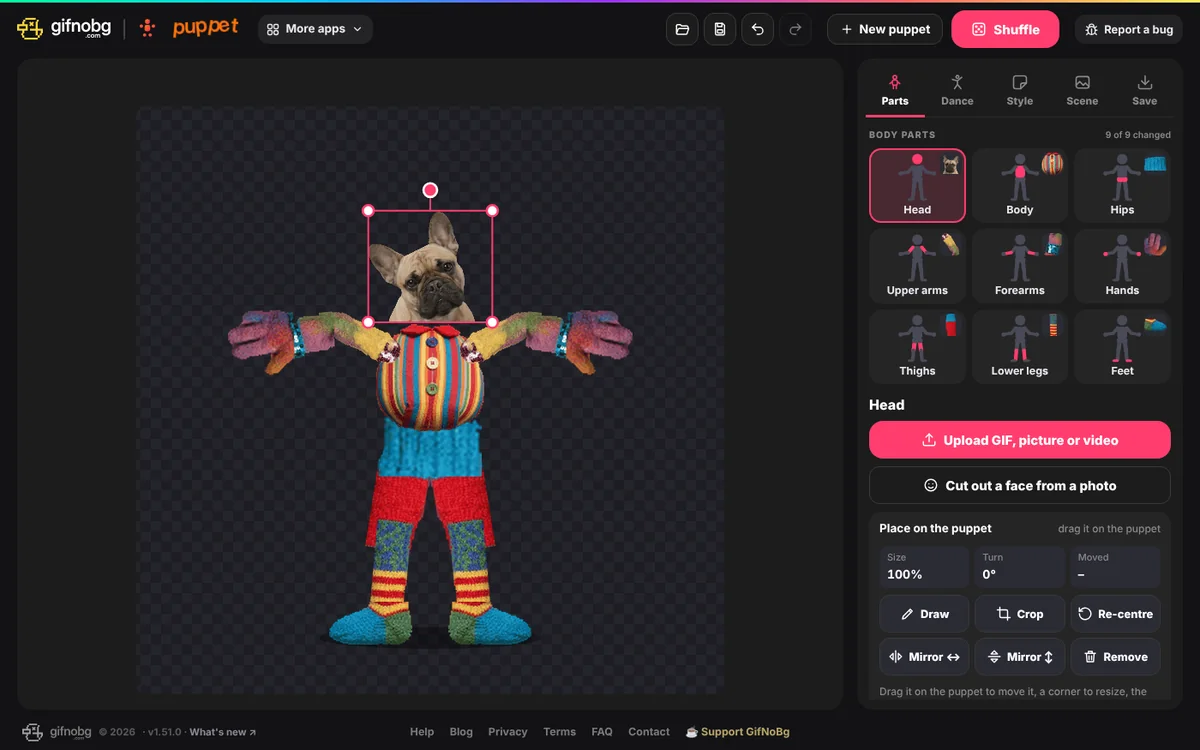
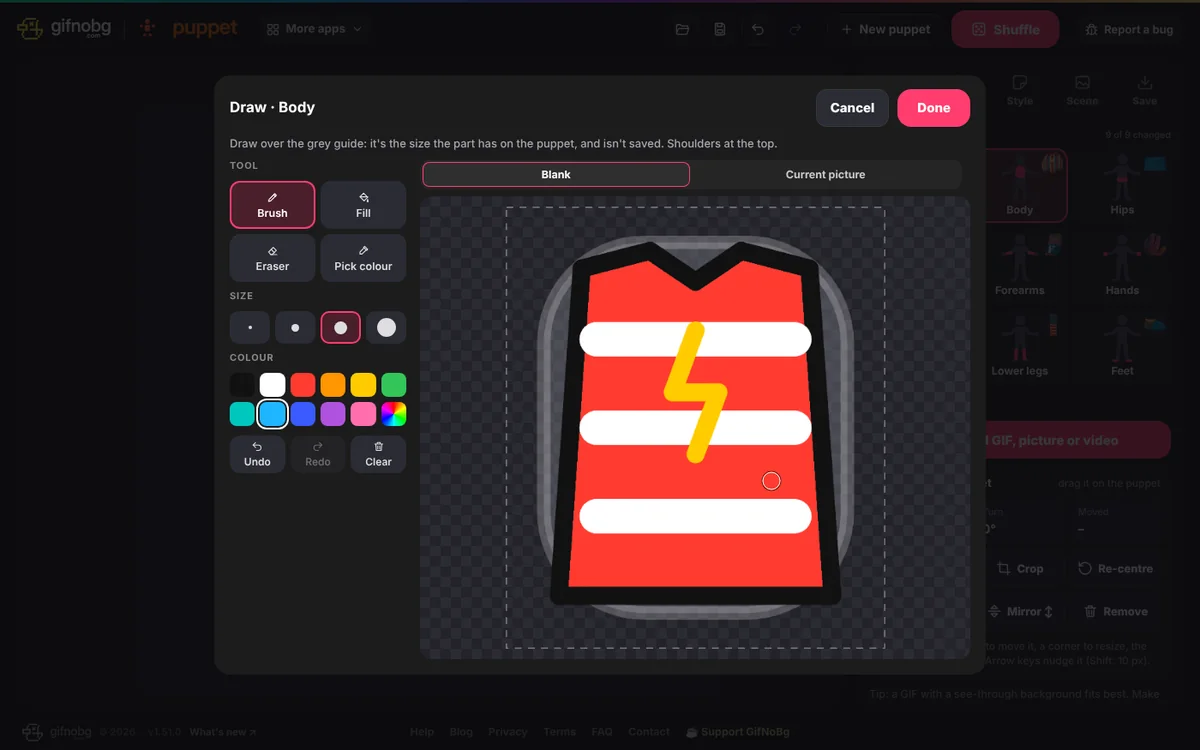
Open Puppet, tap the head, and choose Cut out a face from a photo. Give yourself a knitted jumper, a broccoli for a hand, and the Griddy. Can't find the right picture for a part? Just draw it. Save as an MP4 with your favourite song.
3. The pet glow-up
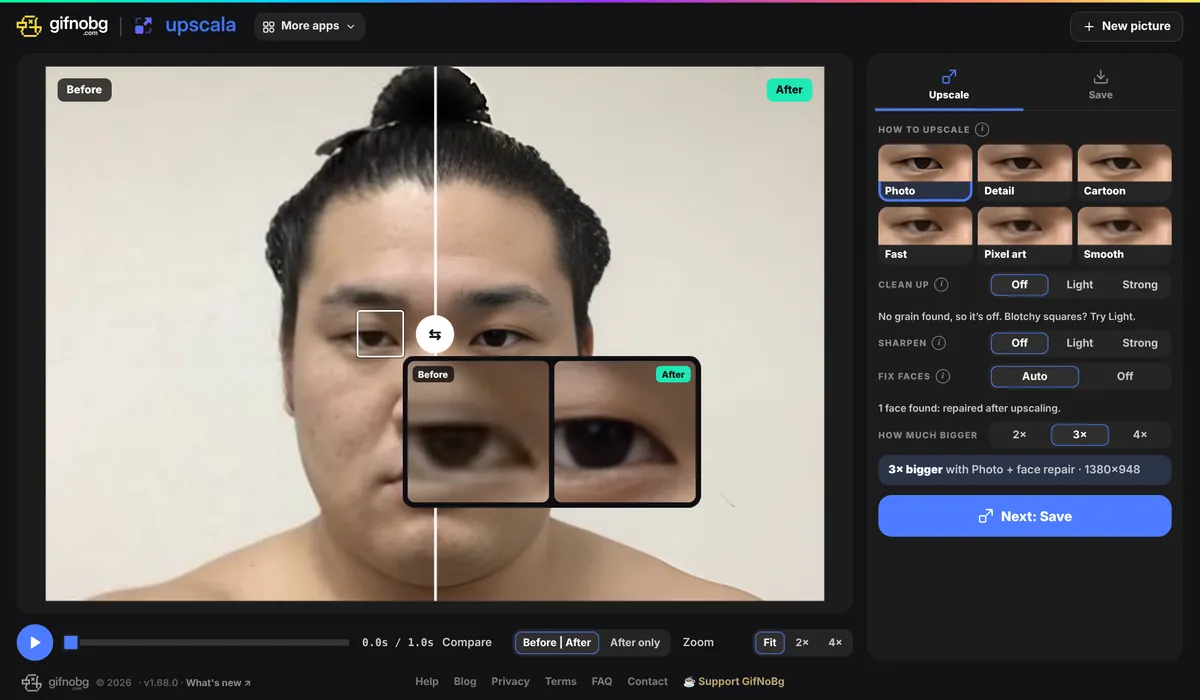
Got an old, tiny GIF of your dog? Make it 4× bigger and sharper in Upscala, cut the dog out in GifNoBg, then drop it on a new background: a beach, space, your boss's desk. Upload it to GIPHY and watch it appear in Instagram Stories.
4. The shapeshifter
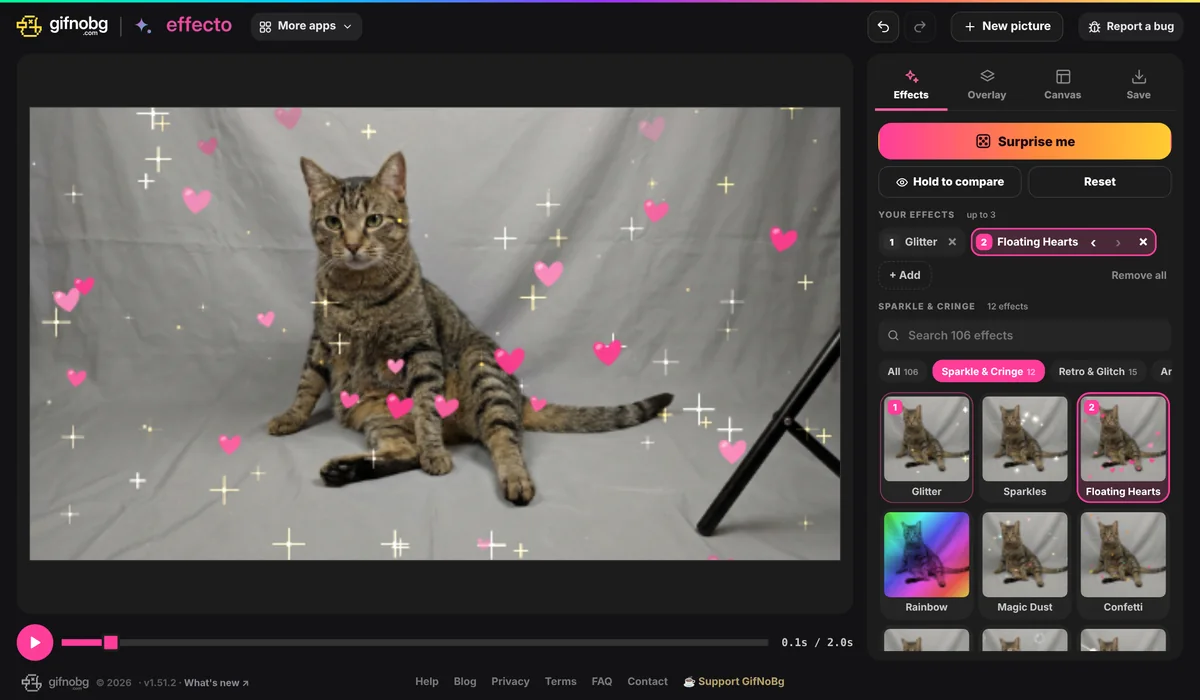
Take two photos (you and your dog, your baby photo and today, a cat and a loaf of bread) and let Morph melt one into the other. Then run it through Effecto for a VHS look, or sparkles and floating hearts. Instant meme.
5. The wiggly still
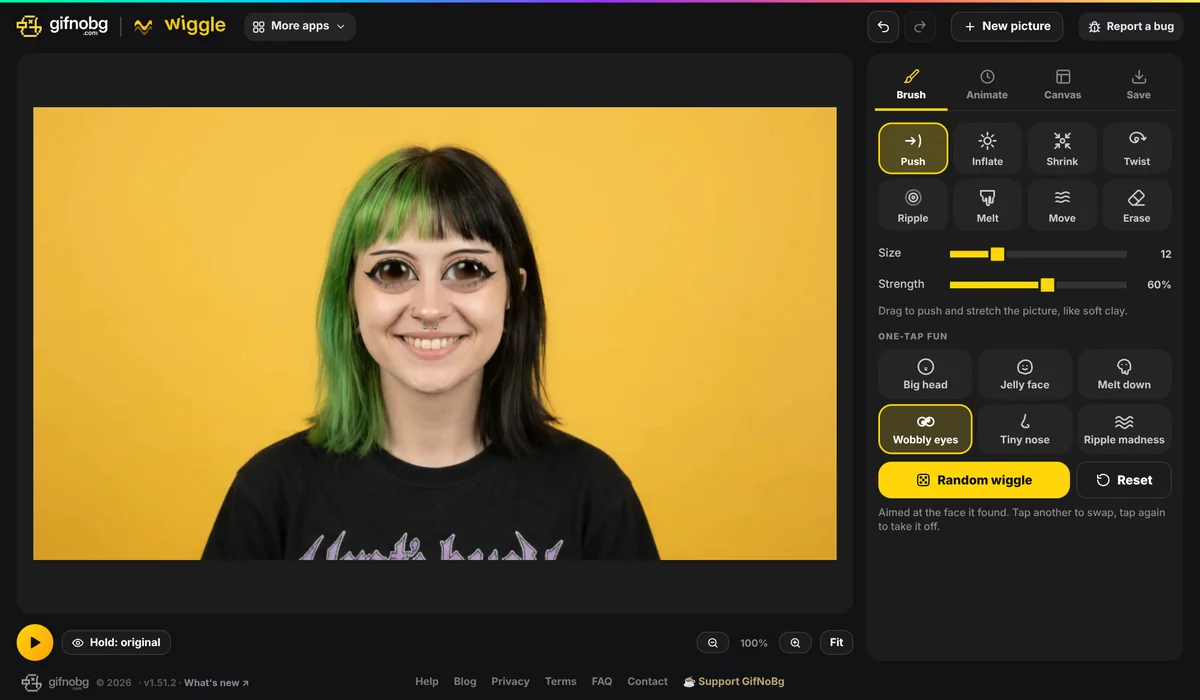
Photos don't have to stay still. Wiggle makes a face, a cake or a statue jiggle like jelly. Make it small enough for Discord with Squeeze and it's a server emoji.
A few tips from the sticker kitchen
- Short is sweet. 2 to 3 seconds loops better and fits every size limit.
- Outlines pop. A white outline makes a sticker readable on light and dark chats.
- Start from video. If you have the clip, use it instead of a GIF: more detail for the AI.
- Say where it's going. Picking WhatsApp, Discord or GIPHY when you save gets the size and format right first time.
- Keep the project. Save a .nobg project and you can come back and change the text, the dance or the colours any time.
Go make something weird
The best stickers aren't polished. They're the ones that only make sense to your group chat. The tools are free, nothing gets uploaded, there's no watermark, and there's no excuse. Start with GifNoBg, or open Puppet and make something dance.