Add an animated effect to your sticker
Give your sticker a moving effect in one tap — 32 effects like Wave, Jelly, Rainbow, Glitch, VHS, Fire aura and Sparkles. Free, no watermark.
Effects make the whole sticker move or change colour: wobble it like jelly, wash it with a rainbow, glitch it like an old TV or set it on fire. Pick one and it plays straight away. Like animated text, an effect moves in step with your clip, so the preview and the saved sticker match exactly and the loop never jumps.
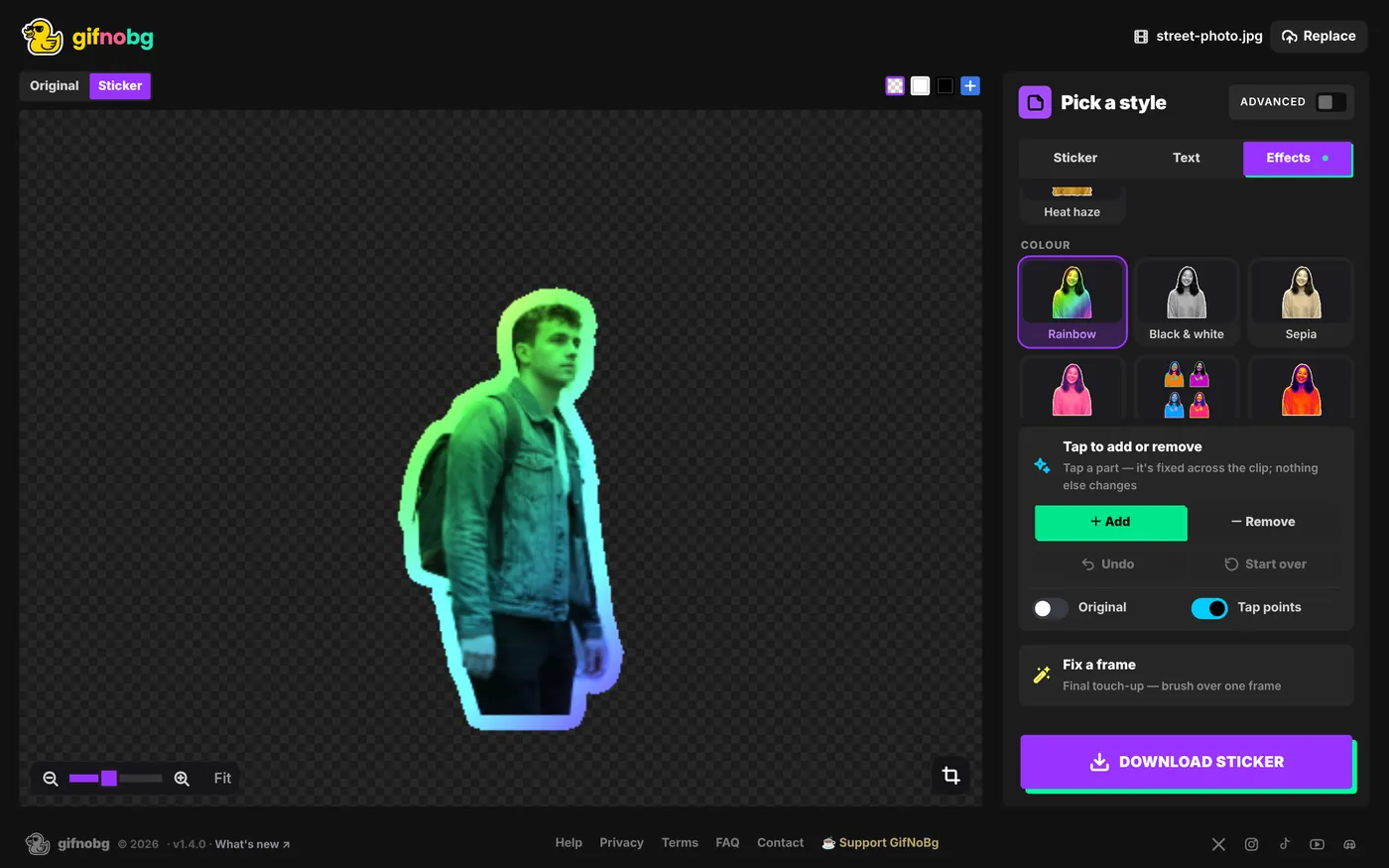
How to add one
- On a computer: go to the style step and choose Effects at the top of the panel (next to Sticker and Text). Click an effect.
- On a phone: on Make it pop, scroll the Effects row under the sticker styles and tap one.
- Pick None to remove it. One effect can be on at a time.
The effects
- Motion: Wave, Ripple, Jelly, Bounce, Float, Shake, 3D spin, Swing, Zoom pulse, Heat haze.
- Colour: Rainbow, Black & white, Sepia, Duotone, Pop art, Thermal, Vaporwave, Gold statue, Neon edges, Comic ink.
- Glitch & retro: Glitch, RGB split, VHS, CRT, Pixelate, Halftone, Old film, Hologram.
- Sparkle & more: Sparkles, Fire aura, Echo trail, Disintegrate.
More control (Advanced)
With Advanced switched on you also get Strength (from a hint of the effect to an exaggerated one) and Speed. The effect always repeats a whole number of times in your clip, so it loops cleanly at any speed.
Good to know
- Works with everything. The effect is applied to the finished sticker, outline included, and your animated text stays on top, untouched.
- Photos. A photo with an effect becomes a short 2-second loop.
- Room to move. Effects that move the sticker or draw around it (like Bounce or Fire aura) get a little extra space so nothing is cut off.
- GIF edges. A GIF pixel is either fully see-through or solid, so soft glows become crisp in GIF stickers. WebP and APNG keep them soft.

Try it with your own videoFree, no sign-up, no watermark — and your video never leaves your device.
Make a sticker