Make your own dance with key poses
Change any dance or make your own in Puppet: drag the hands, elbows, feet, knees, head and hips into key poses, and the moves in between fill in by themselves. Copy, mirror, smooth, and dance to your own song.
Every dance in Puppet is a few key poses. Change one, add more, and the moves in between fill in by themselves. A loop is up to 3 seconds, so the file stays small and repeats smoothly.
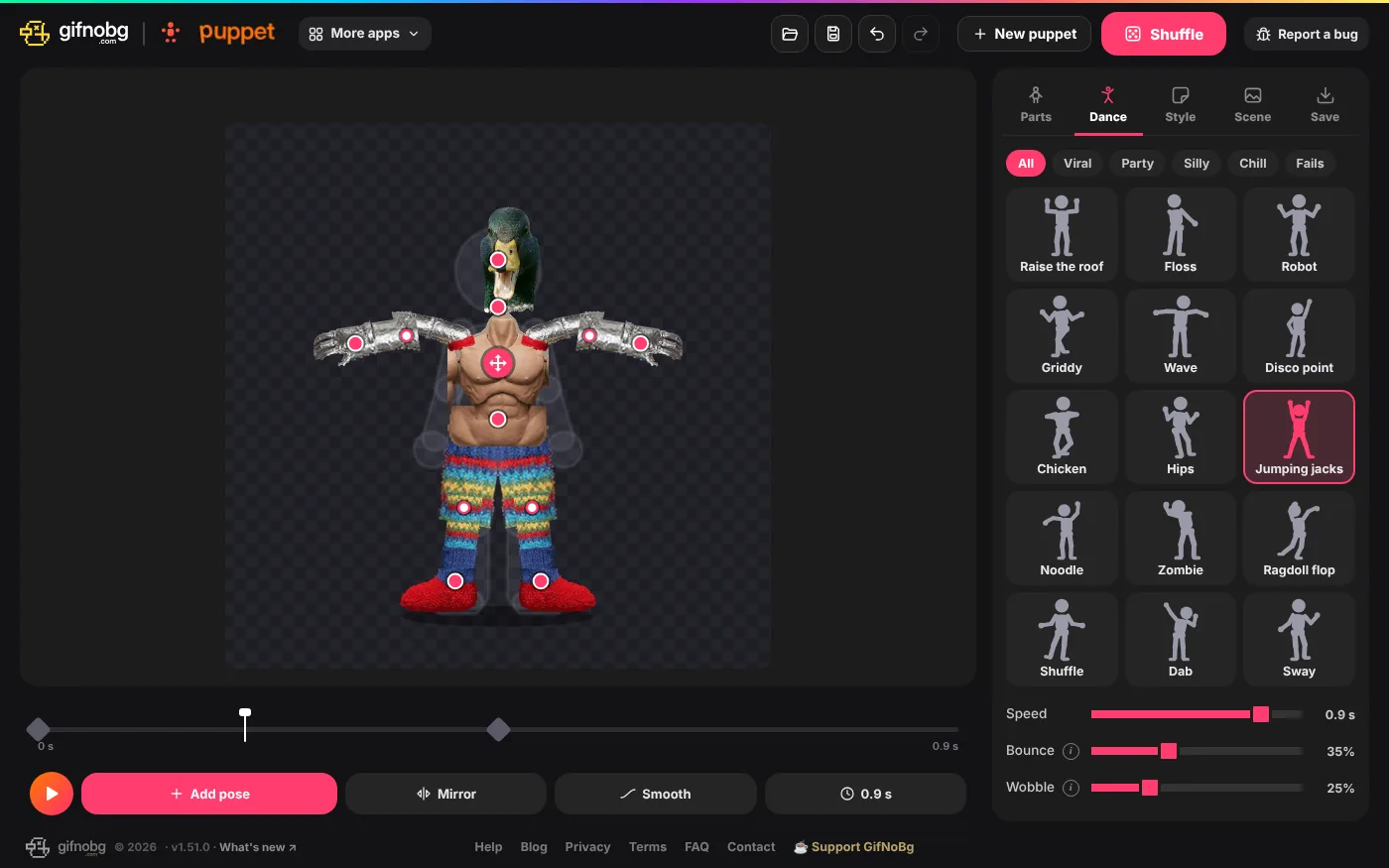
Change a pose
- In Dance, pick a dance to start from (or keep the one you have) and tap Edit poses.
- Tap a diamond on the timeline to go to that key pose.
- Drag the dots: hands and feet pull the whole arm or leg, elbows and knees swing the upper arm or thigh, and the head, chest and hips dots bend and move the body. The dot with arrows moves the whole puppet.
- Press play to see it move.
Add, copy and tidy poses
- Add pose adds a key pose where the timeline is.
- Mirror swaps left and right in the chosen pose.
- Smooth (or Snappy, Bouncy…) changes how a move speeds up and slows down; the little curve shows it.
- The length button sets how long one loop lasts, up to 3 seconds.
- Copy, Cut, Paste, Duplicate and Delete work on the chosen pose. On a computer, Ctrl/⌘ + C, X, V and D and the Delete key work too.
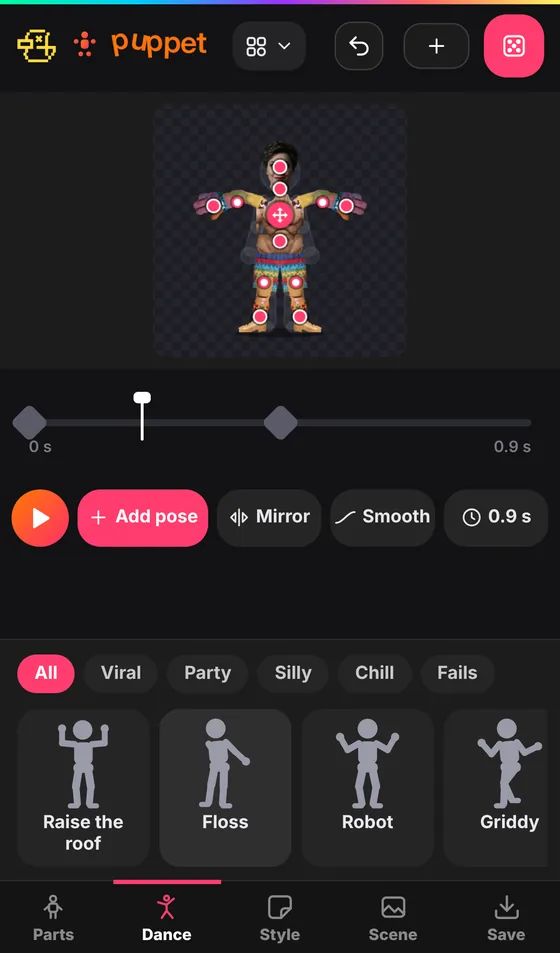
Dance to your own song
Tap Add a song and pick a music file. Turn on Dance to the beat and the loop is fitted to the song's tempo; Start at picks the part of the song. Only MP4 videos keep the music: GIFs and stickers have no sound.

Make your own dancing puppetFree, no sign-up, no watermark — and your pictures never leave your device.
Open Puppet