Repair a broken GIF
A GIF that won't open or stops halfway? Open it in Squeeze: it keeps every frame it can read, says what it fixed and saves a clean GIF. Free, in your browser, nothing uploaded.
Sometimes a GIF won't open, shows only half a picture or stops after a few frames. Usually the file was cut off while downloading, or the app that made it wrote something wrong. Squeeze reads as much of it as it can and saves a clean GIF that plays everywhere. Your GIF never leaves your device.
Fix it
- Open Squeeze and choose the broken GIF.
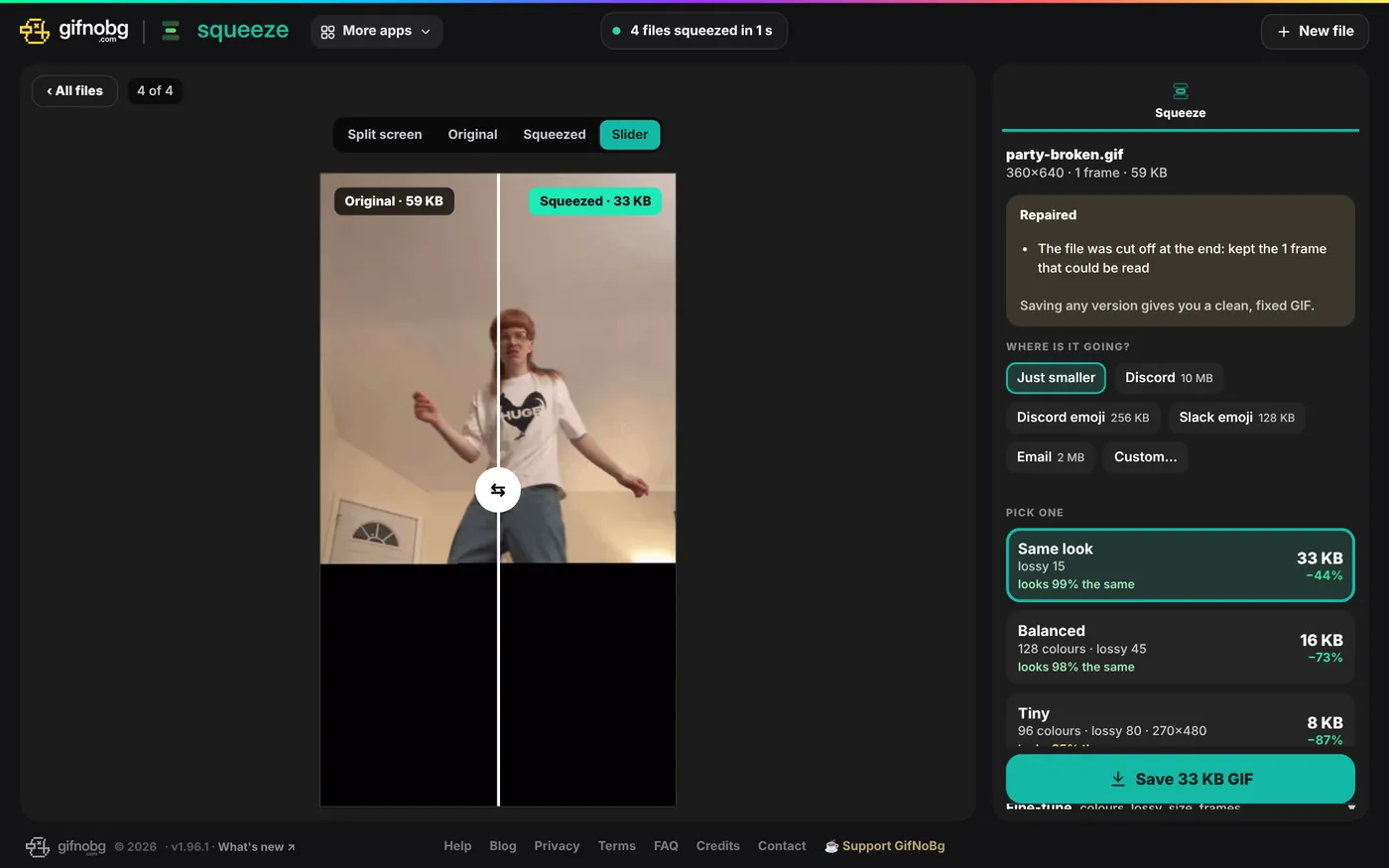
- If something was wrong, a Repaired box lists what Squeeze fixed.
- Pick any answer (Same look changes the least) and tap Save. The saved GIF is clean.
What Squeeze can fix
- Cut off at the end: the frames before the cut are kept. If the cut was in the middle of a frame, the missing part shows as black.
- Junk before the start: extra bytes in front of the GIF (some downloads and apps add them) are skipped.
- Frames without colours: a frame missing its colour list is shown in greys instead of being lost.
- Frames with no time: GIFs that say "0 seconds" per frame play far too fast in some apps; they get a normal speed.
When it can't help
Frames that never made it into the file can't be brought back: Squeeze keeps what's there. If not even the first frame can be read, it says so. If you still have the original video or pictures, making the GIF again with Video to GIF or GIF Maker gives the best result.

Make your own GIFs and pictures smallerFree, no sign-up, no watermark — and your files never leave your device.
Open Squeeze