Wiggle motions, speed and canvas
Choose how your wiggle moves (Bounce, Elastic, Jelly, Pulse, Wave, Pendulum or Still), set speed, amount, shake and motion echo, and pick the canvas size and background.
Everything you paint in Wiggle moves on its own. The Animate tab decides how, and the Canvas tab decides the shape and background of what you save.
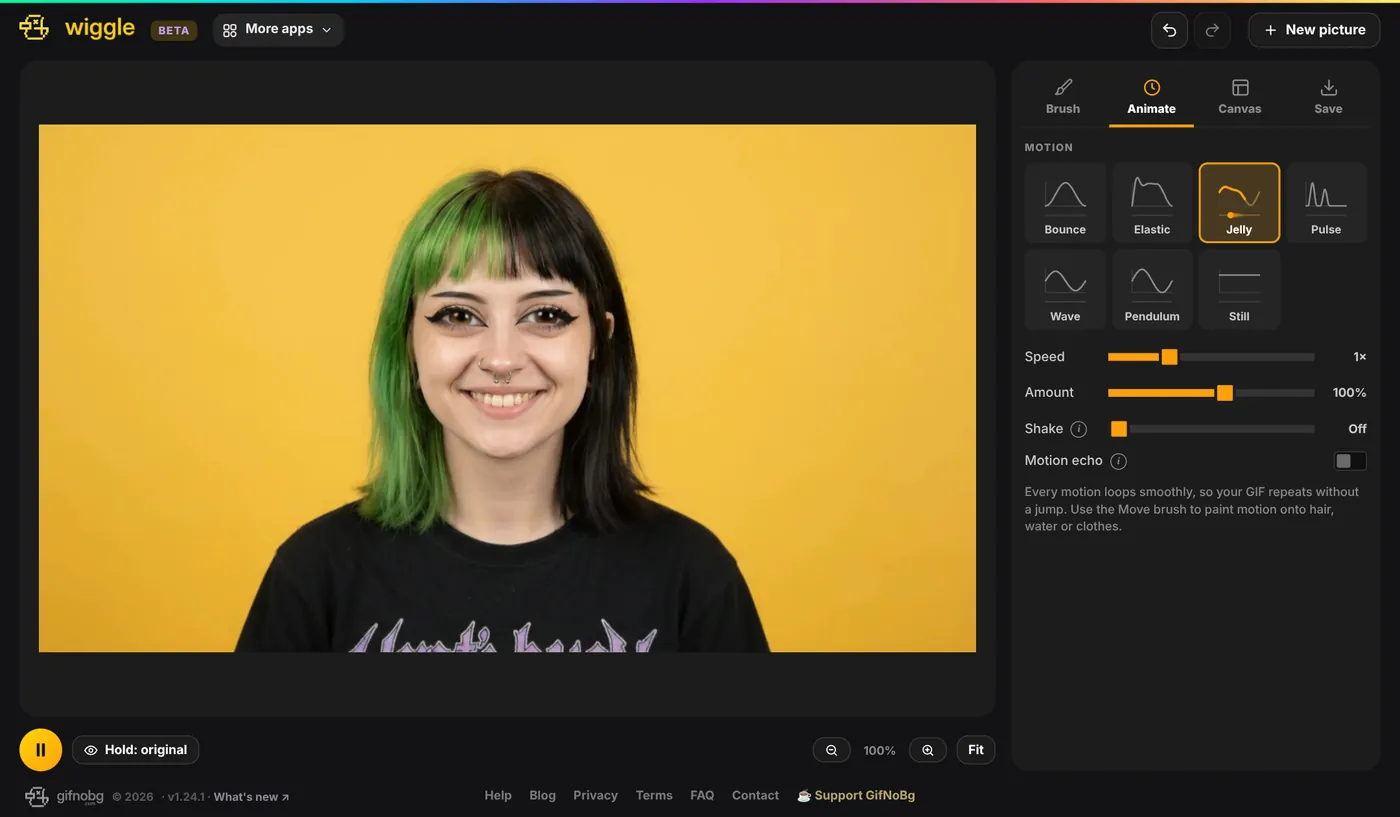
Motions
- Bounce: the bend grows and settles back, smoothly.
- Elastic: springs out with a little overshoot, then eases back.
- Jelly: a soft wobble that ripples across the picture.
- Pulse: two quick beats, like a heartbeat.
- Wave: the bend leans one way, then the other.
- Pendulum: swings back and forth past the original.
- Still: no motion, just the bent picture (handy for a still PNG).
Every motion loops without a jump, so your GIF repeats smoothly.
Speed, amount, shake and echo
- Speed: faster or slower. One loop takes 1.6 seconds at 1×.
- Amount: how strong the movement is.
- Shake: adds a small camera shake to the whole picture.
- Motion echo: leaves faint copies behind whatever moves, like a trail.
Want hair or water to sway while the face stays still? Use the Move brush in the Brush tab and drag the way it should move.
Canvas: size, picture and background
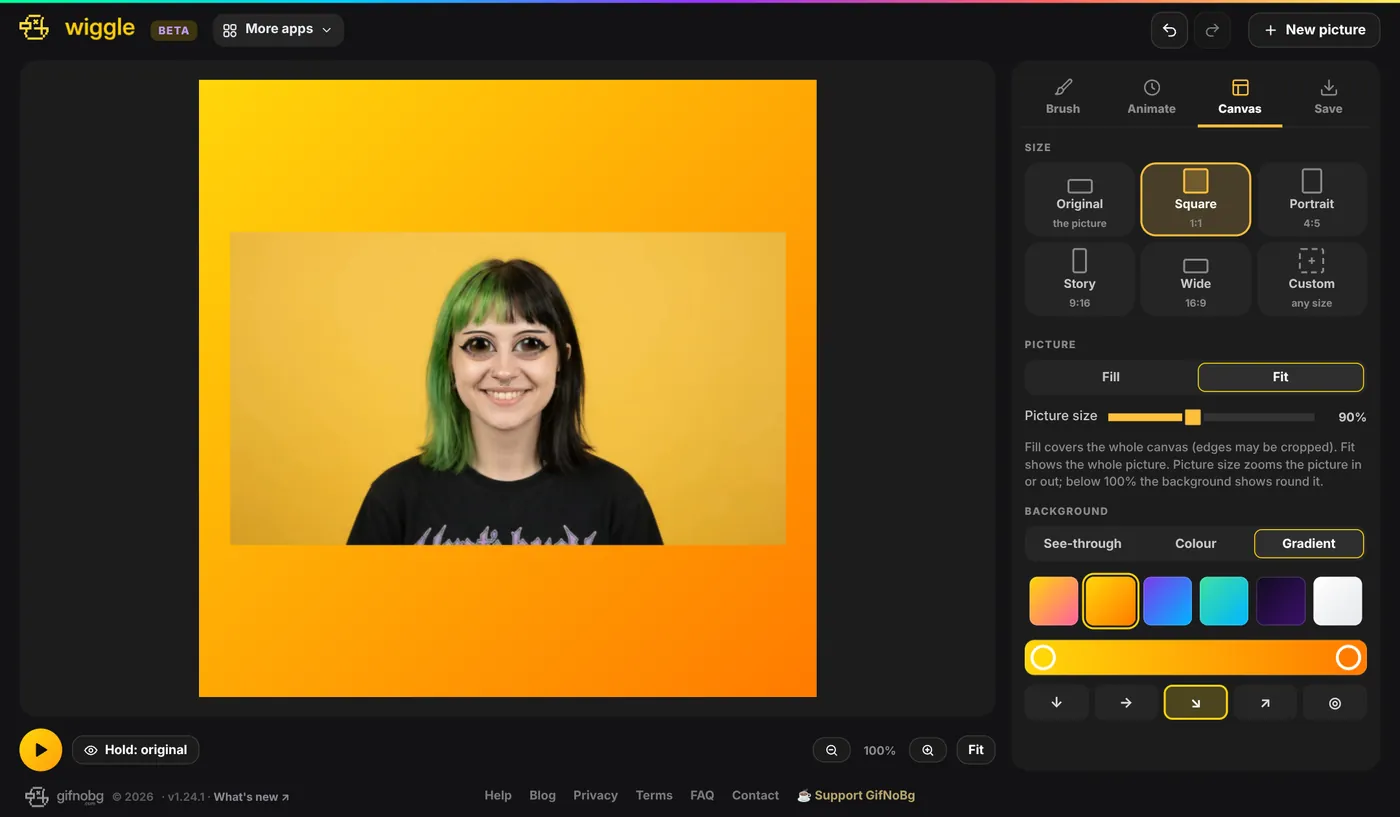
- Size: Original (the shape of your picture), Square, Portrait 4:5, Story 9:16, Wide 16:9 or Custom (any width × height).
- Fill covers the whole canvas (edges may be cut off); Fit shows the whole picture.
- Picture size zooms the picture in or out. Below 100% the background shows round it.
- Background: See-through, a Colour or a Gradient (pick the two colours and the direction).

Make your own picture wiggleFree, no sign-up, no watermark — and your picture never leaves your device.
Open Wiggle