Save for WhatsApp, Discord or as a video
Save your Puppet as a WhatsApp sticker, a Discord sticker or emoji, a Slack emoji, a GIF, WebP, APNG, MP4 video with music or a PNG, sized and checked for each app. Add a sticker outline, a background and a caption.
When your puppet is ready, the Save tab makes the file. Pick where it's going and Puppet sets the right size and format for you.
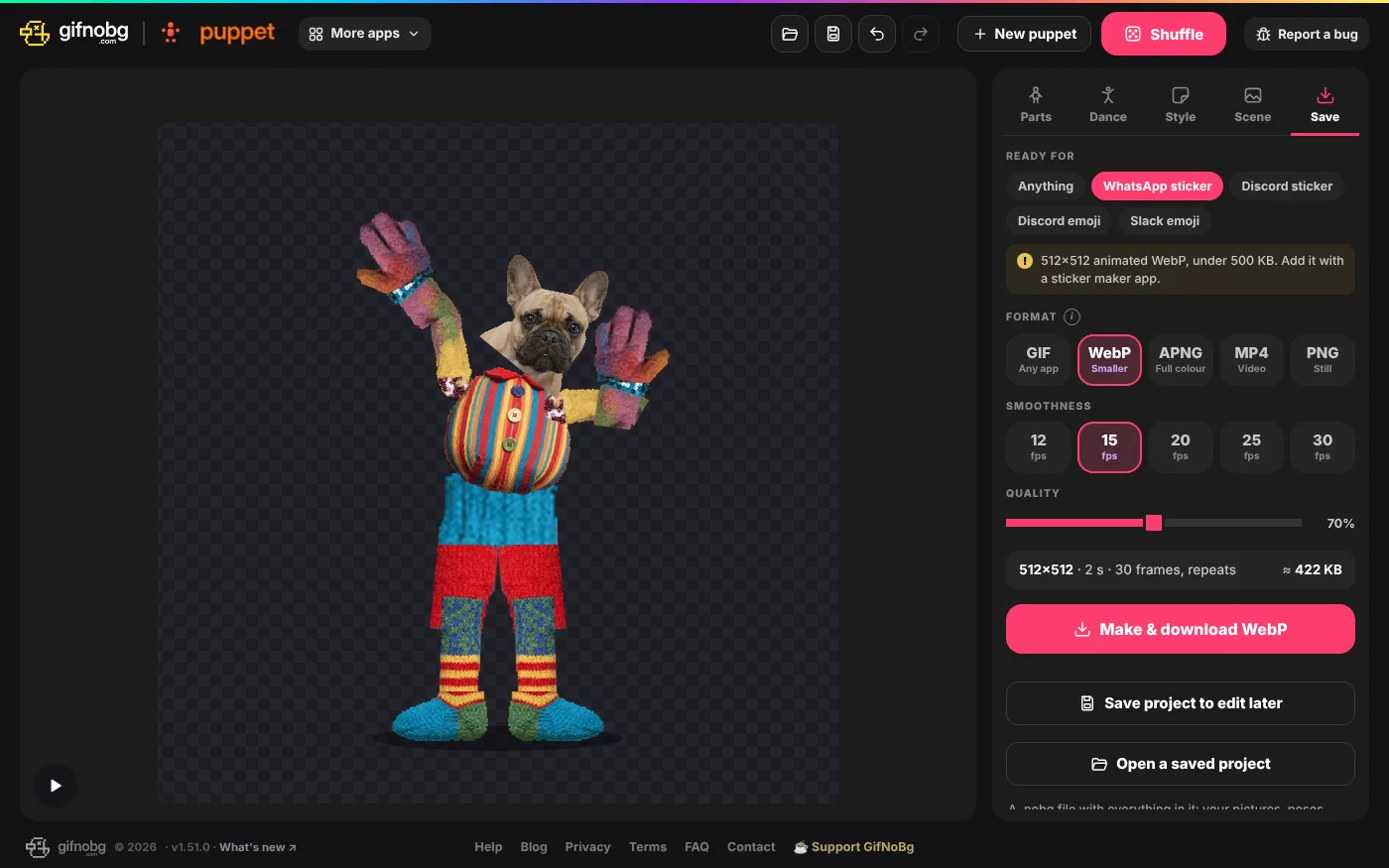
Ready for…
- WhatsApp sticker: an animated WebP, 512×512 and under 500 KB. Add it with a sticker maker app.
- Discord sticker: a 320×320 APNG under 512 KB.
- Discord emoji and Slack emoji: small 128×128 GIFs under each app's limit.
- Anything: choose the format yourself: GIF (any app), WebP (smaller), APNG (full colour), MP4 (a video, with your song) or PNG (one still picture).
If a file comes out over a limit, Puppet makes it a little smaller by itself. Tap Make & download and the file downloads straight away; on a phone you also get Share or save to Photos.
Make it look like a sticker
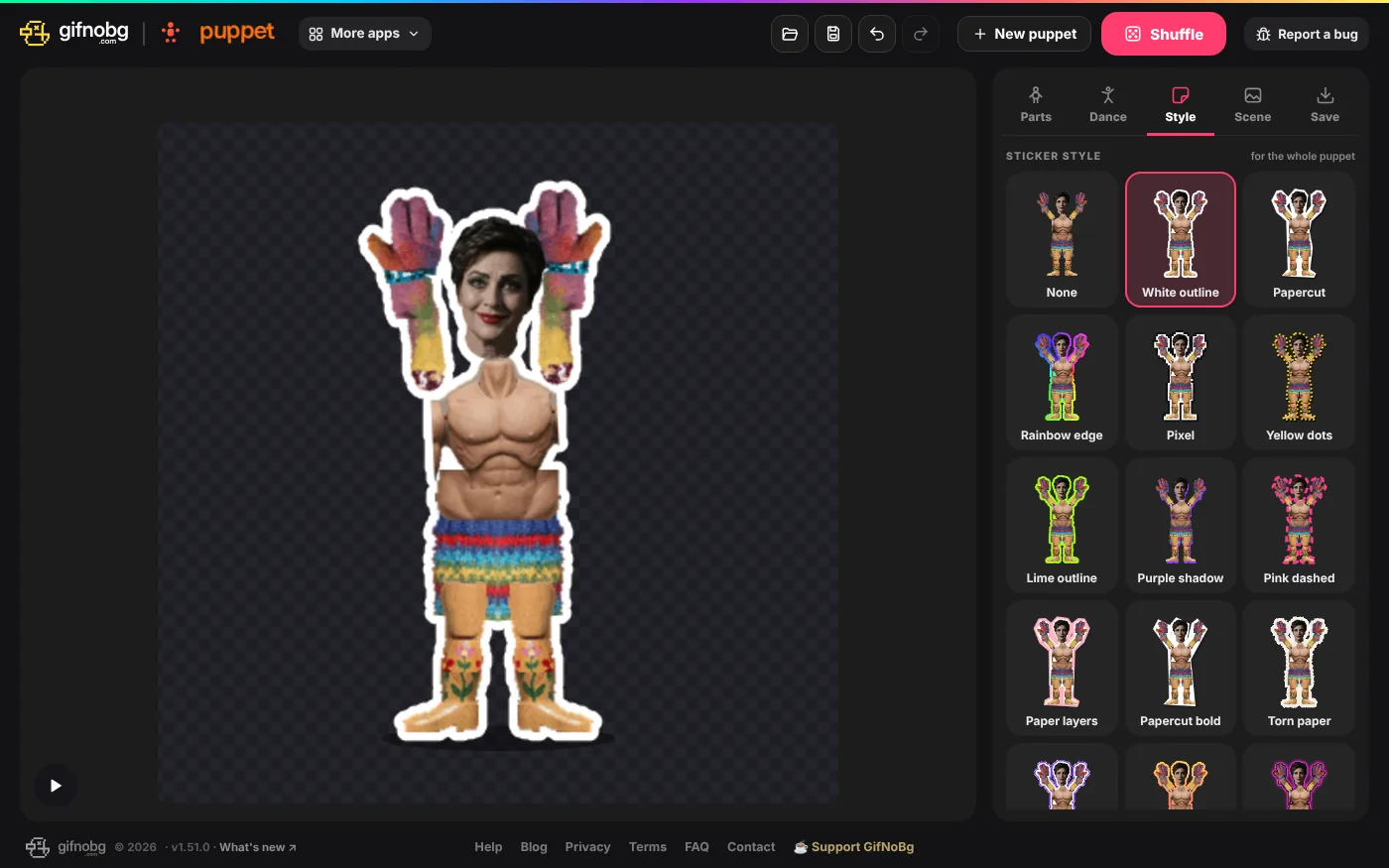
In Style, pick a sticker style for the whole puppet, like a white outline, papercut or rainbow edge, and set the Thickness. It's the same set of styles as GifNoBg.
Scene: background, caption and crew
- Size: Square, Portrait, Story or Wide.
- Background: see-through, a colour, a gradient, or Video: one of 20 moving backgrounds, or Upload your own video, photo or GIF.
- Caption: type it, then drag it on the picture to move it, turn it with the round handle, resize it from the corner, or delete it with ✕.
- Dance crew: one, two or three puppets dancing together, and a Shadow on the floor.

Make your own dancing puppetFree, no sign-up, no watermark — and your pictures never leave your device.
Open Puppet