Compress many files at once
Make up to 50 GIFs, PNGs, JPGs and WebPs smaller in one go with Squeeze, fit them all under one size limit, and download them as a ZIP. Free, in your browser, nothing uploaded.
Got a folder of GIFs or pictures to shrink? Squeeze does up to 50 at once, GIFs and pictures mixed, and gives them back in one ZIP. Everything runs on your device, so nothing is uploaded and it's quick.
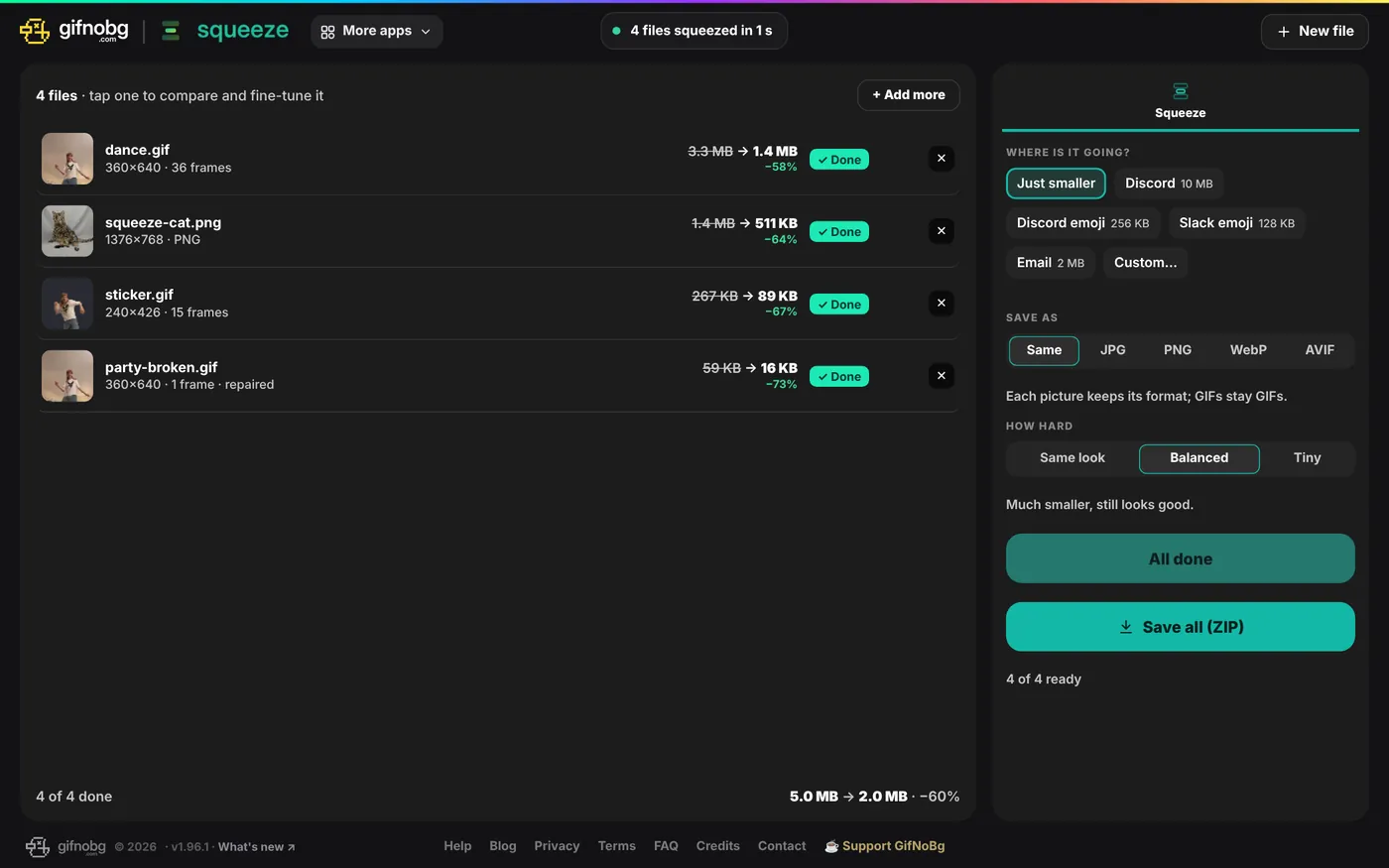
Squeeze them all
- Open Squeeze, tap Choose files and pick several (or drop them all on the page). They show as a list.
- Pick Where is it going?. With a size limit (Discord, emoji, email or Custom) every file gets the best version that fits.
- Without a limit, choose How hard: Same look, Balanced or Tiny.
- Under Save as choose the format for the pictures. GIFs always stay GIFs.
- Tap Squeeze all. Each row shows its progress and then its new size. Stop stops it; the files already done are kept.
- Tap Save all (ZIP) to download everything in one file.
Check or change one file
Tap a row to open that file: compare the Original and Squeezed versions, or pick another answer or use Fine-tune and tap Save to download just that file. All files takes you back to the list. Tap ✕ on a row to leave a file out.
Good to know
- A file that wouldn't get any smaller is kept as it is and marked Already small, so the ZIP never makes anything bigger.
- Files keep their names with "-small" added, so you can tell them apart from the originals.
- Very many big GIFs need a lot of memory. On a phone, do fewer at a time or use a computer.

Make your own GIFs and pictures smallerFree, no sign-up, no watermark — and your files never leave your device.
Open Squeeze